
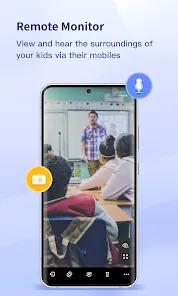
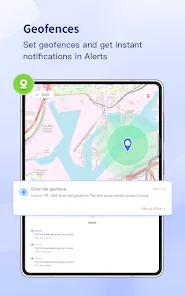
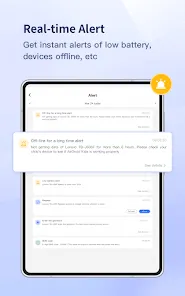
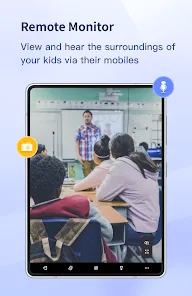

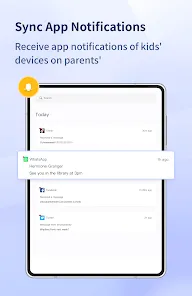
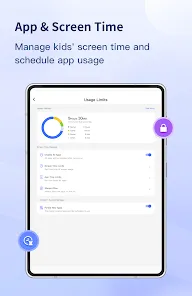
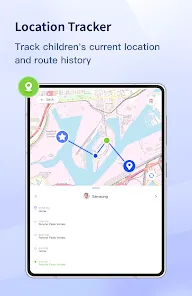
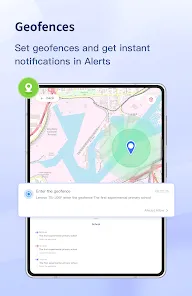
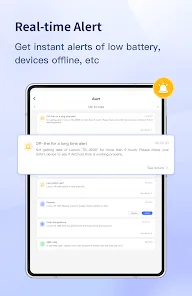
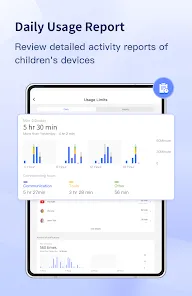
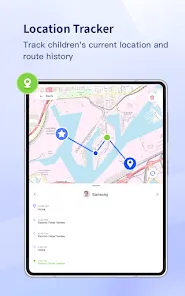
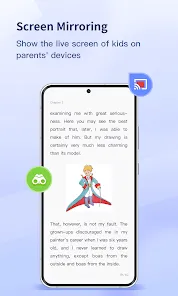
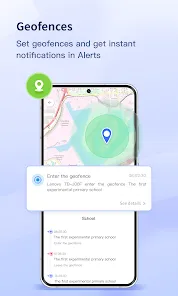
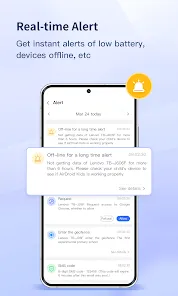
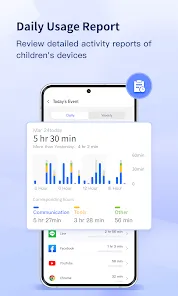
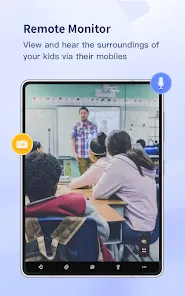
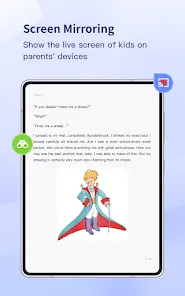
AirDroid Parental Control is a mobile application designed to help parents monitor, manage, and protect their children’s devices. The app provides comprehensive tools for tracking device usage, managing screen time, and ensuring safe internet access. With real-time location tracking, app usage monitoring, and content filtering, parents can keep their children safe while encouraging responsible digital habits. AirDroid Parental Control also supports remote management of devices, allowing parents to set schedules, block inappropriate apps, and receive alerts for unusual activity. Its intuitive interface and robust features make it suitable for families seeking a reliable solution for digital safety and device supervision.
Pros and Cons
Pros:
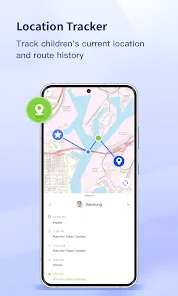
Real-time device monitoring and location tracking.
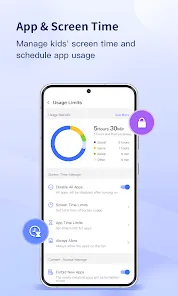
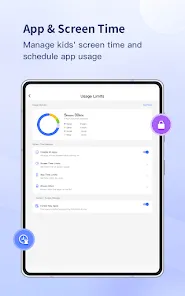
Manage screen time and app usage for children.
Content filtering to block inappropriate websites and apps.
Remote device management for convenience and safety.
Intuitive interface for easy navigation and setup.
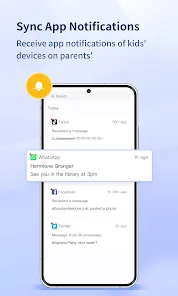
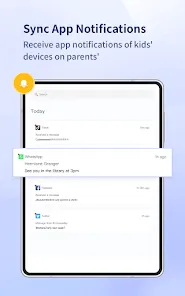
Alerts and notifications for unusual or unsafe activity.
Supports multiple devices under a single parental account.
Cons:
Some advanced features may require in-app purchases or subscriptions.
Dependent on internet connection for real-time monitoring.
May require device permissions that could be complex for beginners.
Limited functionality for older or unsupported devices.
Screen time and app restrictions may be bypassed on rooted devices.
Key Features
Real-time location tracking with GPS monitoring.
Screen time management and scheduling for device use.
App monitoring and the ability to block or restrict apps.
Content filtering for safe browsing and app usage.
Alerts and notifications for suspicious activity.
Remote device management from the parent’s mobile device.
Support for multiple devices and family profiles.
Simple and intuitive interface for easy setup and use.
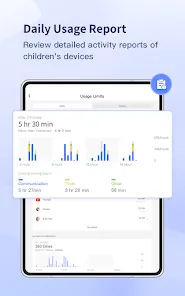
Reports and summaries of device usage and activity trends.
Regular updates to improve security, performance, and features.
Functions
Track the real-time location of children’s devices.
Monitor app usage and restrict inappropriate applications.
Set screen time limits and schedules to promote healthy habits.
Filter websites and content to protect children from harmful material.
Receive alerts and notifications for unusual device activity.
Manage multiple devices from a single parent account.
Generate activity reports for monitoring trends and patterns.
Remotely control device settings, including app and content access.
Encourage responsible device use through guidance and restrictions.
Maintain device security and performance through regular updates.
How to Use
Download AirDroid Parental Control from the App Store or Google Play.
Install the app on both parent and child devices.
Create a parent account and link the child’s device.
Set up screen time schedules and app usage restrictions.
Enable content filtering to block inappropriate websites and apps.
Activate real-time location tracking for safety monitoring.
Receive alerts and notifications for unusual or unsafe activity.
View activity reports to track device usage trends.
Adjust settings remotely as needed to manage device access.
Keep the app updated for access to new features and improvements.


 0
0