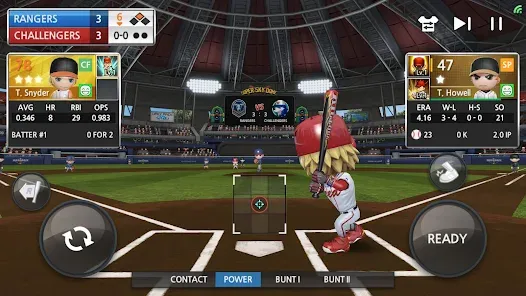
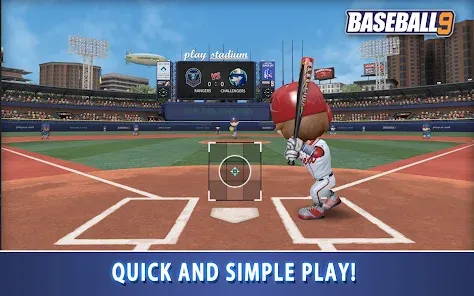
BASEBALL 9 is an engaging mobile baseball simulation game that offers players a fast-paced, action-packed experience of America’s favorite pastime. Designed for casual gamers and baseball fans alike, the game features realistic 3D graphics, intuitive controls, and a variety of gameplay modes including quick matches and tournaments. BASEBALL 9 combines strategic elements with dynamic gameplay, allowing users to build teams, customize players, and compete against friends or AI opponents worldwide. Its simple yet immersive mechanics make it accessible to beginners, while still offering depth for more seasoned players. The game’s quick match times and competitive environment make it a popular choice for mobile baseball enthusiasts looking for fun and challenge on the go.
Pros and Cons
Pros:
Fast-paced gameplay that fits short mobile sessions.
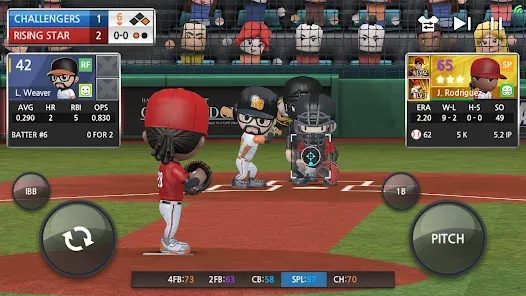
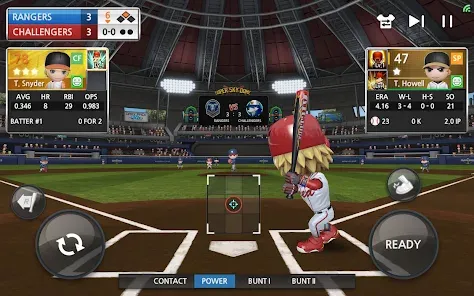
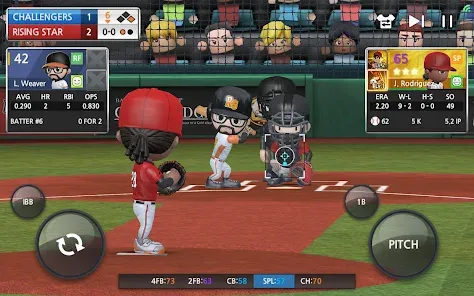
Realistic 3D graphics with smooth animations.
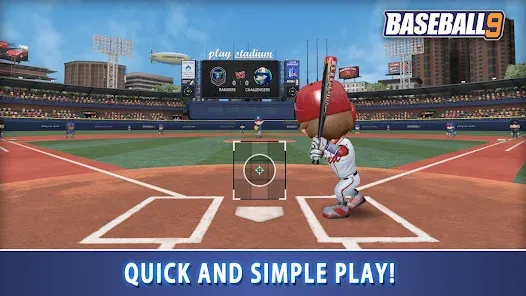
Easy-to-learn controls suitable for all skill levels.
Multiple game modes including tournaments and quick matches.
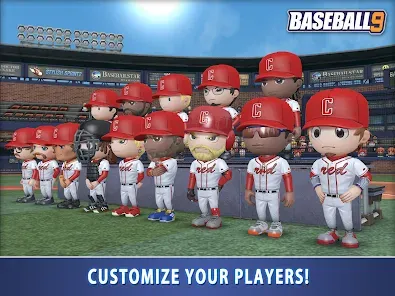
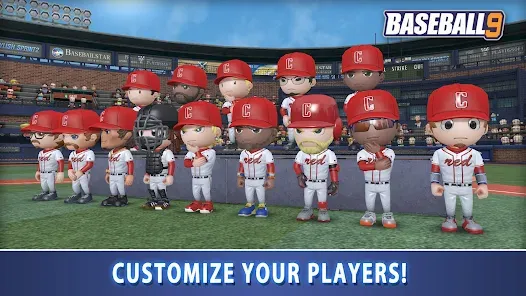
Ability to customize teams and players for personalization.
Online multiplayer lets you compete with friends and global players.
Regular updates with new content and events.
Lightweight app that runs well on most devices.
Cons:
Limited depth for hardcore baseball simulation fans.
Some in-app purchases can affect gameplay balance.
Occasional lag or connection issues during online matches.
Ads can be intrusive for non-paying users.
Lack of extensive tutorial for beginners.
Key Features
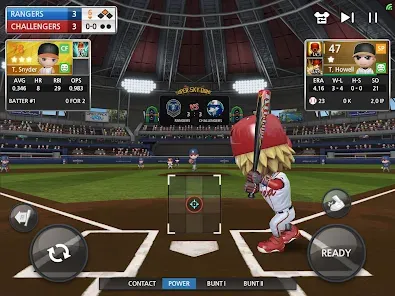
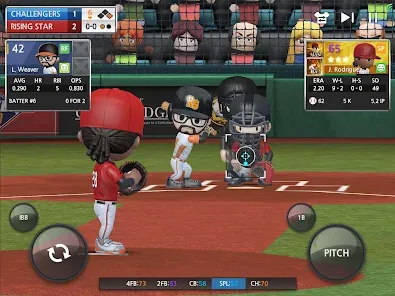
Realistic 3D graphics and fluid player animations.
Multiple gameplay modes: Quick Match, Tournament, and Online Multiplayer.
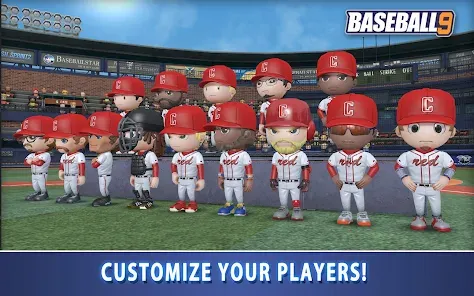
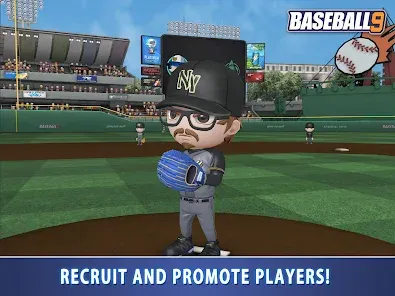
Team and player customization, including uniforms and skills.
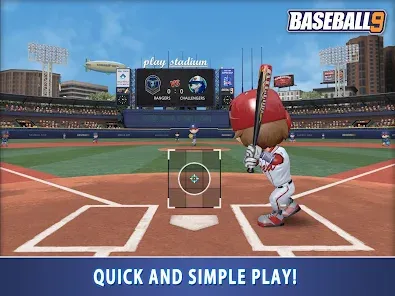
Simple, intuitive controls designed for mobile devices.
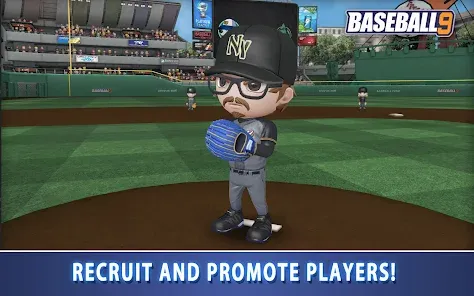
Progression system with player upgrades and team management.
Leaderboards to track performance against global players.
Regular seasonal events and challenges.
Replay and highlight features for exciting moments.
In-game chat and social features for multiplayer interaction.
Offline mode allowing play without internet connection (limited features).
Functions
Enables players to simulate baseball games in short, engaging sessions.
Allows team building and player upgrades to improve chances of winning.
Facilitates online multiplayer matches for competitive gameplay.
Offers tournament modes with increasing difficulty for longer play.
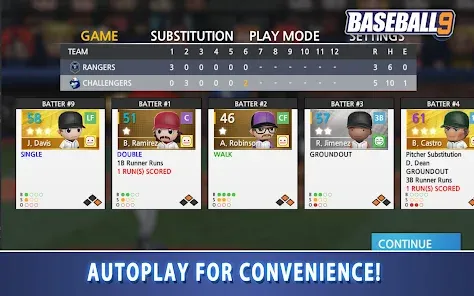
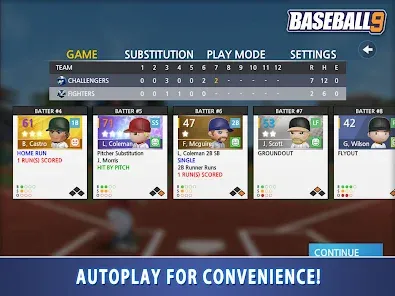
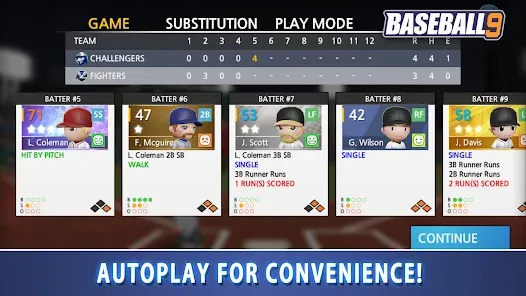
Provides statistical tracking to analyze player and team performance.
Lets users customize the appearance and skills of players and teams.
Delivers real-time updates and notifications about events and challenges.
Supports replay system to review and share highlights.
Enables in-app purchases to accelerate upgrades or unlock premium content.
Includes social features to connect and communicate with other players.
How to Use BASEBALL 9
Click the button "Check All Versions" below to download and install it.
Step 1: Download and install BASEBALL 9 from the Google Play Store or Apple App Store.
Step 2: Launch the app and create your player profile or log in with an existing account.
Step 3: Begin with the tutorial to learn basic controls and gameplay mechanics.
Step 4: Choose a game mode: Quick Match for fast games, Tournament for longer play, or Online Multiplayer to compete against others.
Step 5: Build and customize your team by selecting players, upgrading skills, and designing uniforms.
Step 6: Use simple taps and swipes to pitch, bat, and field during games.
Step 7: Participate in seasonal events and challenges to earn rewards and improve your team.
Step 8: Track your progress on leaderboards and adjust strategies based on performance statistics.
Step 9: Engage with other players via in-game chat and multiplayer matches.
Step 10: Regularly update the app to enjoy new features, events, and bug fixes.





 0
0