
What is Dolphin Zero Incognito Browser
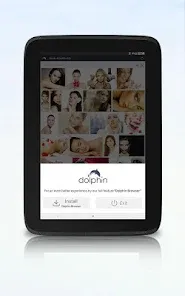
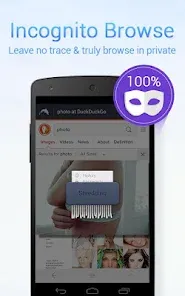
Dolphin Zero Incognito Browser is a privacy-focused mobile web browser designed to provide a secure, anonymous browsing experience. Unlike standard browsers, Dolphin Zero automatically blocks trackers, erases cookies, and prevents the storage of browsing history, cache, or passwords, ensuring user activities remain private. Built as a lightweight app for Android and iOS devices, it offers fast browsing with minimal resource consumption. This browser is ideal for users seeking discreet internet usage without manual privacy configurations. By integrating incognito mode as the default, Dolphin Zero simplifies secure browsing, protecting users from data leakage, targeted ads, and unwanted surveillance while enabling quick access to the web.
Pros and Cons of Dolphin Zero Incognito Browser
- Pros:
- Automatic privacy protection: Clears browsing data immediately after use.
- Blocks trackers and ads: Limits data collection by third parties.
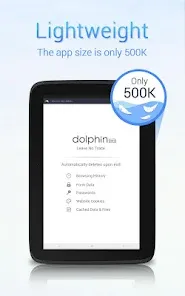
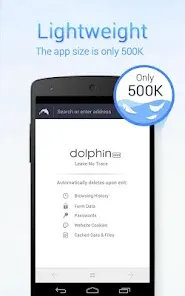
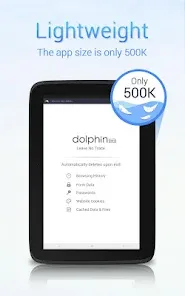
- Lightweight and fast: Uses minimal system resources for quick loading.
- Simple and intuitive interface: Easy to navigate without complex settings.
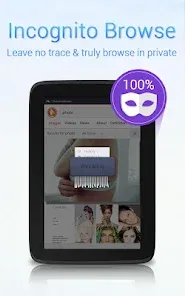
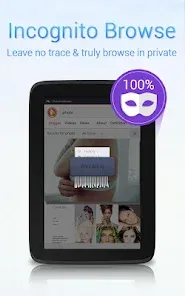
- Default incognito mode: No need to manually activate privacy features.
- Free to use: No subscription or in-app purchases required.
- Cons:
- Limited features: Lacks advanced browser tools found in mainstream browsers.
- No extension support: Cannot add custom add-ons or plugins.
- Basic user interface: Minimal customization options for appearance or layout.
- Occasional website compatibility issues: Some sites may not load fully or properly.
- Not a full VPN: Does not encrypt internet traffic outside browser scope.
- Primarily mobile-focused: No desktop version available.
Key Features of Dolphin Zero Incognito Browser
- Incognito by default: Automatically erases cookies, cache, and browsing history upon exit.
- Ad and tracker blocking: Prevents common tracking scripts and intrusive ads.
- Fast loading speeds: Lightweight design ensures quick browsing performance.
- Minimalistic user interface: Clean layout focused on ease of use.
- Privacy notifications: Alerts users about blocked trackers or ads.
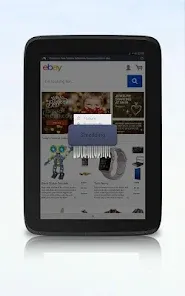
- One-tap data clearing: Manually clear all browsing data instantly.
- Multi-tab browsing: Supports multiple web pages open simultaneously.
- Secure HTTPS connection: Encourages secure browsing whenever possible.
Functions of Dolphin Zero Incognito Browser
- Browsing without data retention: Prevents storing history, cookies, and cached files.
- Ad and tracker blocking: Stops tracking scripts and blocks ads in real time.
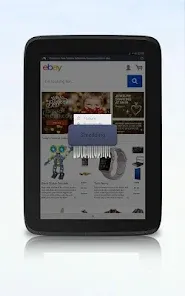
- Session management: Automatically deletes all data when the browser is closed.
- Tab management: Allows users to open, switch, and close multiple tabs easily.
- URL and search bar: Provides address entry and quick search capabilities.
- Settings panel: Offers options to manage privacy preferences and browsing behaviors.
- Data clearing controls: Enables instant manual deletion of browsing data during a session.
How to Use Dolphin Zero Incognito Browser
- Download and Install: Get the app from the Google Play Store or Apple App Store.
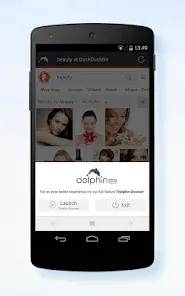
- Launch the Browser: Open the app to start browsing immediately in incognito mode.
- Enter a URL or Search Term: Use the address bar to visit websites or perform searches.
- Open Multiple Tabs: Tap the tab icon to add or switch between different web pages.
- Browse Privately: Surf the internet knowing no data is saved or tracked.
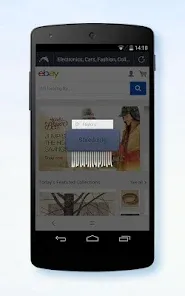
- Clear Data Manually: Use the one-tap clear option to erase cookies and cache anytime during a session.
- Adjust Settings: Customize ad blocking and privacy alerts in the settings menu if needed.
- Close the App: Exiting the browser automatically deletes all session data for enhanced privacy.


 0
0