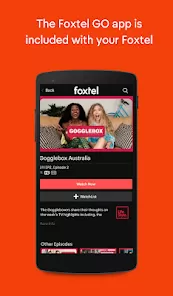

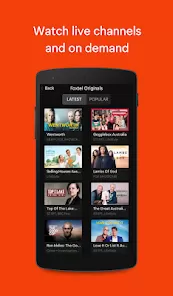


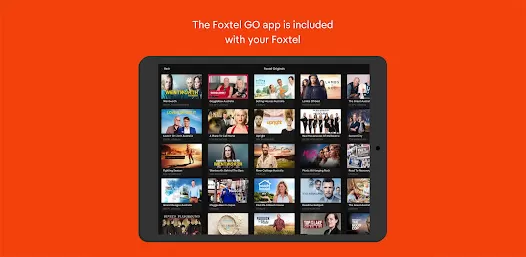
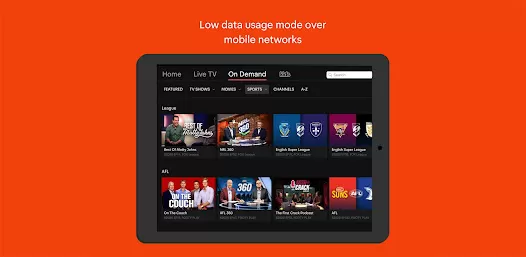
The Foxtel Go App is a convenient and versatile streaming service that allows users to access their favorite Foxtel channels and shows on the go.
With the app, you can watch live TV, catch up on missed episodes, and even stream content from your personal library.
It provides a seamless viewing experience across multiple devices, including smartphones, tablets, and computers.
Features of Foxtel Go App
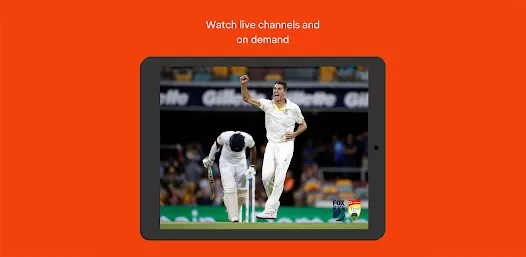
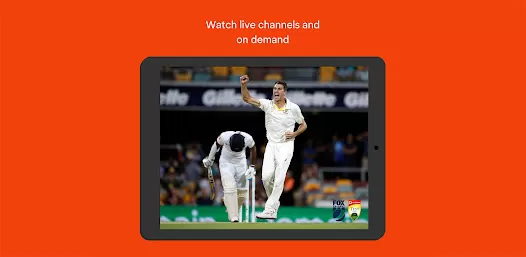
1. Live TV: With Foxtel Go, you can stream your favorite TV channels live, so you never have to miss out on the latest episodes of your favorite shows or sporting events.
2. Catch-Up TV: The app offers a catch-up feature that allows you to watch episodes that you missed up to 72 hours after they have aired.
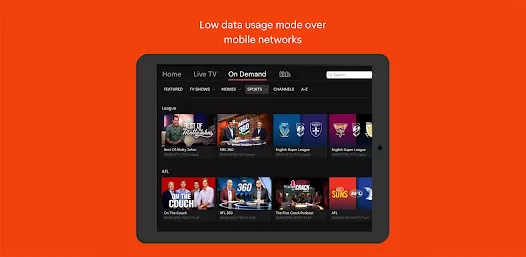
3. On-Demand Library: Foxtel Go gives you access to a vast library of on-demand content.
4. Multi-Device Access: Whether you're on the go or lounging at home, Foxtel Go lets you stream content on multiple devices.
5. Personalized Recommendations: The app provides personalized recommendations based on your viewing habits, making it easier for you to discover new shows and movies that you might enjoy.
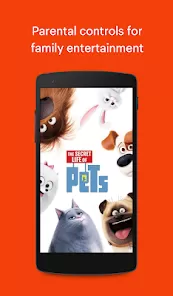
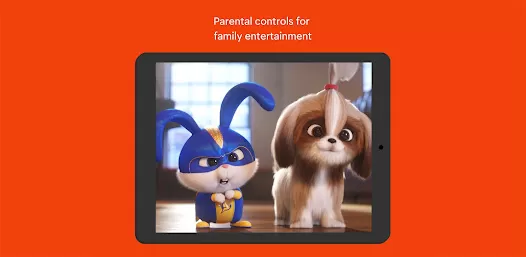
6. Parental Controls: With Foxtel Go, you can set up parental controls to restrict access to certain channels or content, giving you peace of mind when it comes to what your kids can watch.
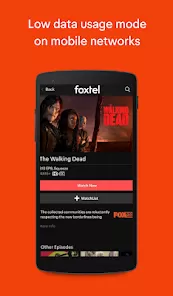
7. Download and Go: The app allows you to download shows and movies to your device, so you can watch them offline whenever and wherever you want, even without an internet connection.
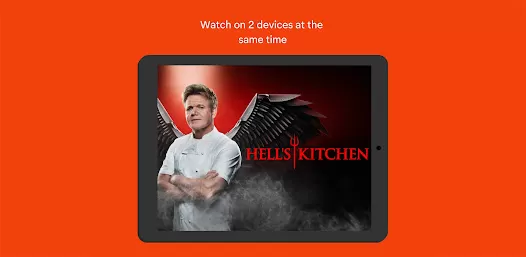
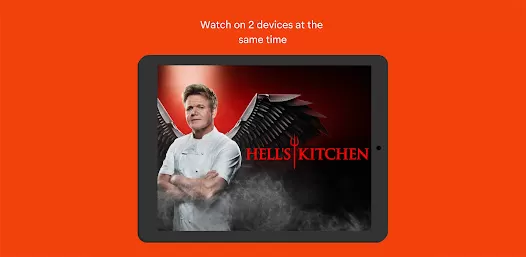
8. Multi-Screen Functionality: You can simultaneously stream on up to two screens with Foxtel Go, so you can watch different shows on different devices or share the viewing experience with a friend or family member.
Pros and Cons of Foxtel Go App
● Convenience: Foxtel Go allows you to access your favorite Foxtel channels and shows anytime, anywhere. Whether you're commuting, traveling, or just lounging at home, you can enjoy your entertainment on multiple devices.
● Versatility: With live TV, catch-up episodes, on-demand content, and the ability to download shows for offline viewing, Foxtel Go offers a wide range of entertainment options to suit everyone's preferences.
● HD Streaming: Foxtel Go's high-definition streaming capabilities ensure that you can enjoy your favorite shows and movies with crystal-clear visuals and vibrant colors, enhancing your viewing experience.
● Requires Subscription: To access Foxtel Go, you need to have an active Foxtel subscription, which can be a drawback for those who are not already subscribed to the service.
● Limited Availability: The app is currently only available in Australia, which means that it is not accessible to users in other countries.
Functions of Foxtel Go App
1. Remote Record: With Foxtel Go, you can easily schedule recordings of your favorite shows even when you're away from home. Simply browse the TV guide, select the shows you want to record, and Foxtel Go will take care of the rest.
2. Search Function: Looking for a specific show or movie? The app's search function allows you to quickly find what you're looking for, saving you time and effort.
3. Live TV Pause and Rewind: If you need to take a break or rewind to catch something you missed, Foxtel Go's live TV pause and rewind feature has got you covered. You'll never miss a crucial moment again.
4. Remote Control Function: Turn your smartphone or tablet into a remote control with Foxtel Go. You can easily navigate through channels, adjust the volume, and control playback, all from the palm of your hand.
5. Program Guide: The app provides a comprehensive program guide that allows you to see what's on across all channels for the next seven days. Plan your viewing schedule in advance and never miss a show again.
How to Use the Foxtel Go App
1. Download the App: Start by downloading the Foxtel Go App from the App Store or Google Play Store, depending on your device. It's free to download for Foxtel subscribers.
2. Log in: Once the app is downloaded, open it and log in using your Foxtel ID and password. If you don't have one, you can easily create an account on the Foxtel website.
3. Browse Channels: Explore the app's intuitive interface to browse through the available channels. You can swipe left or right to switch between channels or tap on the channel icon to view the program guide.
4. Watch Live TV: To watch a show or live TV, simply tap on the program you want to watch and enjoy. You can pause, rewind, or fast-forward through the content using the playback controls.
5. Catch-Up TV: If you missed an episode, go to the catch-up section and browse through the available shows. Tap on the episode you want to watch and enjoy it at your convenience.
6. Search for Content: Looking for something specific? Use the search function to find your favorite shows, movies, or actors. Just type in the keywords, and the app will display relevant results.
7. Customize Settings: Explore the app's settings to personalize your experience. You can adjust the video quality, set parental controls, manage downloads, and more.
8. Download and Go: To download content for offline viewing, simply tap on the download button next to the show or movie. You can then access your downloaded content from the Downloads section of the app.
9. Multi-Screen Functionality: If you want to watch on multiple devices simultaneously, go to the settings and enable multi-screen functionality. This allows you to stream on two screens at the same time.
10. Get Help: If you encounter any issues or have questions about using the app, the Foxtel Go App offers customer support through the app. You can access FAQs, troubleshooting guides, and even contact customer service for assistance.


 0
0