
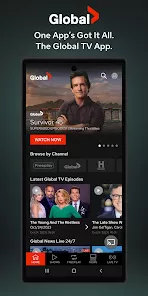
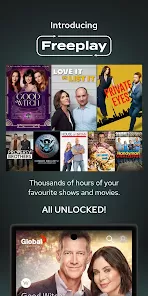
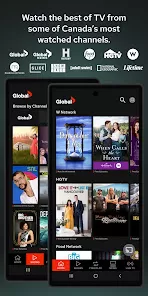
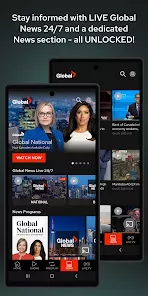
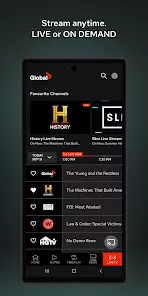
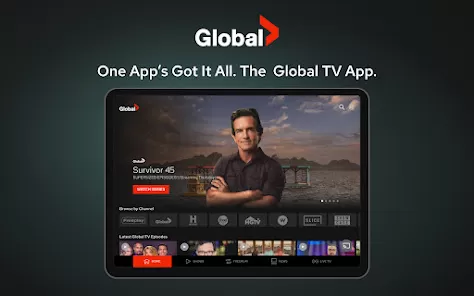
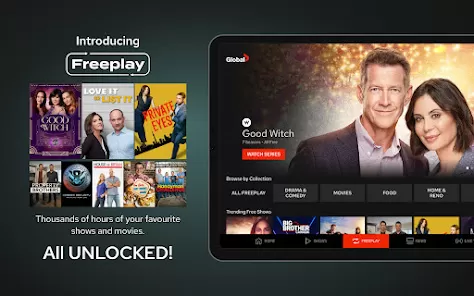
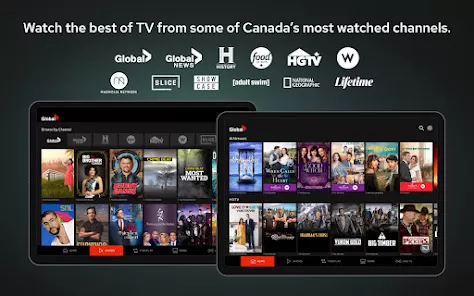
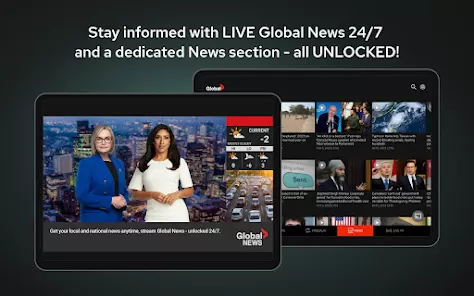
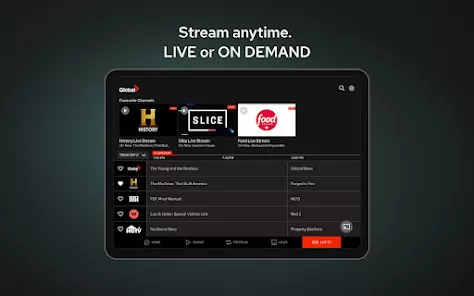
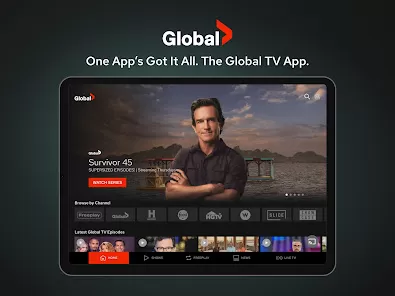
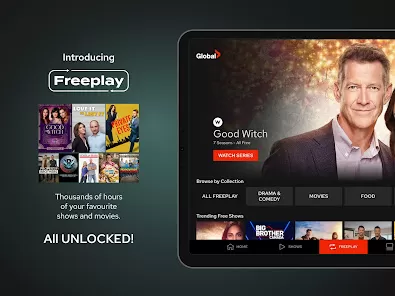
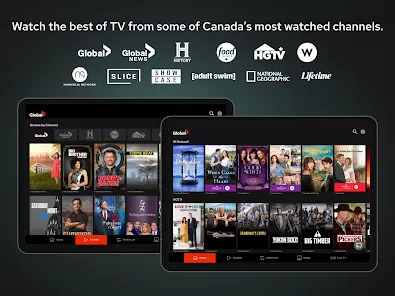
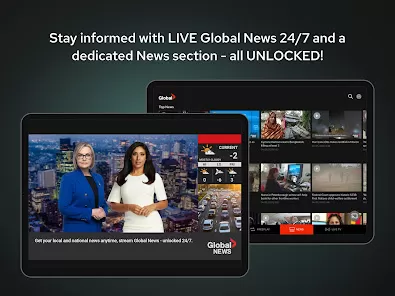
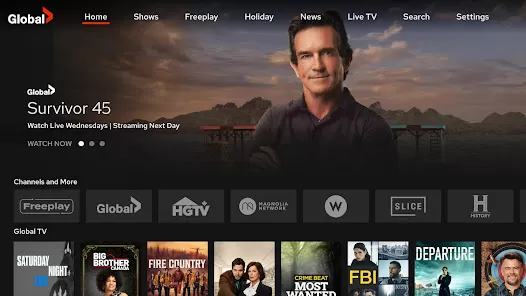
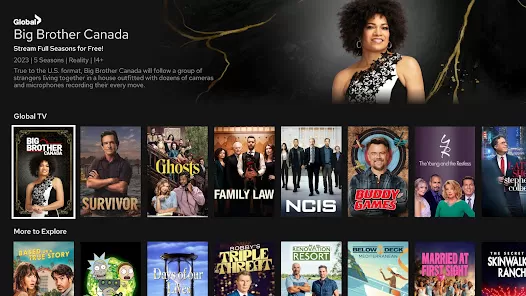
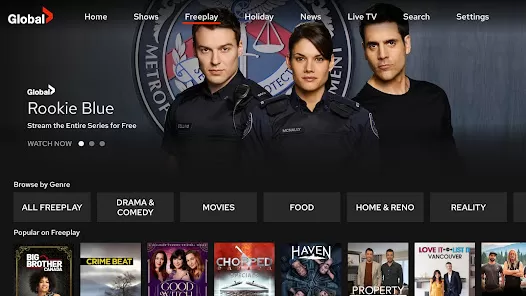
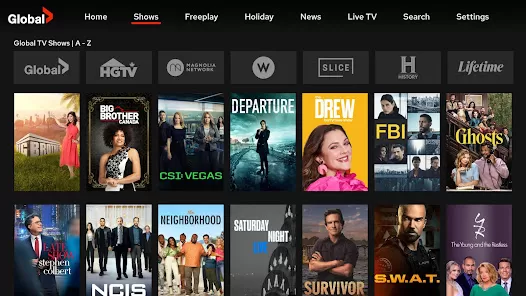
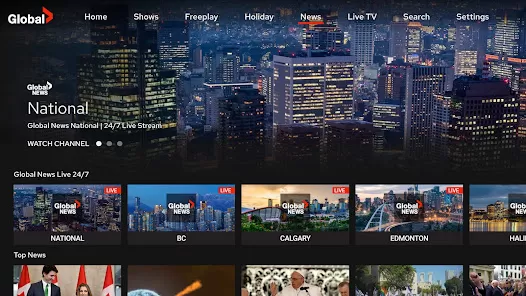
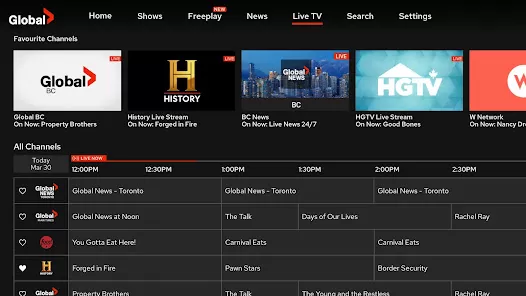


Global TV is a streaming and entertainment app that gives users access to a wide range of television shows, movies, and live broadcasts from the Global Television Network. The app allows viewers to watch full episodes, catch up on missed programs, and explore exclusive digital content on demand. Designed for flexibility, Global TV supports streaming across mobile devices, making it easy to stay connected to favorite shows anytime and anywhere. Users can browse by genre, search for specific titles, and receive updates about newly released episodes. With a clean interface and reliable streaming performance, Global TV delivers a convenient viewing experience tailored for modern audiences who prefer watching content on their own schedule.
Key Features
On-demand streaming of TV shows and movies.
Access to live TV broadcasts from supported channels.
Catch-up viewing for recently aired episodes.
Search and browse content by genre or title.
Personalized recommendations based on viewing habits.
High-quality video playback with adaptive streaming.
User-friendly interface for smooth navigation.
Support for multiple devices and screen sizes.
Notifications for new episodes and updates.
Regular content updates to keep the library fresh.
Pros & Cons
Pros:
Convenient access to popular TV content.
Allows viewers to catch up on missed episodes.
Clean layout that is easy to navigate.
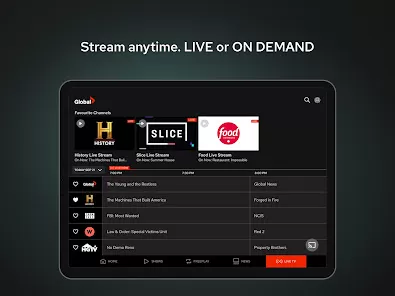
Supports both live and on-demand viewing.
Streaming quality adjusts to network conditions.
Cons:
Some content may require account sign-in.
Availability may vary by region.
Ads may appear during playback.
Offline downloads may be limited.
Functions
Streams live TV and on-demand shows.
Organizes content by categories and genres.
Provides episode guides and show details.
Sends alerts for new episodes and premieres.
Adjusts video quality automatically.
Manages user preferences and watch history.
Supports casting to compatible devices.
Updates content library regularly.
How to Use
Click the button ""Check All Versions"" below to download and install it.
Open the app and sign in or continue as a guest.
Browse available shows or use the search function.
Select a title to start streaming.
Use playback controls to pause or rewind.
Enable notifications for new episodes.
Explore genres to discover new content.
Manage viewing preferences in settings.


 0
0