What is Jango Radio
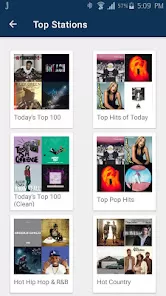
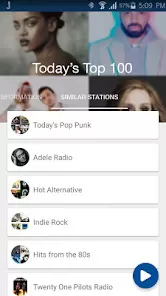
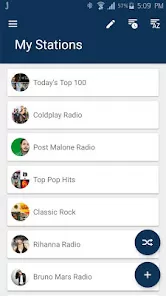
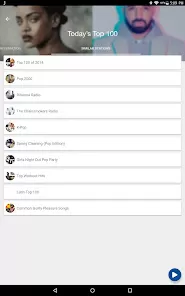
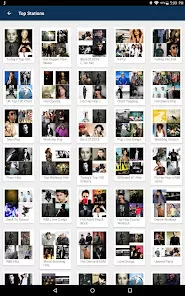
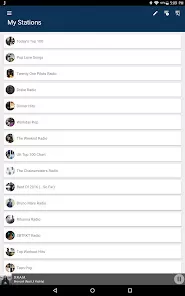
Jango Radio is an internet radio streaming service that offers personalized music stations tailored to individual tastes. Launched in 2007, Jango allows users to create custom radio stations by selecting favorite artists, genres, or songs, after which the platform curates a continuous stream of related music. Unlike traditional radio, Jango gives listeners more control over what they hear, while maintaining the ease of a radio format. The service is free with ads, but users can opt for an ad-free experience. It supports web browsers, mobile apps, and smart devices, making it accessible for music lovers everywhere. Jango Radio combines music discovery, personalization, and social features to deliver an enjoyable listening experience.
Pros and Cons
- Pros:
- Free access with personalized radio stations based on user preferences.
- Simple, user-friendly interface across multiple platforms.
- Ability to create custom stations by choosing favorite artists or genres.
- Social features that let users share stations and discover music from others.
- Ad-supported with option for an ad-free premium version.
- Wide variety of music genres and artists available.
- Cons:
- Free version includes ads, which can interrupt listening.
- Limited control over song skipping compared to some competitors.
- Occasional repetition of songs on certain stations.
- Smaller music library than some major streaming services.
- No offline listening feature in the free or paid versions.
Key Features
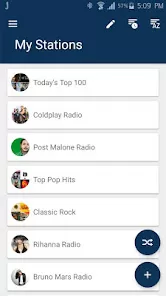
- Custom radio stations created by selecting favorite artists or genres.
- Continuous streaming with related songs based on user preferences.
- Ad-supported free listening with an option to remove ads via subscription.
- Social sharing options to share favorite stations with friends.
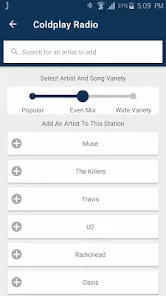
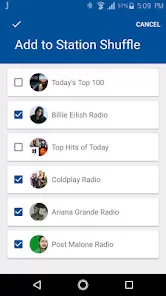
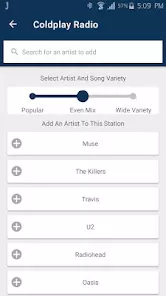
- Ability to add or remove artists to customize station playlists.
- Compatibility with web browsers, mobile apps, and smart devices.
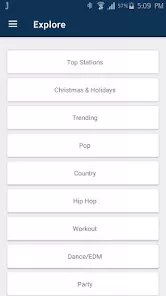
- Simple search function to discover new music or artists.
Functions
- Generate personalized music streams by selecting seed artists or genres.
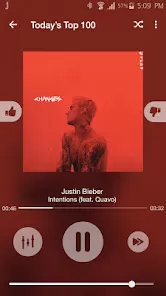
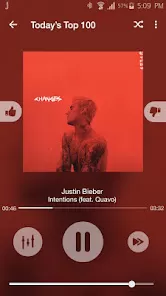
- Allow users to vote songs up or down to influence station playlist.
- Stream music continuously with minimal buffering.
- Enable station sharing via social media or direct links.
- Support user account creation to save preferences and stations.
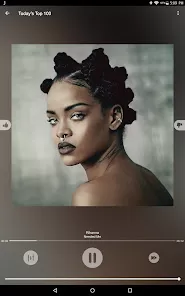
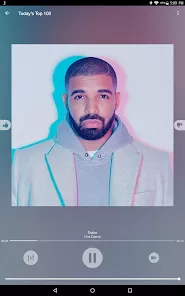
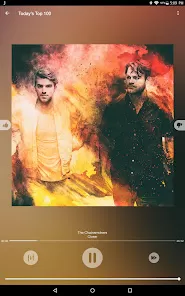
- Provide song and artist information during playback.
- Offer ad-supported free listening and ad-free premium option.
How to Use Jango Radio
- Access Jango: Visit the Jango Radio website or download the mobile app from the App Store or Google Play.
- Create an account: Sign up for a free account to save stations and preferences.
- Start a station: Enter the name of an artist or genre you like to create a personalized radio station.
- Customize your station: Add or remove artists to refine the playlist and tailor music selection.
- Listen and interact: Play the station, vote songs up or down to influence what plays next.
- Share with friends: Use built-in social features to share your favorite stations on social media or with direct links.
- Upgrade to premium: If desired, subscribe to the ad-free option for uninterrupted listening.
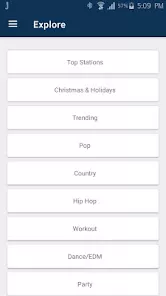
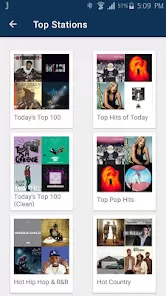
- Explore new music: Use the search function to discover new artists or genres to create additional stations.
- Use on multiple devices: Access your stations from smartphones, tablets, desktops, or smart speakers.


 0
0