What is RadarOmega – Advanced Weather Radar App
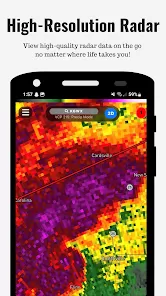
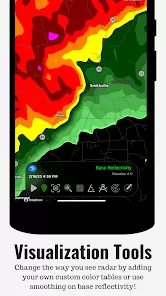
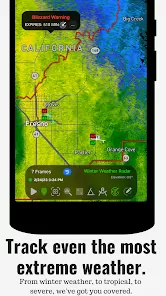
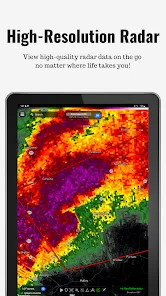
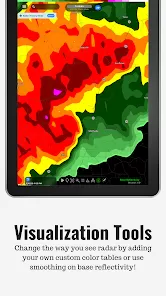
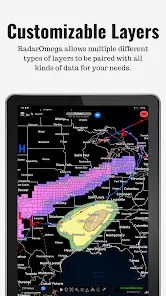
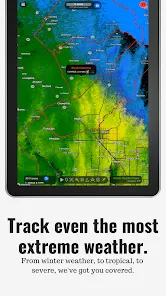
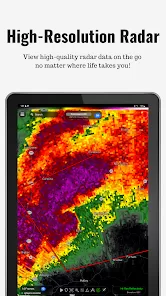
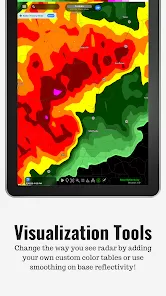
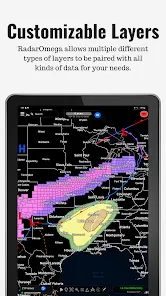
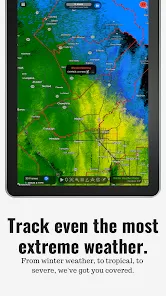
RadarOmega is a high-resolution weather radar application designed for both meteorologists and weather enthusiasts. Unlike standard weather apps, it provides detailed radar data, including reflectivity, velocity, and dual-polarization products, sourced from single-site radars worldwide. The app offers real-time severe weather alerts, including tornado and flash flood warnings, and integrates outlooks from the National Weather Service. With customizable map layers, users can overlay various data types such as lightning detection, METARs, and tropical storm information. Available on iOS, Android, and desktop platforms, RadarOmega caters to users seeking in-depth weather analysis and tracking capabilities.
Pros and Cons
- Pros:
- High-resolution radar data for precise weather tracking.
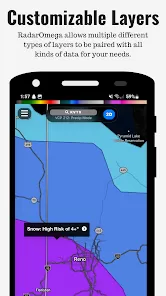
- Customizable map layers and data overlays.
- Real-time severe weather alerts and notifications.
- Cross-platform availability (iOS, Android, Desktop).
- Extensive historical radar data and storm reports.
- Integration with the National Weather Service for official alerts.
- Support for lightning detection and animation.
- Ability to save multiple custom locations across devices.
- Cons:
- Advanced features require a paid subscription.
- Interface may be complex for casual users.
- Some users report lag, especially with 3D radar features :contentReference[oaicite:1]{index=1}.
- No free version available; only a one-time purchase option.
Key Features
- High-resolution single-site radar data (Reflectivity, Velocity, Dual-Pol).
- Real-time severe weather alerts (Tornado, Flash Flood, Severe Thunderstorm).
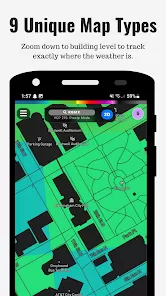
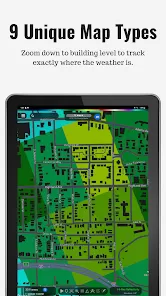
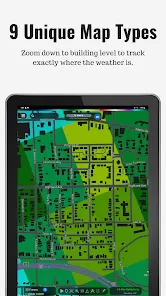
- Customizable map layers (light, dark, satellite views).
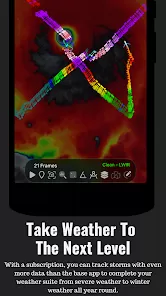
- Lightning detection and animation.
- Historical radar data (up to 90 days with subscription).
- Storm reports and outlooks from the National Weather Service.
- Support for multiple custom locations with unique icons.
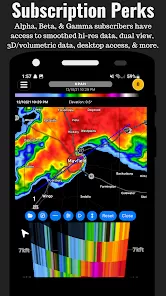
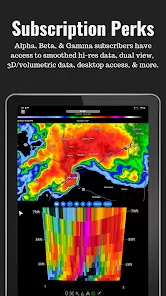
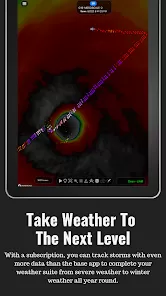
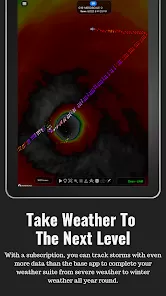
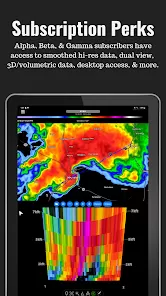
- 3D radar and satellite viewing options (with subscription).
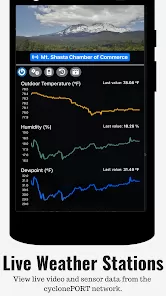
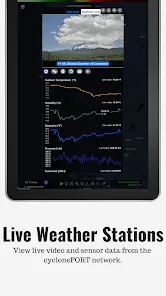
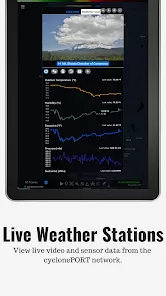
- Integration with cyclonePORT network for live cameras and sensor data.
- Push notifications for weather alerts based on GPS location.
Functions
- Track real-time weather conditions using high-resolution radar data.
- Receive instant notifications for severe weather events.
- Customize map layers and overlays to suit personal preferences.
- View lightning strikes and storm paths for safety planning.
- Analyze historical weather data for trend identification.
- Access official weather outlooks and discussions from the National Weather Service.
- Monitor multiple locations simultaneously with custom icons.
- Utilize 3D radar and satellite views for advanced analysis.
- Integrate live camera feeds and sensor data from the cyclonePORT network.
- Share radar animations and storm data with others.
How to Use
- Download and install RadarOmega from the official website or app store.
- Open the app and grant necessary permissions (location, notifications).
- Set your default location or allow the app to use GPS for automatic location detection.
- Navigate through the interface to access radar data, alerts, and settings.
- Customize map layers and overlays by accessing the settings menu.
- Save multiple locations by selecting the location and choosing the option to save it.
- Enable push notifications for severe weather alerts in the settings menu.
- Explore advanced features like 3D radar and satellite views by subscribing to the appropriate plan.
- Utilize the cyclonePORT network integration for live camera feeds and sensor data.
- Share radar animations and storm data by selecting the share option within the app.


 0
0