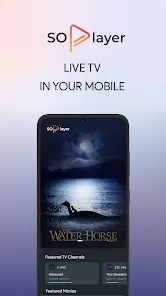
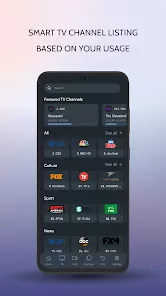
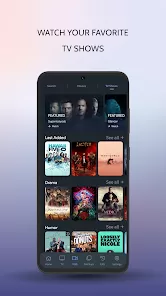
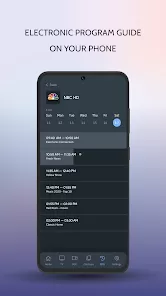
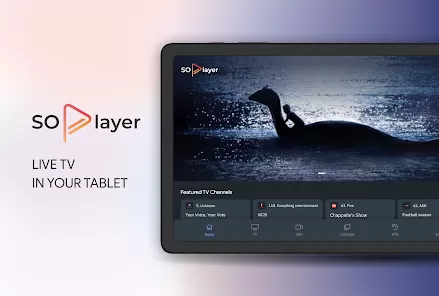
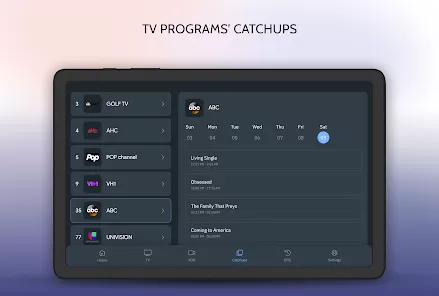
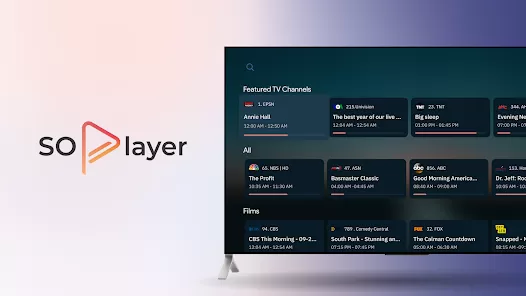
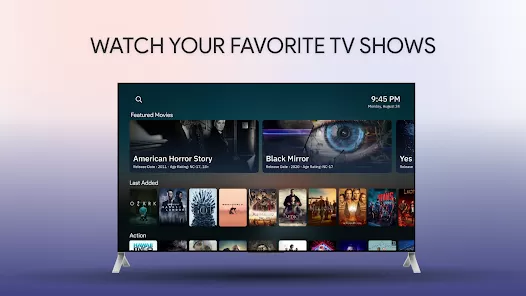
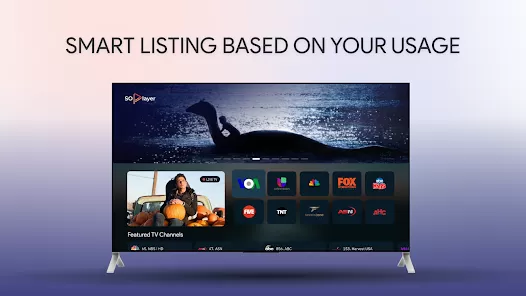
SoPlayer is a popular streaming application designed for users who want to access a wide variety of IPTV (Internet Protocol Television) content. Primarily, it is used for watching live TV, movies, sports, and other on-demand video content. It is available for installation on multiple platforms, including Android, iOS, smart TVs, and even Windows devices. What sets SoPlayer apart from other streaming platforms is its ability to connect to various IPTV services, offering high-quality content with minimal buffering. The app has become a favorite for users seeking an alternative to traditional cable and satellite television services. SoPlayer functions as a media player that requires an IPTV subscription from a third-party provider, allowing users to stream channels, movies, and TV shows without being limited to the conventional broadcast models. The app also offers a user-friendly interface, making it easy for users to navigate through the content library and find what they are looking for quickly.
Pros of SoPlayer
Wide Range of Content: SoPlayer provides access to a vast array of live TV channels, sports, movies, and on-demand content, offering more options than traditional TV providers.
Multiple Device Support: The app is compatible with various devices such as smartphones, tablets, smart TVs, and PCs, giving users flexibility in how they consume content.
Minimal Buffering: SoPlayer boasts a smooth streaming experience with minimal buffering, ensuring high-quality playback even during live broadcasts.
User-Friendly Interface: The app has a simple and easy-to-navigate interface, making it accessible even for users who are not tech-savvy.
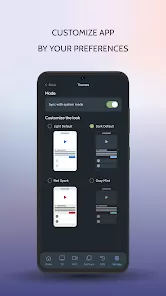
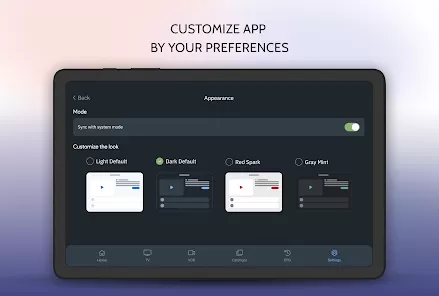
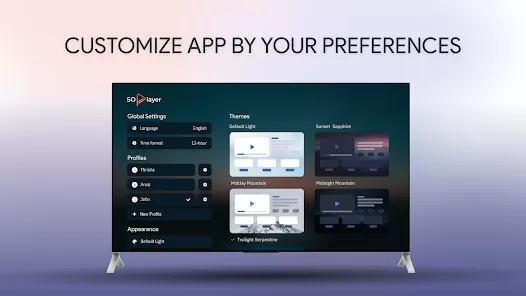
Customization Options: Users can customize the app's interface and settings according to their preferences, such as choosing themes or changing video quality.
Cost-Effective: For users looking to cut the cord, SoPlayer can be a cost-effective alternative to traditional cable or satellite subscriptions.
On-Demand Streaming: Apart from live TV, SoPlayer allows users to watch on-demand movies and TV shows, expanding the range of available content.
Cons of SoPlayer
Requires Third-Party IPTV Subscription: SoPlayer itself does not provide content directly; instead, it requires users to subscribe to a third-party IPTV service to access the streaming content.
Legality Concerns: Some users have raised concerns about the legality of IPTV services connected to SoPlayer, especially when accessing pirated content.
Subscription Fees: While the app itself is free to download, users still need to pay for a third-party IPTV service to access content, which may lead to additional costs.
Limited Content in Some Regions: Availability of certain channels or on-demand content may be limited or region-specific, making it difficult for some users to access everything they want.
Not Available on Official App Stores: SoPlayer is not always available through the official app stores (Google Play or Apple App Store), which means users may need to download it from third-party websites, potentially opening the door to security risks.
Potential Stability Issues: Occasionally, the app may experience crashes or instability issues, which can disrupt the user experience.
Key Features of SoPlayer
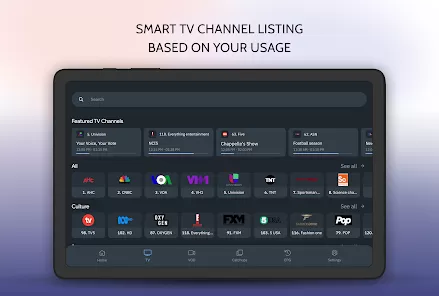
Live TV Streaming: SoPlayer allows users to stream live TV channels from various genres including sports, news, movies, and more.
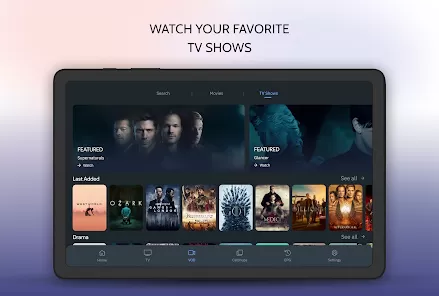
On-Demand Content: In addition to live TV, SoPlayer offers access to a large library of on-demand movies and TV shows, giving users flexibility in when they want to watch content.
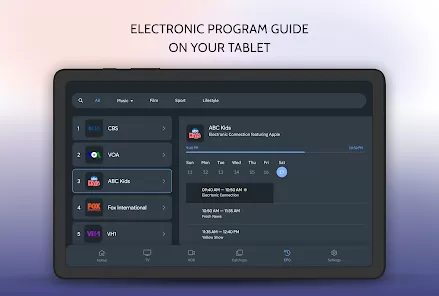
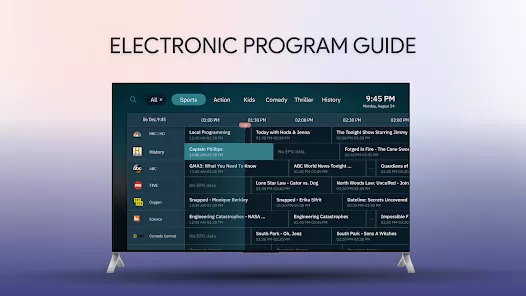
Electronic Program Guide (EPG): The app includes an electronic program guide that displays a schedule of upcoming programs, allowing users to plan their viewing experience.
Multi-Device Syncing: Users can sync their SoPlayer account across multiple devices, allowing them to access their subscriptions and continue watching from where they left off.
High-Quality Streaming: The app supports HD streaming and adjusts the video quality based on the user’s internet connection for optimal viewing.
Customizable User Interface: The app's user interface can be customized to suit individual preferences, such as selecting a dark mode or altering the layout.
Subtitles and Audio Tracks: SoPlayer provides subtitle options and allows users to switch between different audio tracks in case multiple languages are available.
Fast Search Function: The app includes a fast search feature, making it easy to find content by title, genre, or channel.
Functions of SoPlayer
Live TV Streaming: SoPlayer lets users watch live TV channels across various categories like sports, news, entertainment, and more.
On-Demand Video Streaming: Users can watch movies and TV shows at their convenience with SoPlayer's extensive on-demand content library.
Channel Surfing: Users can flip between live TV channels, just like traditional cable television, using SoPlayer’s channel guide.
Program Scheduling: SoPlayer allows users to schedule programs to watch later, ensuring they don't miss their favorite shows.
Customizable Viewing Experience: The app allows users to adjust the appearance and video settings to fit their needs, such as enabling subtitles or adjusting the video quality.
Multi-Device Support: SoPlayer can be accessed on different devices like smartphones, tablets, smart TVs, and desktops, making it a versatile platform.
Access to Sports Events: SoPlayer offers live sports streaming, allowing users to follow their favorite teams or watch live sports events globally.
Parental Controls: The app includes parental control features, enabling parents to restrict access to certain content based on ratings or type of programming.
How to Use SoPlayer
Click the button "Check All Versions" below to download and install it.
Step 1: Download and Install: SoPlayer can be downloaded from the official website or third-party platforms, depending on your device (Android, iOS, Windows, etc.).
Step 2: Choose an IPTV Subscription: After installation, you’ll need to choose and subscribe to a third-party IPTV provider that supports SoPlayer.
Step 3: Log In to SoPlayer: Once you have an IPTV subscription, log in to SoPlayer with the credentials provided by your IPTV provider.
Step 4: Explore the Content: Browse through the available content, including live TV, movies, and shows. Use the EPG (Electronic Program Guide) for live TV scheduling.
Step 5: Adjust Settings: Customize your viewing experience by adjusting settings like video quality, subtitles, and interface layout.
Step 6: Start Streaming: Click on any program or channel you want to watch, and start streaming. You can enjoy both live content and on-demand shows.
Step 7: Sync Across Devices: You can access your SoPlayer account on multiple devices and continue watching your content from where you left off.
Step 8: Enjoy High-Quality Streaming: Relax and enjoy an uninterrupted streaming experience with minimal buffering and high-quality video playback.



 0
0