
What is Wehear - Audiobooks & Stories
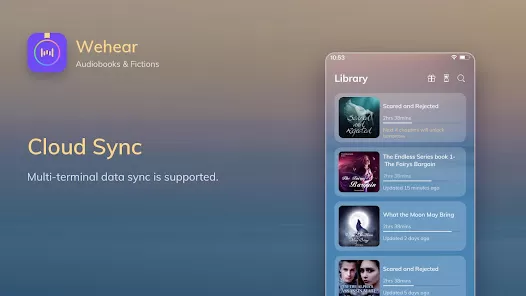
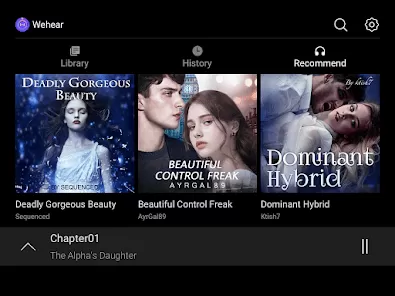
Wehear - Audiobooks & Stories is a mobile application designed for audio entertainment, offering users access to a vast library of audiobooks, short stories, podcasts, and narrated content. It caters to individuals who enjoy literature, self-development books, or immersive storytelling on the go. The app features professionally narrated content with clear audio quality and a user-friendly interface, making it simple to browse, select, and listen to titles. With customizable playback speeds, offline listening, and personalized recommendations, Wehear enhances the listening experience for users of all ages. Whether commuting, exercising, or relaxing, Wehear allows users to enjoy their favorite stories anytime, anywhere.
Pros and Cons
- Pros:
- Offers a wide selection of audiobooks and stories across various genres.
- Professional narration with high-quality audio for an immersive listening experience.
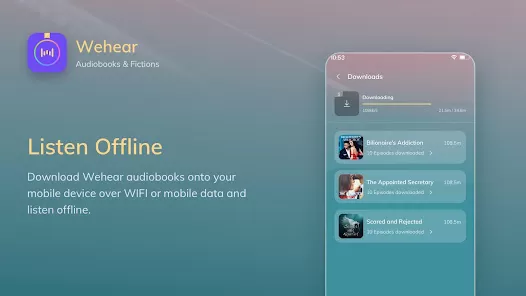
- Offline playback allows users to listen without internet connectivity.
- Customizable playback speed to suit individual listening preferences.
- User-friendly interface for easy navigation and content discovery.
- Personalized recommendations based on listening habits.
- Regularly updated library with new titles and popular releases.
- Supports bookmarks and resume playback for convenience.
- Cons:
- Some premium titles may require a subscription or in-app purchase.
- Limited content in certain languages compared to global audiobook platforms.
- Occasional buffering or playback issues on slower devices or connections.
- Lack of a social sharing or community feature within the app.
- Search and filtering options could be more advanced for faster discovery.
- Free version may include ads that interrupt playback.
Key Features
- Extensive Library: Access thousands of audiobooks, stories, and podcasts across multiple genres.
- High-Quality Audio: Professionally narrated content with clear sound for immersive listening.
- Offline Listening: Download your favorite titles to enjoy without an internet connection.
- Playback Speed Control: Adjust narration speed for faster or slower listening.
- Bookmarks and Resume: Save your progress and continue from where you left off.
- Personalized Recommendations: Discover new audiobooks based on your preferences.
- Sleep Timer: Automatically stops playback after a selected time for bedtime listening.
- Favorites List: Quickly access frequently listened-to audiobooks and stories.
- Search and Filter: Browse content efficiently by category, author, or genre.
- Regular Updates: Continuously adds new audiobooks and stories to the library.
Functions
- Provides access to a vast collection of audiobooks, stories, and podcasts for entertainment and education.
- Enables offline playback to listen anytime, even without an internet connection.
- Allows users to adjust playback speed for a customized listening experience.
- Tracks progress and bookmarks to resume listening from the last point.
- Offers recommendations to help users discover new titles based on their interests.
- Supports sleep timer function for listening before bed without worry of running out of battery.
- Enables users to create a favorites list for easy access to preferred content.
- Provides smooth navigation and search functionality to quickly find audiobooks or stories.
- Enhances learning and entertainment by combining storytelling with high-quality narration.
- Regularly updates content library with fresh releases and trending audiobooks.
How to Use
- Download and install Wehear - Audiobooks & Stories from the Google Play Store or App Store.
- Open the app and create an account or sign in using your existing credentials.
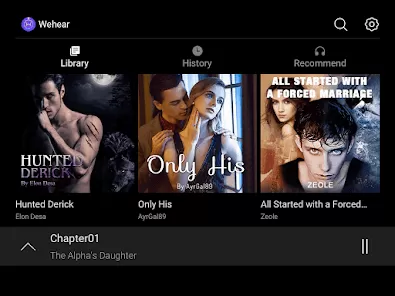
- Browse the library by genre, author, or trending audiobooks to find a title.
- Tap on a selected audiobook or story to start playback immediately.
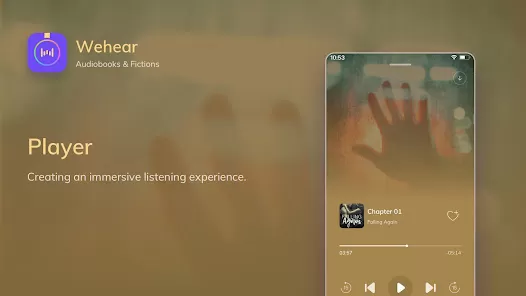
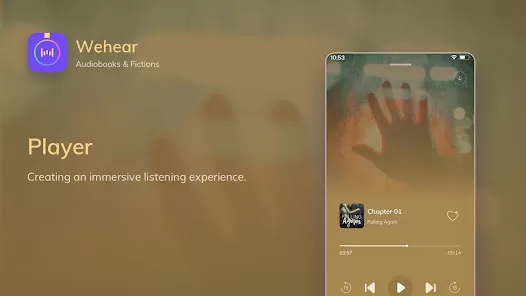
- Use the playback controls to pause, rewind, fast-forward, or adjust speed as needed.
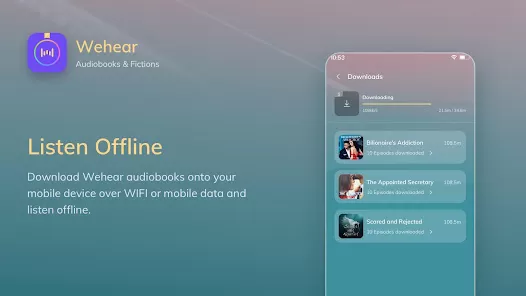
- Download titles for offline listening by selecting the download option.
- Bookmark favorite parts or entire books for easy access later.
- Set a sleep timer if you want the app to stop playback automatically after a certain time.
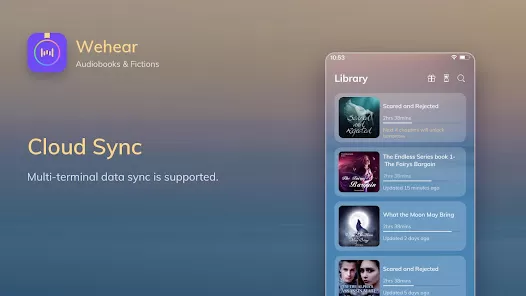
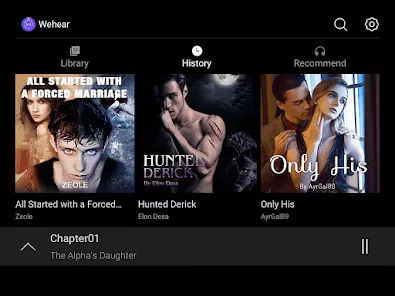
- Access your favorites or recently listened content from the main dashboard for quick navigation.
- Explore personalized recommendations provided based on your listening history.
- Regularly update the app to access new audiobooks and improved features.
- Manage subscription settings for premium content or in-app purchases as desired.
















 0
0