
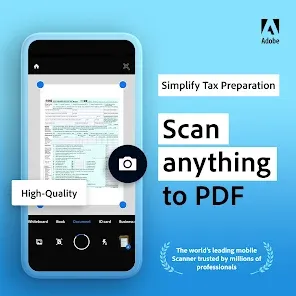
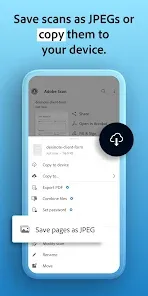
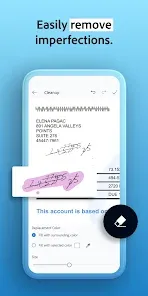

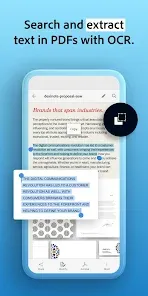

Adobe Scan is a mobile application that transforms smartphones and tablets into powerful PDF scanners. It allows users to capture receipts, documents, forms, business cards, and notes using the device’s camera, converting them into high-quality PDF files. The app also features Optical Character Recognition (OCR), enabling users to extract text from scanned images for editing, copying, or sharing. Adobe Scan integrates with Adobe Document Cloud, allowing easy storage, management, and sharing of documents across devices. Designed for professionals, students, and everyday users, the app simplifies the process of digitizing paper documents, making document handling more efficient and organized.
Pros and Cons
- Pros:
- High-quality scanning with automatic edge detection and perspective correction.
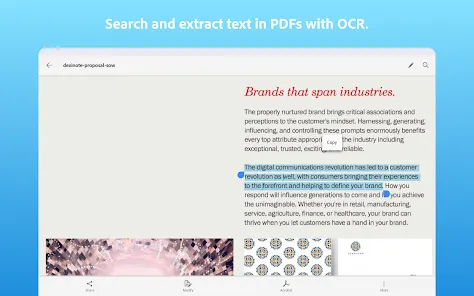
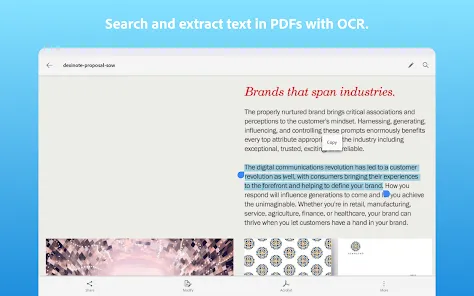
- Optical Character Recognition (OCR) allows text extraction from scanned documents.
- Integrates seamlessly with Adobe Document Cloud for storage and easy access.
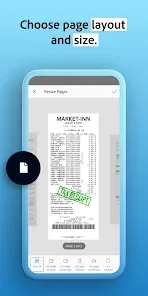
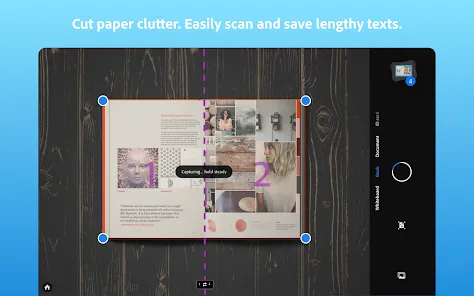
- Supports multi-page scanning and combines documents into single PDFs.
- User-friendly interface suitable for both beginners and professionals.
- Cons:
- Some advanced features require an Adobe subscription.
- OCR may occasionally misread text, especially in handwritten or stylized fonts.
- File size of PDFs may be large, affecting storage on devices without cloud integration.
- Scanning performance can vary depending on camera quality and lighting conditions.
Key Features
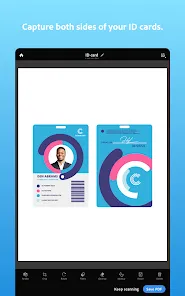
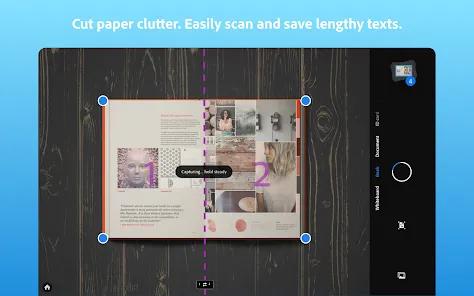
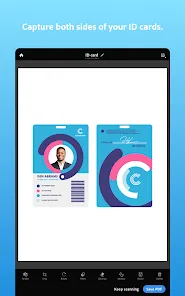
- Scan documents, receipts, forms, business cards, and notes into high-quality PDFs.
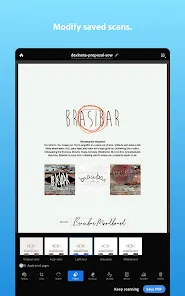
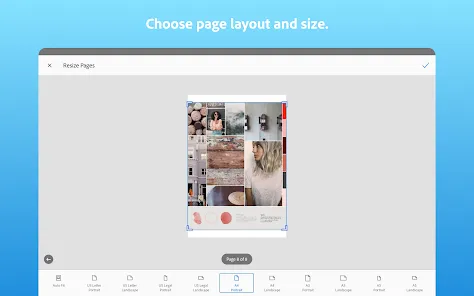
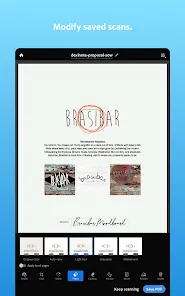
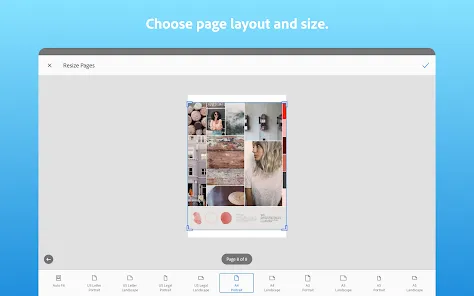
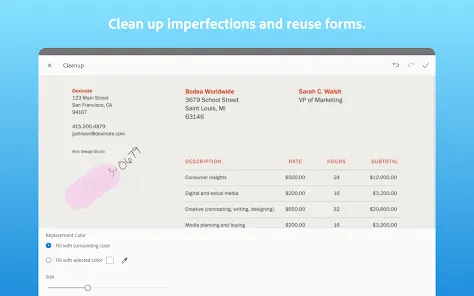
- Automatic edge detection, cropping, and image enhancement for clear scans.
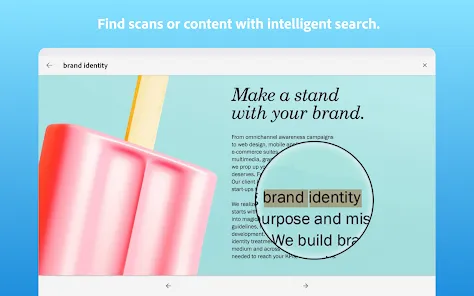
- Optical Character Recognition (OCR) to extract text from scanned images.
- Multi-page scanning with easy combination into a single PDF file.
- Integration with Adobe Document Cloud for storage, access, and sharing.
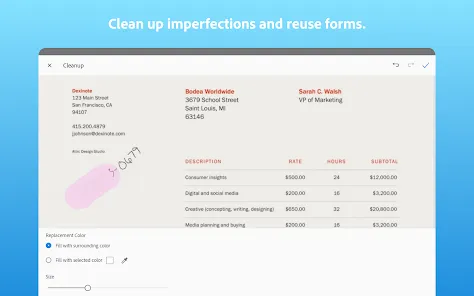
- Annotation and editing tools for scanned documents.
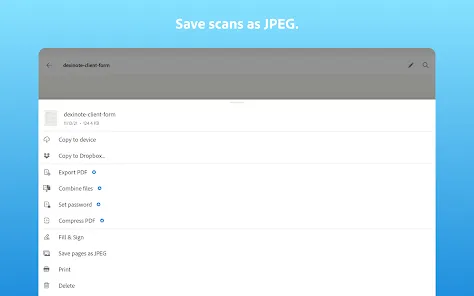
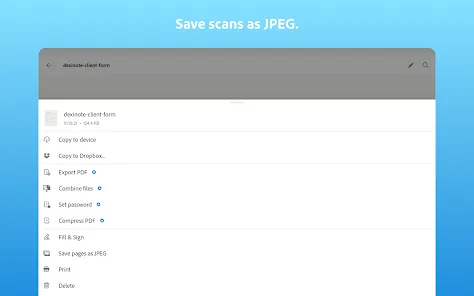
- Easy sharing via email, cloud services, or other apps.
- Supports mobile devices on both iOS and Android platforms.
- Secure storage and management of scanned files.
Functions
- Convert physical documents into high-quality digital PDFs using the device camera.
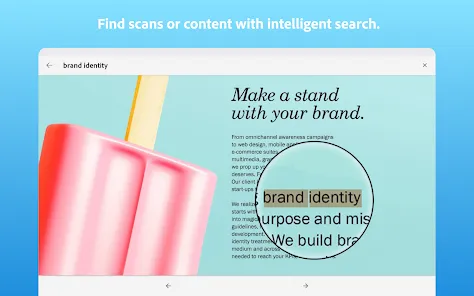
- Extract text from scanned documents through OCR for editing or searching.
- Combine multiple pages into a single PDF for organization and sharing.
- Enhance scanned images with automatic correction features for clarity.
- Store, organize, and access documents across devices using Adobe Document Cloud.
- Share scanned PDFs easily through email, cloud storage, or third-party apps.
- Edit, annotate, and highlight text or images within scanned documents.
- Securely manage documents for professional, educational, or personal use.
How to Use Adobe Scan
- Download the App: Install Adobe Scan from Google Play Store or Apple App Store.
- Create an Account: Sign in with Adobe ID, Google, or social media account.
- Scan Documents: Use your device camera to capture documents, receipts, or notes.
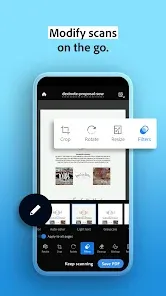
- Enhance and Crop: Adjust edges, crop, and enhance the scan automatically or manually.
- Extract Text: Use OCR to convert images into searchable and editable text.
- Save and Organize: Store PDFs in Adobe Document Cloud or on your device.
- Share Documents: Send PDFs via email, cloud services, or compatible apps.
- Manage Files: Edit, annotate, and combine documents as needed for professional or personal use.


 0
0