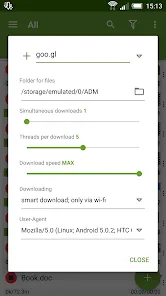
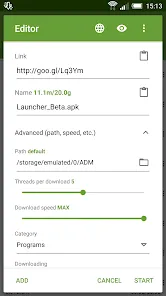
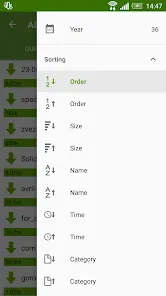
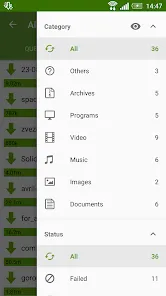
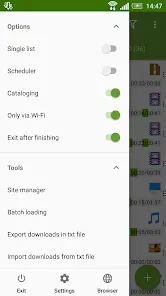
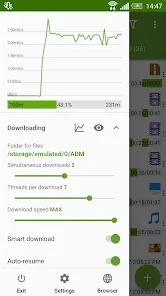
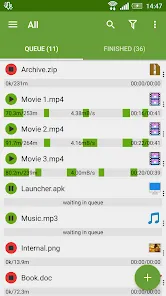
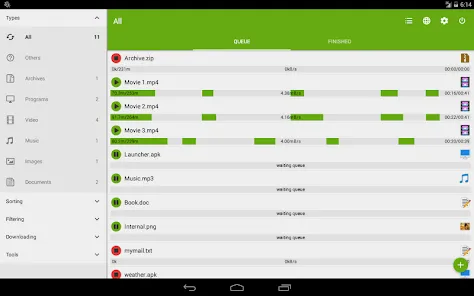
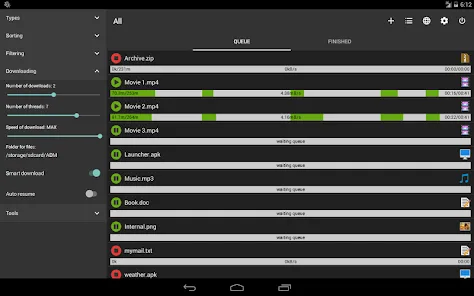
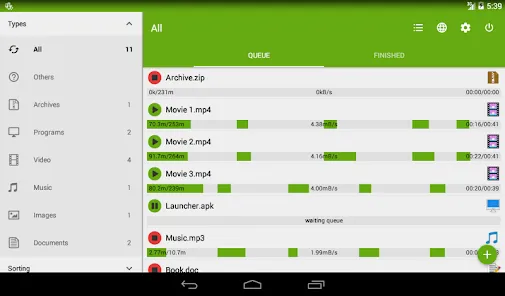
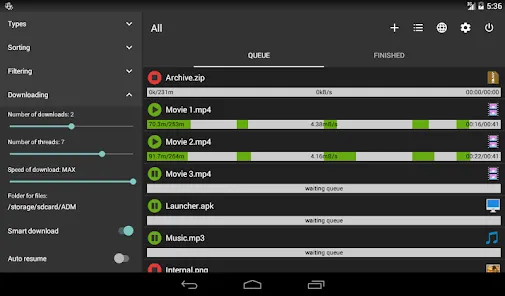
Advanced Download Manager (ADM) is an Android application designed to manage, accelerate, and organize file downloads efficiently. It supports downloading large files, multiple downloads simultaneously, and resuming paused downloads. ADM splits files into multiple parts to increase download speed and integrates with browsers for quick downloading. Users can schedule downloads, store files in custom folders, and track download progress with a detailed interface. The app supports HTTP, HTTPS, and FTP protocols and offers advanced settings for file types, themes, and notifications. Advanced Download Manager is ideal for users who frequently download files on Android devices and want greater control over speed, storage, and organization.
Pros and Cons
Pros:
Supports multiple simultaneous downloads to save time.
Accelerates downloads by splitting files into multiple segments.
Resumes paused or interrupted downloads automatically.
Customizable download storage locations and file organization.
Integration with browsers for quick download capture.
User-friendly interface with detailed progress tracking.
Supports popular protocols including HTTP, HTTPS, and FTP.
Cons:
Available only for Android devices, no iOS version.
Some advanced features require app permissions and settings adjustments.
Ads may appear in the free version, which can be intrusive.
Interface can appear complex for first-time users.
Occasional issues with certain websites or restricted downloads.
Key Features
Multiple download support for simultaneous file transfers.
Accelerated downloads through file segmentation.
Automatic resumption of paused or interrupted downloads.
Download scheduling for off-peak hours or preferred times.
Custom storage folders and file organization by type.
Browser integration for direct download capture.
Detailed interface with progress bars and download statistics.
Supports HTTP, HTTPS, and FTP protocols for diverse downloads.
Functions
Manage multiple downloads efficiently and simultaneously.
Accelerate download speed with file splitting technology.
Resume interrupted or paused downloads automatically.
Schedule downloads to run at specific times.
Organize downloaded files into custom folders and categories.
Integrate with browsers for quick and easy download capture.
Track download progress with detailed visual indicators.
Support downloads from various protocols including HTTP, HTTPS, and FTP.
How to Use Advanced Download Manager
Click the button "Check All Versions" below to download and install it.
Download Advanced Download Manager (ADM) from Google Play Store.
Open the app and configure storage folders and download preferences.
Use the built-in browser or integrate with your preferred browser for download capture.
Add URLs of files you want to download manually or via clipboard detection.
Monitor download progress and manage active downloads from the interface.
Pause, resume, or schedule downloads according to your needs.
Access completed downloads in the app or via device storage folders.
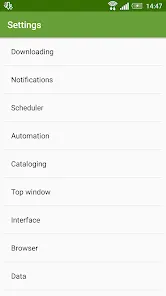
Adjust settings for themes, file types, and notifications for optimal usage.


 0
0