
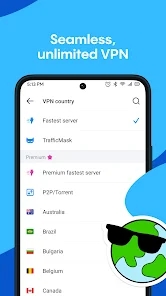

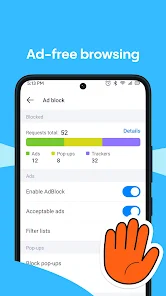
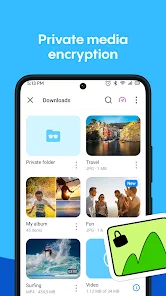

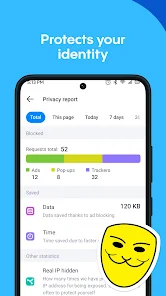

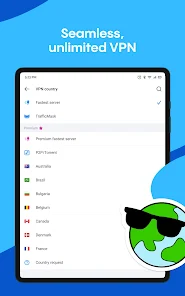

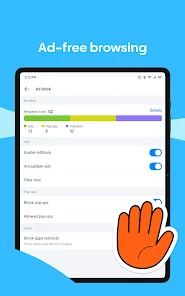
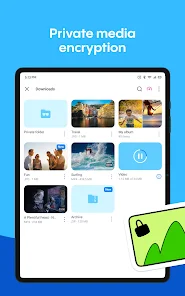



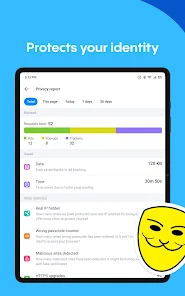
Aloha Browser - Private VPN is a secure mobile web browser that combines fast browsing with privacy-focused features. It provides users with an integrated VPN to protect personal data, mask IP addresses, and ensure safe internet usage. The app supports ad-blocking, incognito mode, and private file downloads, offering a more secure and convenient browsing experience. Aloha Browser emphasizes speed, usability, and privacy, enabling users to navigate websites safely while enjoying media content like videos and music. Its built-in features make it ideal for users seeking both performance and security in a mobile browser environment.
Key Features
Integrated VPN for secure browsing.
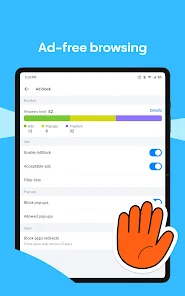
Ad-blocker to remove unwanted ads.
Incognito mode for private sessions.
Fast browsing performance.
Supports media downloading and playback.
Bookmark management for easy access.
Customizable privacy settings.
Background video playback.
File manager for downloaded content.
Regular security updates and enhancements.
Pros & Cons
Pros:
Enhanced online privacy with VPN integration.
Blocks ads for smoother browsing.
Supports media playback and downloads.
Fast and responsive user interface.
Provides private and incognito browsing.
Cons:
VPN may slow down connection speed sometimes.
Premium features require subscription.
Limited advanced browser customization compared to others.
May consume more battery during heavy use.
Functions
Enables secure internet browsing with VPN.
Blocks intrusive ads and trackers.
Supports private incognito sessions.
Allows media downloads and playback.
Organizes bookmarks and browsing history.
Provides background video playback functionality.
Manages downloaded files within the browser.
Enhances online security and privacy.
How to Use
Click the button ""Check All Versions"" below to download and install it.
Launch the browser and enable VPN if desired.
Use incognito mode for private browsing sessions.
Browse websites as usual, with ads blocked.
Download media or files as needed.
Manage bookmarks and saved content.
Adjust privacy and security settings.
Enjoy secure, fast, and private browsing.


 0
0