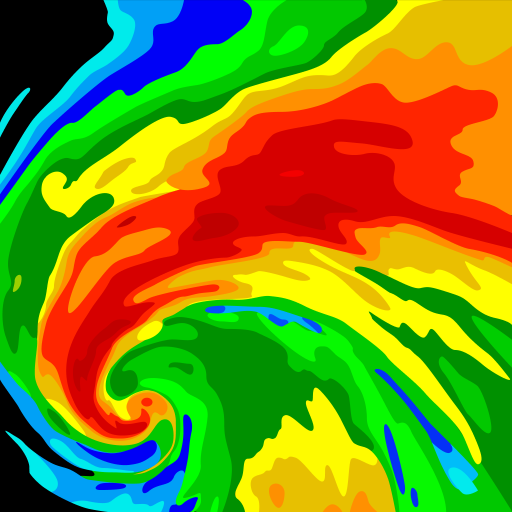
Clime: NOAA Weather Radar Live is a mobile application that provides real-time weather data, radar imagery, and forecasts directly from NOAA (National Oceanic and Atmospheric Administration). The app allows users to monitor current weather conditions, track storms, and access severe weather alerts with precision. Its interactive radar maps and detailed meteorological data help users plan daily activities, outdoor events, or travel safely. With customizable notifications, users receive instant alerts for severe weather in their area. Clime is an essential tool for anyone seeking accurate, up-to-date weather information on their mobile device for both safety and convenience.
Key Features
Real-time weather radar and satellite imagery from NOAA.
Detailed local forecasts including temperature, precipitation, and wind.
Severe weather alerts with push notifications.
Interactive maps showing storm movement and precipitation.
Customizable weather alerts based on location.
Hourly, daily, and weekly weather forecasts.
User-friendly interface with smooth map navigation.
Offline map caching for quick access.
Support for multiple locations and saved favorites.
Regular updates to ensure accurate weather information.
Pros & Cons
Pros:
Provides accurate, real-time weather updates and radar imagery.
Customizable alerts help users stay safe during severe weather.
Intuitive maps and interface enhance usability.
Supports multiple locations for comprehensive monitoring.
Offline access ensures continuous information availability.
Cons:
Some advanced features may require in-app purchases.
High-resolution radar may consume more battery.
Internet connection needed for real-time updates.
Map performance can vary on older devices.
Functions
Displays live radar and satellite imagery.
Provides detailed forecasts and weather metrics.
Sends push notifications for severe weather alerts.
Tracks storms and shows movement patterns.
Manages multiple saved locations for monitoring.
Stores cached maps for offline reference.
Supports interactive map navigation and zoom.
Integrates NOAA data for accuracy and reliability.
How to Use
Click the button ""Check All Versions"" below to download and install it.
Open the app and allow location access for precise weather updates.
Browse radar maps and zoom in on areas of interest.
Set alerts for severe weather notifications in your area.
Check hourly, daily, or weekly forecasts for planning purposes.
Switch between saved locations to monitor multiple areas.
Use offline cached maps when internet access is limited.
Regularly update the app to receive accurate NOAA data.


 0
0