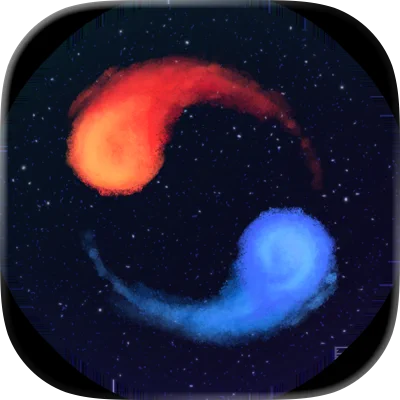
A Dance of Fire and Ice is a rhythm-based mobile game that challenges players to navigate a small, spinning pair of planets through intricate musical patterns. The game requires precise timing and coordination as users tap the screen in sync with the beat to guide the planets along complex tracks. Featuring a wide variety of levels, unique visual themes, and original music tracks, it offers a highly engaging experience for rhythm game enthusiasts. The app combines minimalist graphics with challenging gameplay mechanics to test focus, reflexes, and rhythm sense. Its difficulty scaling allows both casual players and hardcore fans to enjoy progressively intense challenges while immersed in a musical journey.
Key Features
Rhythm-based gameplay requiring precise timing.
Variety of levels with increasing difficulty.
Original and engaging music tracks.
Minimalist visual design focused on gameplay clarity.
Unique mechanics with a rotating planet navigation system.
Progressive difficulty for both casual and expert players.
Visual and auditory synchronization for immersive experience.
Score tracking and performance evaluation per level.
Customizable settings for player preferences.
Replay and practice modes for skill improvement.
Pros & Cons
Pros:
Innovative gameplay combining rhythm and navigation.
Challenging levels that encourage skill development.
Engaging music tracks enhance immersion.
Simple, minimalist visuals reduce distractions.
Replay mode allows mastery of difficult sections.
Cons:
High difficulty may frustrate beginners.
Limited variety in gameplay mechanics over time.
Requires concentration and precision to progress.
No multiplayer or social features in some versions.
Functions
Navigate planets along rhythm-based tracks.
Tap in sync with music to maintain movement.
Track scores and monitor performance per level.
Access practice mode to refine timing skills.
Explore progressively challenging levels.
Adjust settings for visual and audio preferences.
Replay levels to improve high scores.
Enjoy immersive music and minimalistic visuals during gameplay.
How to Use
Click the button ""Check All Versions"" below to download and install it.
Open the app and select a level to start playing.
Tap the screen in sync with the music to navigate planets.
Use practice mode for difficult sections as needed.
Monitor your score and aim for high accuracy.
Progress through increasingly challenging levels.
Replay levels to improve timing and performance.


 0
0