
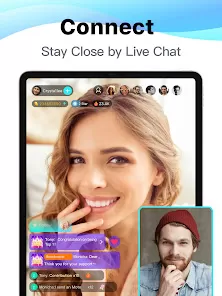
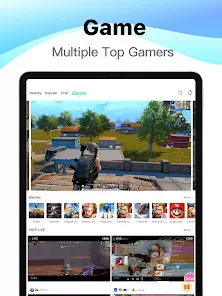
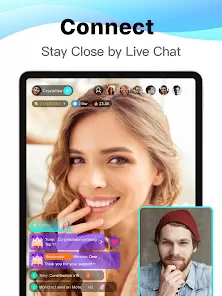
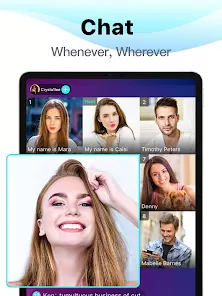
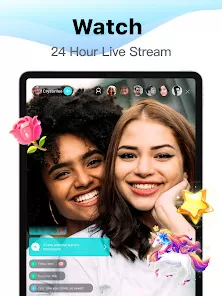
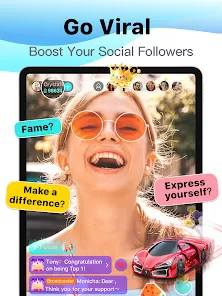
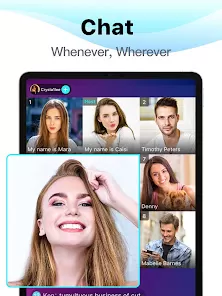
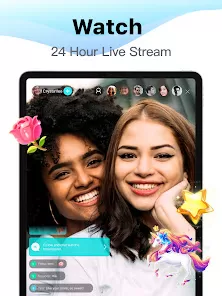
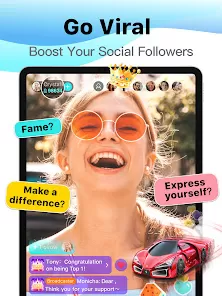
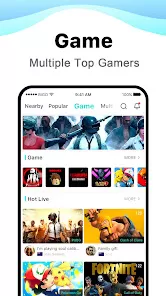

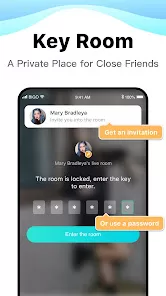

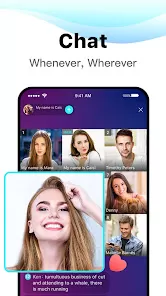
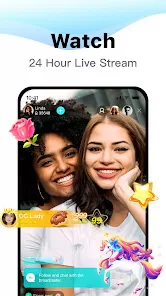

Bigo Live is a popular live streaming app that allows users to broadcast themselves in real time to a global audience. Launched by BIGO Technology, the app offers a platform where people can share moments, showcase talents, and connect with viewers through live video. Bigo Live combines social networking with entertainment, enabling users to interact through live chats, virtual gifting, and collaborative broadcasts. It appeals to a wide range of users, from casual streamers to professional content creators, providing tools such as filters, beauty effects, and real-time moderation. With millions of users worldwide, Bigo Live has grown into a dynamic community where engagement and creativity flourish.
Pros and Cons
Pros
Easy-to-use interface designed for quick and seamless live streaming.
Global audience reach allowing users to connect with viewers worldwide.
Interactive features like live chat, virtual gifts, and multi-guest streaming.
Customizable filters and beauty effects to enhance video quality.
Monetization options available through virtual gifts and in-app rewards.
Supports multi-guest live streams for collaborative content creation.
Community guidelines and moderation tools to maintain safe environments.
Available on both Android and iOS platforms with regular updates.
Cons
Can expose users to inappropriate content or interactions despite moderation.
Monetization heavily relies on viewer generosity, which may be inconsistent.
Some users report privacy concerns related to location and data sharing.
High data consumption during extended live streaming sessions.
Competitive environment makes gaining followers and visibility challenging.
Occasional reports of fake accounts and spam within the community.
In-app purchases can lead to excessive spending if not carefully managed.
Key Features
Live Broadcasting: Stream live video to a global audience instantly.
Real-Time Interaction: Engage with viewers through live chat and reactions.
Virtual Gifts: Receive and send digital gifts to support streamers.
Beauty and Filter Effects: Customize your appearance with advanced video effects.
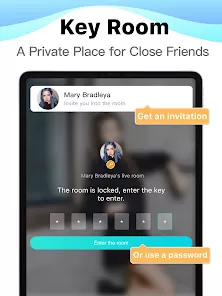
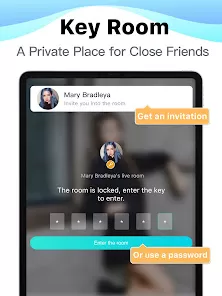
Multi-Guest Live Rooms: Invite friends or guests to join your live stream.
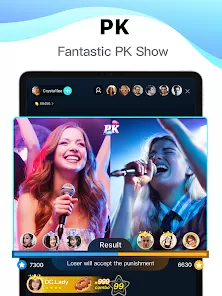
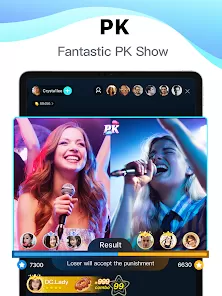
Video Calls and PK Battles: Host interactive video chats or friendly competitions.
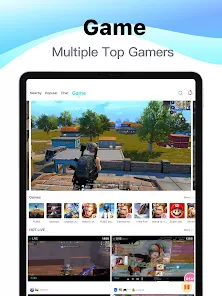
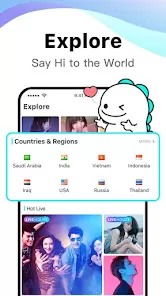
Content Discovery: Explore popular streams and trending creators.
Monetization: Earn income from gifts and fan support.
Moderation Tools: Manage comments and control viewer behavior during streams.
Functions
Initiate a live broadcast with just a few taps from your smartphone or tablet.
Interact with viewers by responding to comments and receiving virtual gifts.
Apply filters and beauty effects in real time to enhance video quality.
Invite other users to join your live stream to create collaborative content.
Participate in PK battles where streamers compete for viewer votes.
Browse live streams by category or popularity to discover new content creators.
Send virtual gifts to favorite streamers as a form of appreciation and support.
Manage your profile and settings, including privacy controls and notifications.
Track earnings and withdraw virtual gift rewards through integrated payment systems.
How to Use Bigo Live
Download and install the Bigo Live app from the Google Play Store or Apple App Store.
Create an account using your phone number, email, or social media login.
Set up your profile with a username, profile picture, and bio.
Tap the “Go Live” button to start your first live broadcast.
Choose your stream title, category, and apply filters or effects if desired.
Interact with viewers via live chat and respond to comments in real time.
Invite friends or guests to join your stream by sending an invite link.
Send and receive virtual gifts to build engagement and monetize your broadcasts.
Explore other streams to connect with the community and gain inspiration.
Use moderation tools to ensure a safe and positive streaming environment.


 0
0