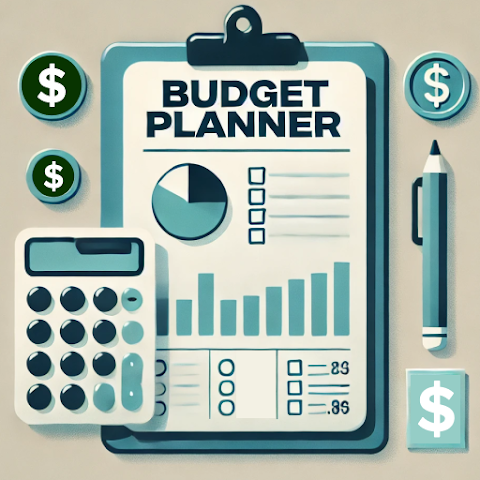
Budget Planner—Expense Tracker is a comprehensive mobile application designed to help users manage their personal finances efficiently. The app allows users to track daily expenses, categorize spending, set monthly budgets, and monitor financial goals. With visual charts, summaries, and reports, Budget Planner provides a clear overview of income and expenditure patterns, enabling informed decisions to save money. It supports multiple accounts, recurring transactions, and bill reminders, making it suitable for individuals, families, and professionals. The intuitive interface simplifies data entry and analysis, while secure storage ensures financial information remains private. Overall, Budget Planner encourages responsible money management and long-term financial planning.
Key Features
Track daily expenses and categorize spending.
Set budgets for specific categories and time periods.
Visual charts and summaries for income vs. expenses.
Recurring transactions and bill reminders.
Multiple account management (bank, cash, cards).
Export data for external analysis or backups.
Secure storage to protect sensitive financial information.
Goal tracking for savings or debt repayment.
Customizable categories and tags for personal finance.
Intuitive interface for easy data entry and analysis.
Pros & Cons
Pros:
Clear visualization of spending patterns.
Supports multiple accounts and recurring expenses.
Reminders help avoid missed bills or overspending.
Encourages financial discipline and goal tracking.
Easy to use for beginners and advanced users.
Cons:
Full feature access may require premium subscription.
Manual entry may be time-consuming for frequent transactions.
Some charting options are limited in free version.
Requires device storage for transaction data.
Functions
Record expenses and income quickly and accurately.
Track recurring bills and set notifications.
Visualize financial data with charts and graphs.
Set budgets for categories and monitor limits.
Plan savings goals and track progress.
Manage multiple accounts and transactions.
Export financial reports for personal review.
Analyze spending patterns and adjust habits accordingly.
How to Use
Click the button ""Check All Versions"" below to download and install it.
Create an account or use the app without signing in.
Add your income and recurring bills to the system.
Record daily expenses under appropriate categories.
Set monthly budgets and monitor spending limits.
Review charts and reports to adjust financial goals.
Receive reminders for bills and budget alerts.


 0
0