
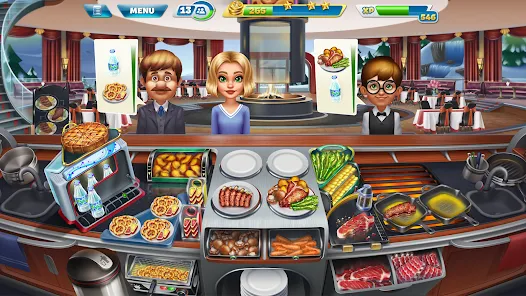
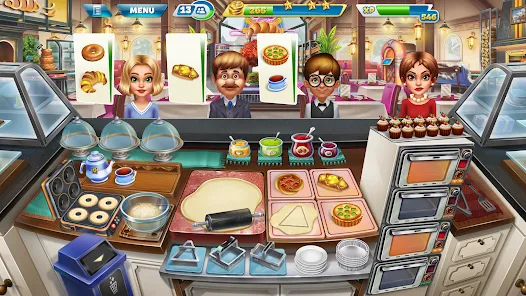
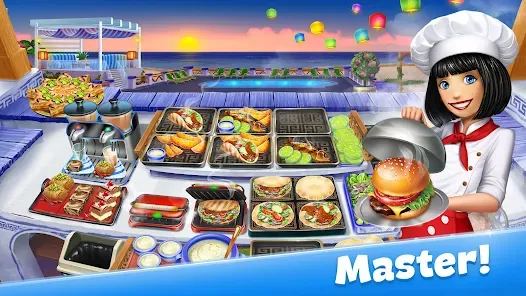
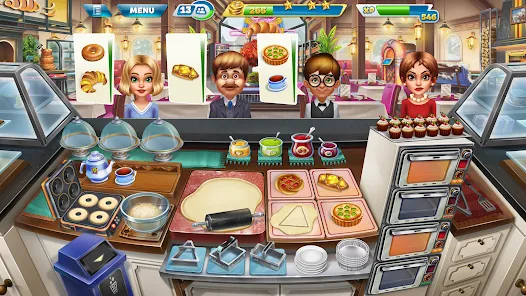
Cooking Fever is an engaging time-management and cooking simulation game where players run their own virtual restaurants. Developed by Nordcurrent, it challenges users to prepare and serve various dishes across diverse culinary settings. The game offers a wide range of cuisines, including fast food, desserts, and international dishes, making the experience rich and varied. Players must manage orders efficiently to satisfy customers within time limits, balancing speed and accuracy. With intuitive controls and vibrant graphics, Cooking Fever appeals to casual gamers and food enthusiasts alike. It combines strategic multitasking with creativity, allowing upgrades of kitchen equipment and restaurant décor to improve gameplay and customer satisfaction.
Pros and Cons
Pros:
Fun and addictive gameplay suitable for all ages.
Variety of cuisines and restaurants keeps the game fresh.
Easy-to-learn controls and user-friendly interface.
Regular updates with new levels, recipes, and challenges.
Customizable kitchen and restaurant upgrades enhance strategy.
Offline play available after downloading content.
Engages multitasking and time-management skills.
Cons:
Can become repetitive after extensive playtime.
In-app purchases may be tempting and costly.
Some levels can be challenging without upgrades, leading to frustration.
Ads in the free version can interrupt gameplay.
Limited social interaction features compared to other games.
Progress may slow down without spending real money on boosts.
Key Features
Over 400 levels with increasing difficulty across multiple restaurant types.
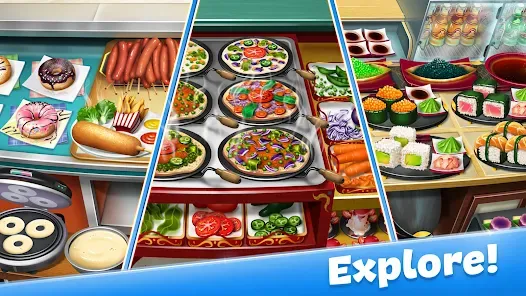
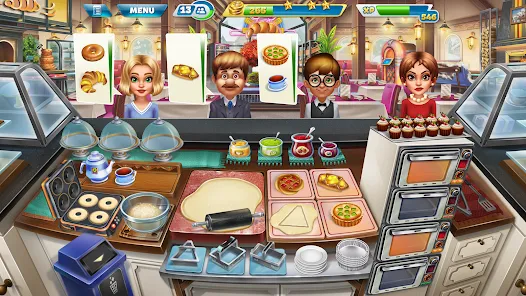
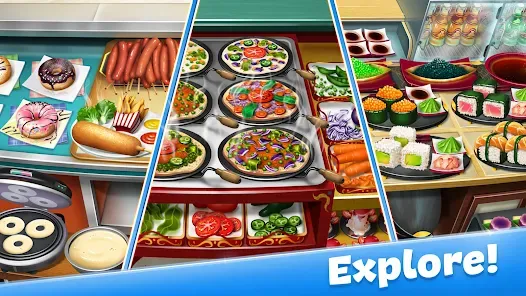
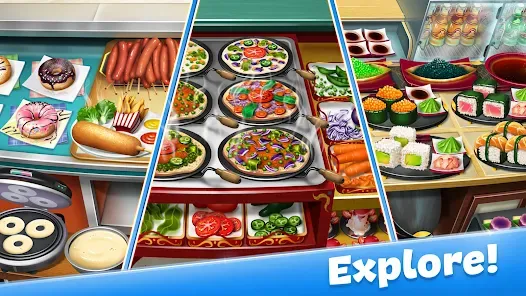
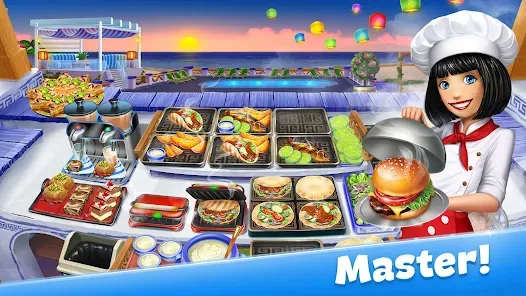
Wide variety of dishes including burgers, pizzas, desserts, and drinks.
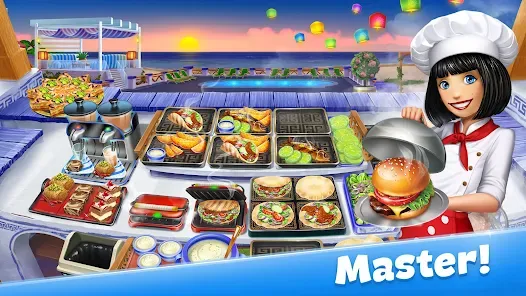
Multiple themed restaurants, each with unique recipes and customers.
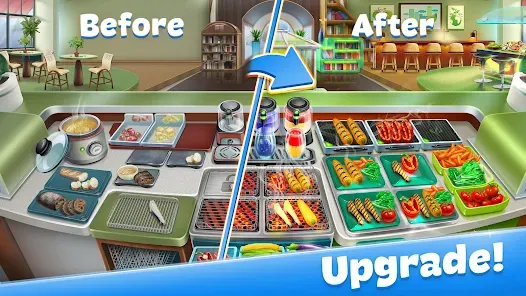
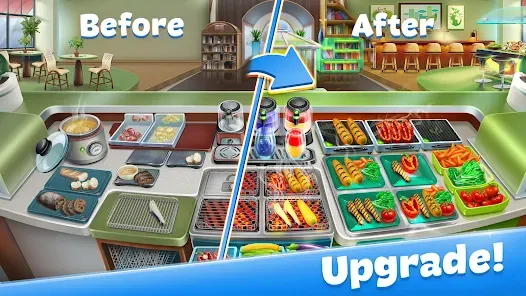
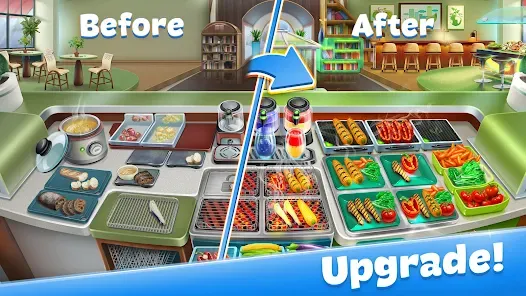
Upgradable kitchen appliances and décor to speed up service and enhance appearance.
Special events and challenges for extra rewards and bonuses.
Daily rewards and bonuses to keep players engaged.
Simple drag-and-drop mechanics for cooking and serving food.
Dynamic customer behaviors and preferences increase gameplay complexity.
Offline mode allowing play without internet after initial download.
Integration with social media for sharing achievements.
Functions
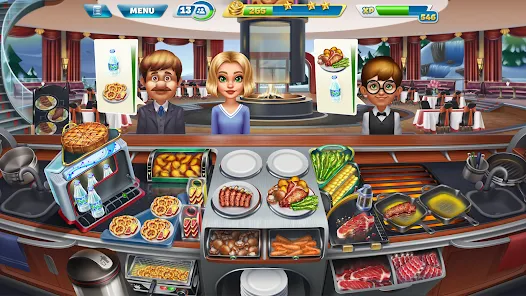
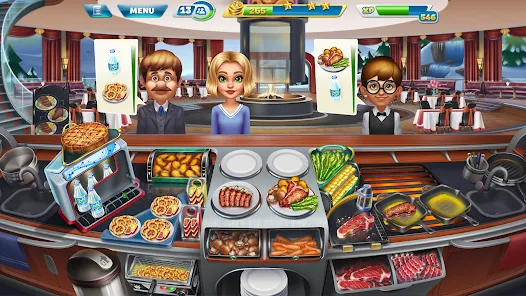
Simulates running a restaurant by cooking, assembling, and serving dishes.
Manages time and resources to satisfy customers quickly.
Tracks player progress through levels and scores performance.
Allows customization and upgrading of kitchen equipment to improve efficiency.
Introduces new recipes and restaurant themes to diversify gameplay.
Incorporates challenges and mini-games to reward players.
Offers a user-friendly interface optimized for touch screens.
Encourages strategic planning to handle peak hours and customer preferences.
Enables collection and management of in-game currency and rewards.
Provides tutorials and tips for new players to quickly grasp game mechanics.
How to Use Cooking Fever
Step 1: Download and install Cooking Fever from the App Store or Google Play.
Step 2: Launch the game and complete the tutorial to learn basic controls.
Step 3: Start cooking by selecting and preparing dishes as customer orders appear.
Step 4: Drag ingredients and tools to prepare meals efficiently and serve customers promptly.
Step 5: Earn coins and experience points based on speed and accuracy.
Step 6: Use earned coins to upgrade kitchen appliances and décor for better performance.
Step 7: Advance through levels by completing orders and meeting customer satisfaction targets.
Step 8: Participate in special events and challenges to earn extra rewards.
Step 9: Monitor customers’ preferences and prepare dishes accordingly for higher tips.
Step 10: Manage your time well to handle multiple orders simultaneously during peak hours.








 0
0