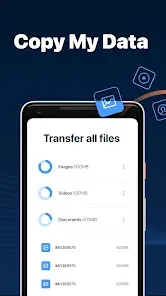
Copy My Data: Transfer Content is a mobile application designed to simplify transferring contacts, messages, photos, videos, calendar entries, and other important files between smartphones and tablets. Compatible with both Android and iOS devices, the app allows users to move data quickly and securely over Wi-Fi without requiring cables or cloud services. Ideal for individuals switching to a new device, Copy My Data eliminates the hassle of manually transferring files, ensuring a seamless migration. The app is straightforward to use, lightweight, and focuses on essential data transfer tasks, making it a convenient solution for users who want to quickly replicate their digital content from one device to another.
Pros and Cons
Pros:
Simple, fast, and intuitive data transfer between devices.
Compatible with Android and iOS platforms.
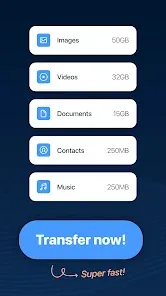
Transfers multiple types of content including contacts, messages, photos, and videos.
No cables or cloud accounts required—works over Wi-Fi.
Lightweight app with minimal setup and configuration.
Useful for individuals upgrading or switching devices.
Cons:
Requires both devices to be connected to the same Wi-Fi network.
Large file transfers may take longer depending on network speed.
Does not support apps, app data, or system settings.
Limited functionality compared to full phone migration tools.
Occasional connection errors may occur with some device models.
Key Features
Transfer contacts, messages, photos, videos, and calendar entries.
Cross-platform support for Android and iOS devices.
Wi-Fi based transfer without the need for cables or cloud accounts.
Simple and user-friendly interface for quick setup and operation.
Lightweight and fast, suitable for most smartphones and tablets.
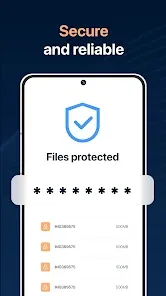
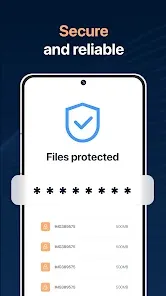
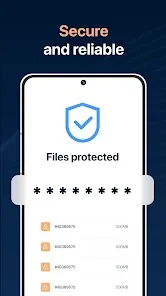
Secure transfer of data without storage in external servers.
Supports batch transfer to move multiple types of content at once.
Functions
Copy contacts, text messages, photos, and videos between devices.
Transfer calendar events and other essential data efficiently.
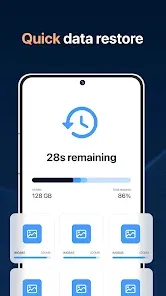
Enable seamless migration from old device to new device.
Connect devices over the same Wi-Fi network for secure data movement.
Provide users with an easy step-by-step guide to complete transfers.
Maintain original file organization and metadata during transfer.
Offer troubleshooting options in case of connectivity issues.
How to Use
Download Copy My Data: Transfer Content from the App Store or Google Play Store.
Open the app on both the old and new devices.
Ensure both devices are connected to the same Wi-Fi network.
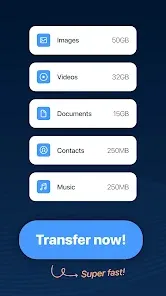
Select the data type(s) you want to transfer on the old device.
Follow on-screen instructions to detect and connect to the new device.
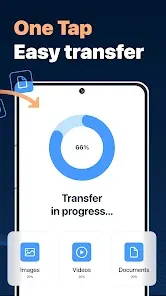
Initiate the transfer and wait for the process to complete.
Verify that all selected content has been successfully copied to the new device.
Close the app after transfer and safely disconnect both devices from Wi-Fi if desired.


 0
0