CorrLinks is an electronic messaging system designed to facilitate communication between incarcerated individuals and their friends, family, and legal representatives. Often used in correctional facilities across the United States, CorrLinks provides a secure, monitored platform where inmates can send and receive messages without physical mail. The service operates through a web-based interface accessible to approved users outside the facility and a dedicated terminal or kiosk inside the prison for inmates. By digitizing correspondence, CorrLinks aims to streamline inmate communication while maintaining strict security and monitoring protocols. Despite its benefits, the service comes with certain limitations and fees, but it remains a vital tool for maintaining connections between inmates and their loved ones.
Pros and Cons of CorrLinks
Pros
Improved Communication: Enables faster and more frequent contact compared to traditional mail.
Security and Monitoring: Messages are monitored and screened to ensure facility security.
Convenient Access: Family and friends can send messages from anywhere via an online platform.
Cost-Effective: Typically less expensive and faster than sending physical mail.
Digital Record Keeping: All messages are stored digitally, allowing easy access and retrieval.
Reduces Paper Use: Environmentally friendly by minimizing physical mail and printing needs.
Cons
Access Restrictions: Only certain correctional facilities support CorrLinks, limiting its availability.
Message Limitations: Messages have character limits and restrictions on attachments or content.
Costs and Fees: Users may incur fees for sending messages, which can add up over time.
Monitoring and Privacy: All communications are monitored, which can impact privacy.
Delayed Responses: Inmate response times may vary due to facility schedules and message approval processes.
Technical Challenges: Users without internet access or technological skills might face difficulties using the platform.
Key Features of CorrLinks
Secure Messaging: Encrypted communication ensures messages remain confidential between sender and recipient.
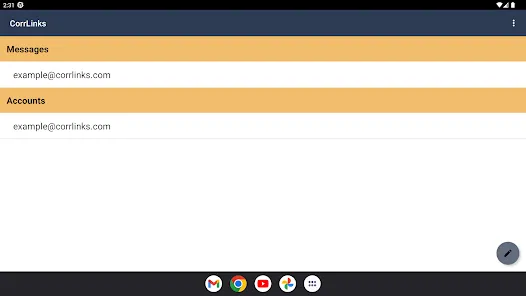
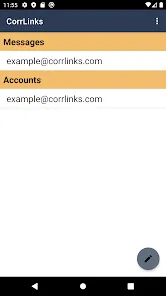
Inmate and User Accounts: Both inmates and external users have separate accounts with access controls.
Message Monitoring: Automated and manual screening to filter inappropriate or prohibited content.
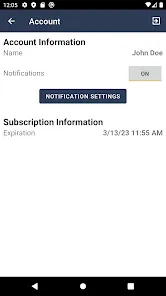
Notifications and Alerts: Users receive notifications when new messages arrive or are read.
Simple User Interface: Designed for ease of use, even for individuals with limited technical skills.
Multi-Facility Support: Compatible with several correctional institutions across different states.
Attachment Restrictions: Limits on file types and sizes for secure and efficient messaging.
Functions of CorrLinks
Sending Messages: Allows users outside the facility to send text messages to inmates.
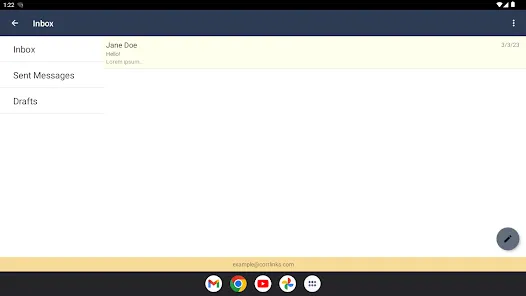
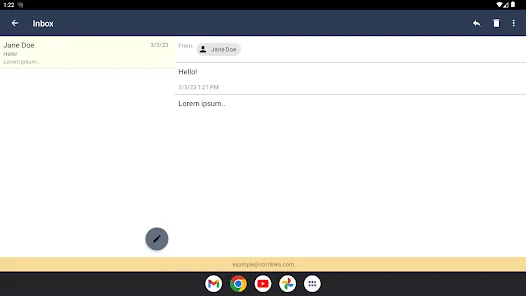
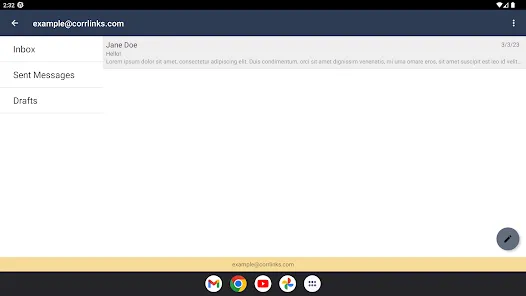
Receiving Messages: Inmates can read incoming messages on facility kiosks and reply accordingly.
Message Archiving: Stores communication history for future reference and review.
Content Filtering: Screens messages to prevent prohibited content from being sent or received.
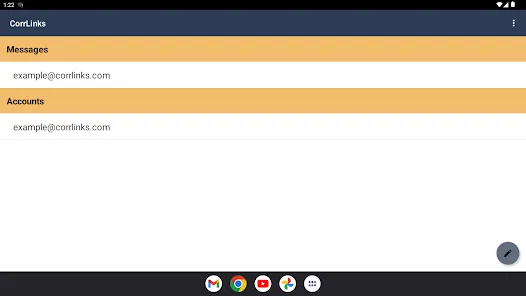
Account Management: Enables users to create, update, and manage their accounts and contacts.
Payment Processing: Handles payment transactions for message credits or subscription plans.
How to Use CorrLinks
Click the button "Check All Versions" below to download and install it.
Step 1: Visit the CorrLinks website and create an account as a friend, family member, or legal representative.
Step 2: Verify your identity and link your account to the inmate by providing necessary information such as inmate ID and facility details.
Step 3: Purchase message credits or select a subscription plan if required, to enable sending messages.
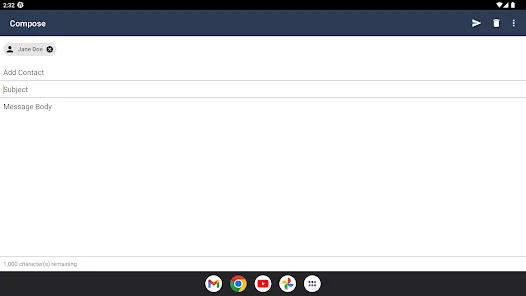
Step 4: Compose your message using the online interface, keeping within character limits and adhering to content guidelines.
Step 5: Send the message and wait for the inmate to read and reply through the prison’s kiosk or terminal.
Step 6: Monitor your inbox regularly to receive inmate responses and continue correspondence.
Step 7: Manage your account settings and payment details as needed to maintain uninterrupted service.
Step 8: For inmates, access the CorrLinks terminal within the facility to read, respond to messages, and manage their inbox.











 0
0