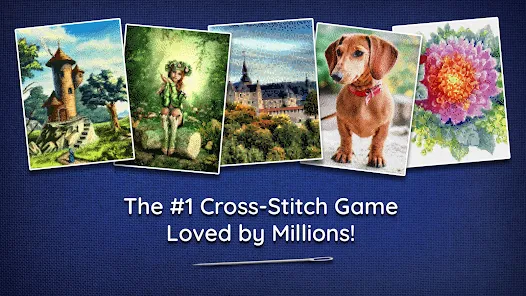
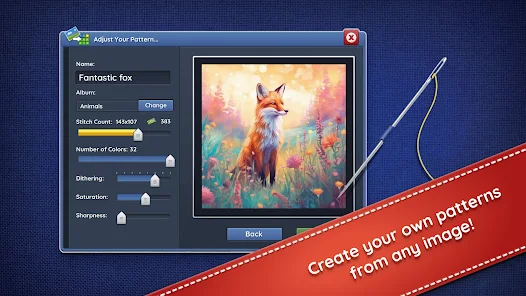
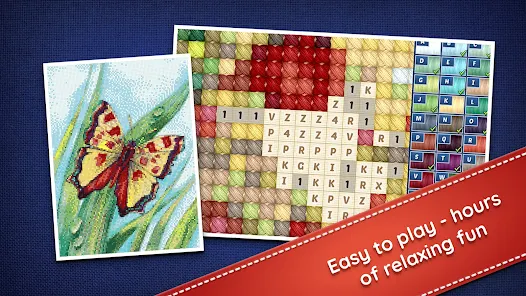
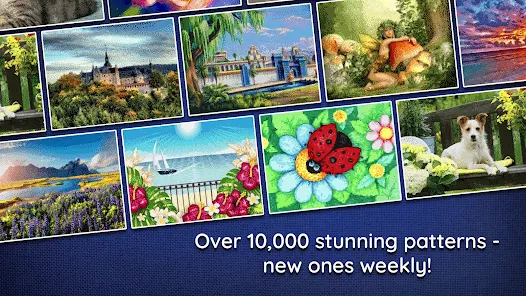
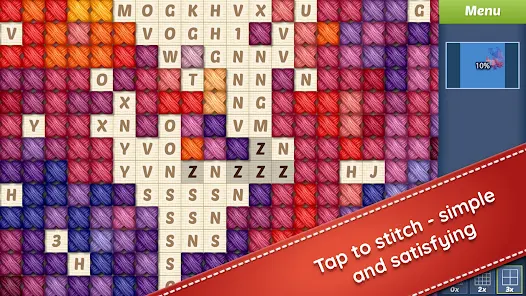
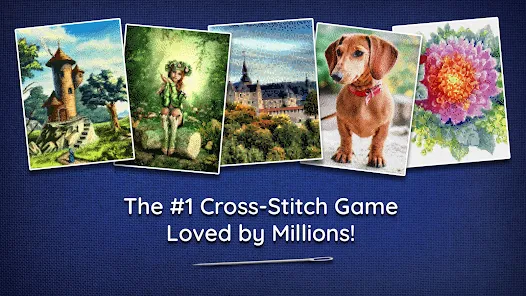
Cross-Stitch World is a creative and educational app that allows users to design, create, and share cross-stitch patterns digitally. It offers an intuitive grid interface where users can select thread colors, create custom designs, and view real-time previews of their projects. The app is ideal for hobbyists, beginners, and professional stitchers who want to plan patterns before stitching on fabric. Cross-Stitch World also includes a library of pre-made patterns, color palettes, and tools to track project progress, making it an efficient companion for anyone passionate about embroidery and cross-stitch art.
Key Features
Customizable grid interface for creating designs.
Wide selection of thread colors and symbols.
Pre-made pattern library for inspiration and reference.
Real-time preview of completed designs.
Project tracking and progress monitoring tools.
Ability to save and share designs digitally.
Undo, redo, and editing tools for flexibility.
Offline functionality for stitching anywhere.
Pros & Cons
Pros:
Simple and intuitive interface for all skill levels.
Extensive color palette and pattern options.
Useful for planning complex stitching projects.
Ability to save and share patterns digitally.
Cons:
Some advanced tools may require in-app purchases.
Limited social features for community interaction.
Not a substitute for hands-on stitching practice.
Functions
Designs cross-stitch patterns on a digital grid.
Selects and applies thread colors for custom designs.
Tracks stitching progress and project completion.
Saves and exports patterns for printing or sharing.
Accesses a library of pre-made patterns for inspiration.
Edit and refine designs with undo/redo tools.
How to Use
Click the button “Check All Versions” below to download and install it.
Open the app and select a blank canvas or pre-made pattern.
Choose thread colors and place stitches on the grid.
Use editing tools to adjust or refine your design.
Track your progress as you plan your cross-stitch project.
Save or share your final design digitally.


 0
0