


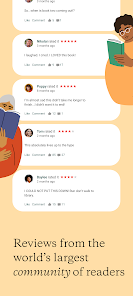

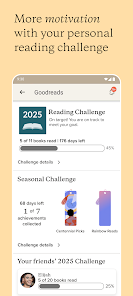
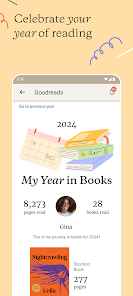
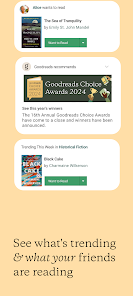
Goodreads: Book Reviews is a social platform and mobile application designed for book lovers to discover, review, and share books with a global community. Users can track their reading progress, rate books, and write personal reviews to document their literary journey. The app offers personalized recommendations based on user preferences, curated lists, and the ability to join groups or discussions with fellow readers. By providing a centralized space for cataloging, reviewing, and connecting with others, Goodreads enhances the reading experience and helps users explore new titles, authors, and genres tailored to their interests.
Key Features
Track books currently reading, completed, or planned.
Write and read book reviews.
Personalized book recommendations.
Create and maintain virtual bookshelves.
Join reading groups and discussions.
Follow authors and see updates.
Scan book covers to add to your library.
View curated lists and popular titles.
Rate books to influence recommendations.
Share reading progress with friends.
Pros & Cons
Pros:
Helps track and organize reading.
Discover new books and authors easily.
Engages with a large reader community.
Offers personalized recommendations.
Free and easy-to-use platform.
Cons:
Interface can feel cluttered for new users.
Some features require a login account.
Limited offline functionality for some content.
Functions
Logs books read, reading, or planned.
Allows writing and reading book reviews.
Generates personalized book suggestions.
Manages virtual bookshelves and reading lists.
Enables community interaction and group discussions.
Tracks reading progress and statistics.
Follows authors and receives updates.
How to Use
Click the button ""Check All Versions"" below to download and install it.
Create an account or sign in with existing credentials.
Add books to your shelves by scanning or searching.
Track reading progress and set reading goals.
Write reviews or rate books you have read.
Follow authors and join reader groups.
Discover new books through recommendations and lists.


 0
0