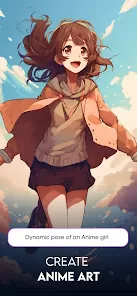
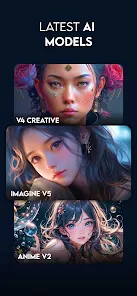
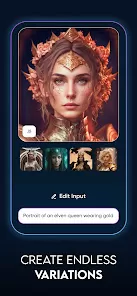
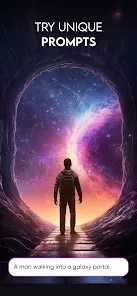
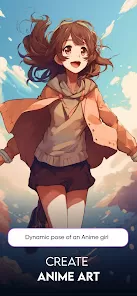
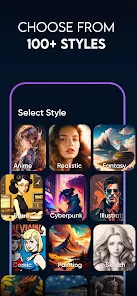
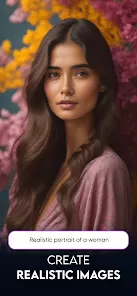
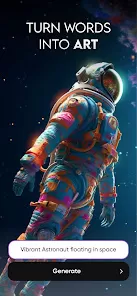
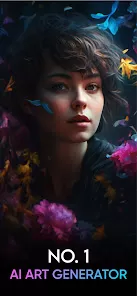
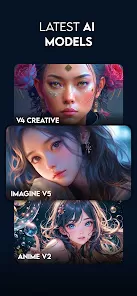
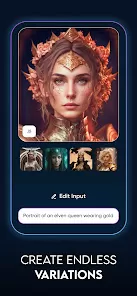
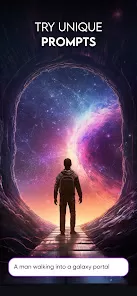
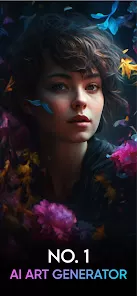
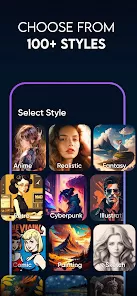
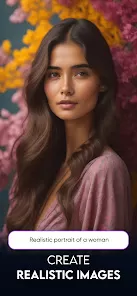
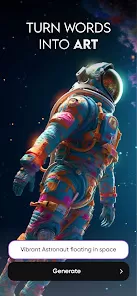
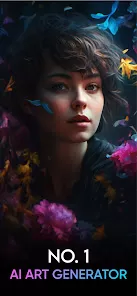
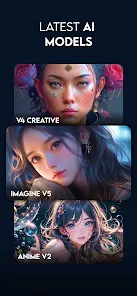
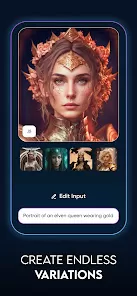
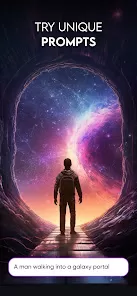
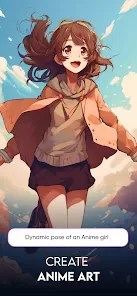
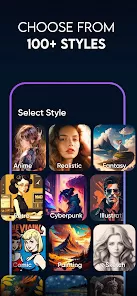
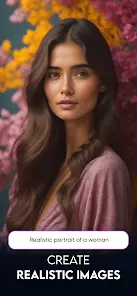
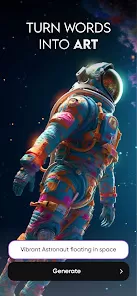
ImagineArt is a creative mobile application designed to empower users to generate, edit, and enhance digital artwork using advanced AI technology. The app allows artists, designers, and enthusiasts to create unique illustrations, paintings, and concept art with the help of intuitive AI-driven tools. Users can input text prompts, select artistic styles, adjust colors, and refine images to produce high-quality visuals in minutes. ImagineArt also supports layering, filters, and blending options, giving creators full control over the final output. With an easy-to-navigate interface, real-time previews, and export options for multiple formats, ImagineArt makes digital art creation accessible to beginners and professionals alike, while encouraging experimentation and creative expression.
Key Features
AI-powered image generation from text prompts or initial sketches.
Multiple artistic styles including realism, abstract, anime, and fantasy.
Layering and blending tools for complex compositions.
Color adjustment, shading, and filter options to refine visuals.
Real-time previews for instant feedback on changes.
High-resolution export options for prints, social media, or portfolios.
Template library for quick-start projects and inspiration.
User-friendly interface with intuitive navigation for beginners.
Undo/redo functionality for safe experimentation.
Cloud saving and project management to organize artwork efficiently.
Pros & Cons
Empowers both beginners and professional artists with AI-assisted tools.
Wide variety of styles and customization options enhance creativity.
Real-time previews improve workflow efficiency.
High-resolution exports suitable for multiple purposes.
Cloud saving ensures projects are secure and accessible from anywhere.
Free version may have limitations on resolution or style options.
Heavy reliance on AI may reduce manual creative control for some users.
Advanced features require subscription for full access.
Rendering complex projects may take longer on older devices.
Text-to-image outputs may require multiple adjustments to achieve desired results.
Limited offline functionality for generating AI art.
Some users may prefer more traditional drawing tools for full manual control.
Functions
Generate digital artwork from text prompts or sketches.
Apply artistic styles, filters, and adjustments to images.
Use layering and blending to create detailed compositions.
Preview changes in real-time to refine artistic choices.
Save and organize projects in the cloud for easy access.
Export high-resolution images for printing, sharing, or portfolio use.
Experiment with different styles and templates for inspiration.
Undo and redo actions to safely explore creative options.
How to Use
Click the button "Check All Versions" below to download and install it.
Open the app and create an account or sign in if you already have one.
Select a new project and choose either a text prompt or initial sketch.
Pick an artistic style or combination of styles for your artwork.
Use editing tools such as color adjustments, layers, and filters to refine your image.
Preview your artwork in real-time and make any desired modifications.
Save your project to the cloud to maintain progress and access from other devices.
Export the final image in the desired resolution and format.
Repeat the process to experiment with different styles or create multiple artworks.



 0
0