








What is Logo Maker: Logo Creator; Pros and Cons; Key Features; Functions; How to Use
What is Logo Maker: Logo Creator
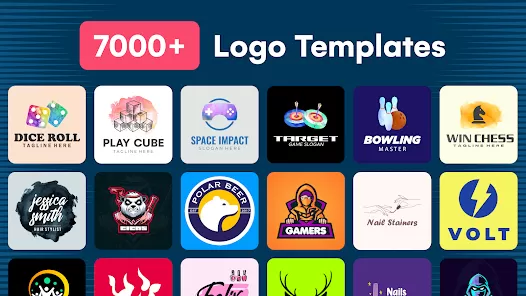
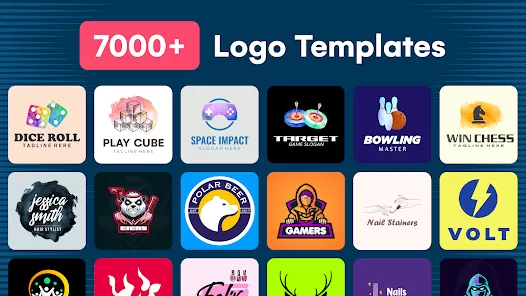
Logo Maker: Logo Creator is a mobile application designed to help individuals, businesses, and entrepreneurs create professional logos easily and quickly. The app provides customizable templates, design tools, and graphic elements that allow users to craft unique logos without prior design experience. Users can adjust fonts, colors, icons, and layouts to match their brand identity. It also supports exporting logos in high-resolution formats suitable for digital and print use. With an intuitive interface, Logo Maker: Logo Creator simplifies the logo design process, enabling small business owners, content creators, and freelancers to develop visually appealing brand identities efficiently and cost-effectively without hiring professional designers.
Pros and Cons of Logo Maker: Logo Creator
- Pros:
- User-friendly interface suitable for beginners and non-designers.
- Customizable templates and graphic elements for unique logos.
- Supports high-resolution exports for digital and print use.
- Wide variety of fonts, colors, icons, and shapes.
- Quick and cost-effective way to create professional logos.
- Compatible with social media and website branding requirements.
- Regular updates with new templates and design assets.
- Cons:
- Advanced features may require in-app purchases or subscription.
- Limited creative freedom compared to professional design software.
- Some templates may be overused or generic.
- Export options may be restricted in the free version.
- Requires basic understanding of branding for effective logo creation.
Key Features of Logo Maker: Logo Creator
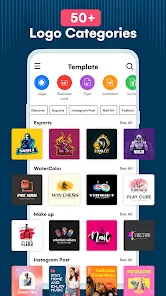
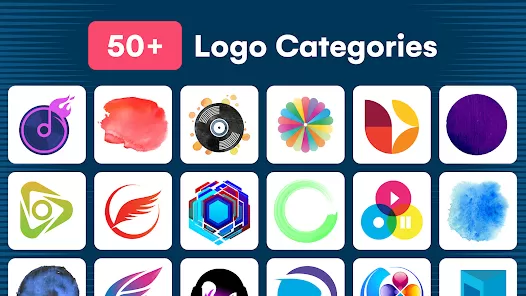
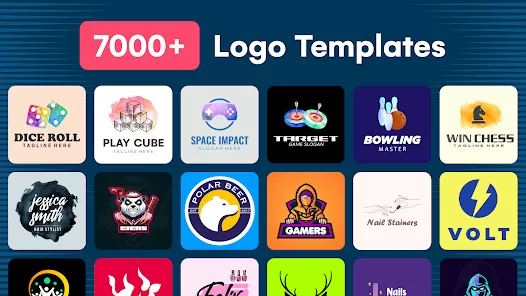
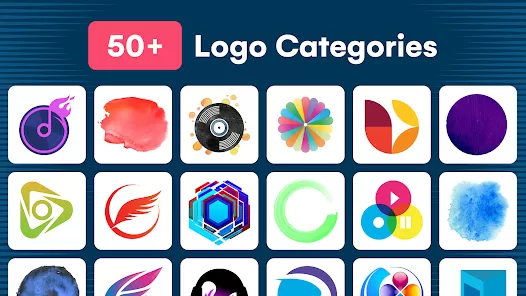
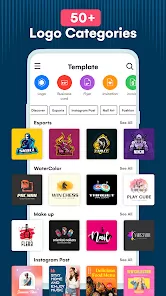
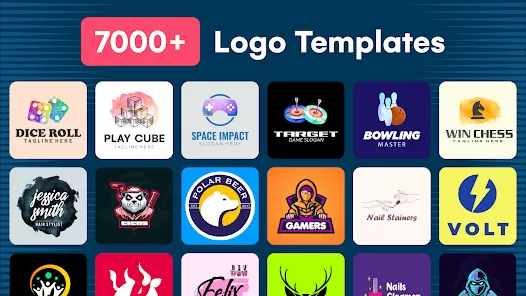
- Customizable logo templates suitable for businesses, startups, and personal brands.
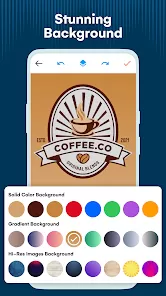
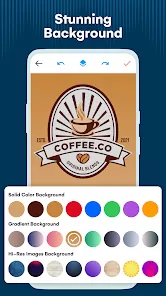
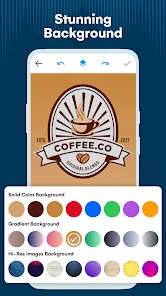
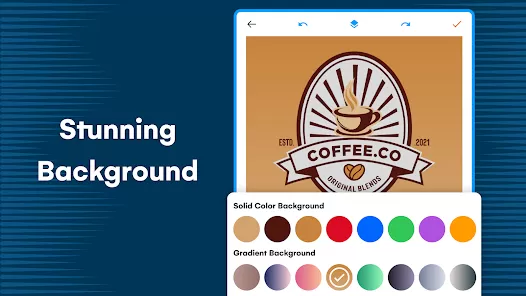
- Wide selection of fonts, colors, icons, shapes, and backgrounds.
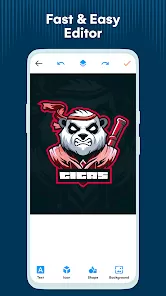
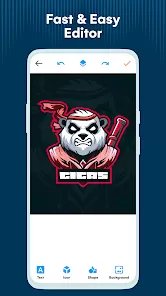
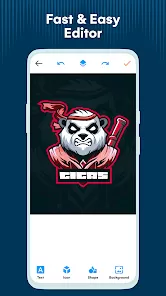
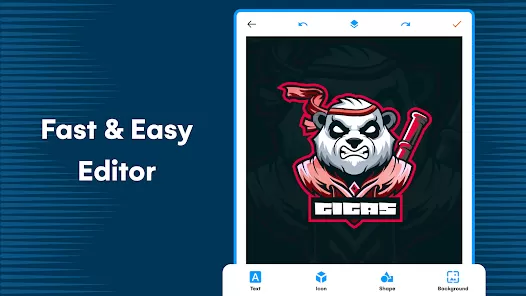
- Drag-and-drop editor for easy logo creation and adjustment.
- High-resolution export for digital use and printing.
- Ability to save and revisit logos for future edits.
- Social media and website integration for branding consistency.
- Logo preview on business cards, merchandise, and social platforms.
- Regular updates with new templates, icons, and design elements.
- Supports multiple file formats including PNG and JPEG.
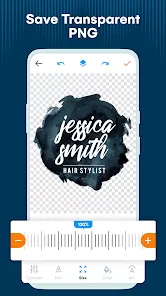
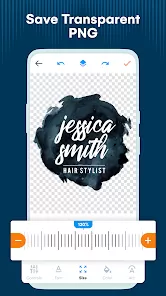
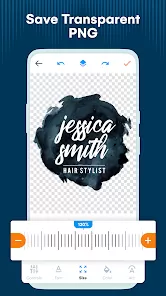
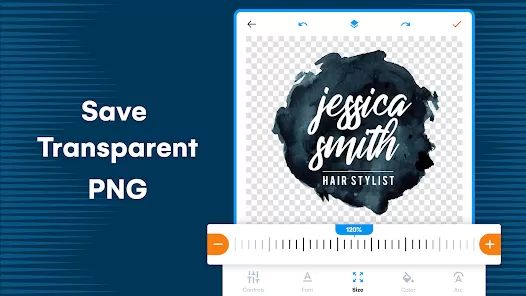
- Option to remove background for transparent logo images.
Functions of Logo Maker: Logo Creator
- Create professional logos for businesses, startups, and personal projects.
- Customize fonts, colors, icons, and layouts for brand identity alignment.
- Preview logos on various mockups such as cards, merchandise, and websites.
- Export logos in high-resolution for print and digital applications.
- Store and edit multiple logo projects within the app.
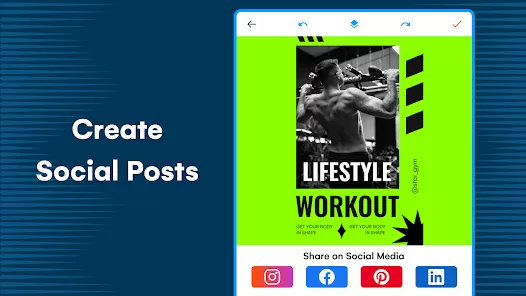
- Integrate logos directly into social media or online platforms.
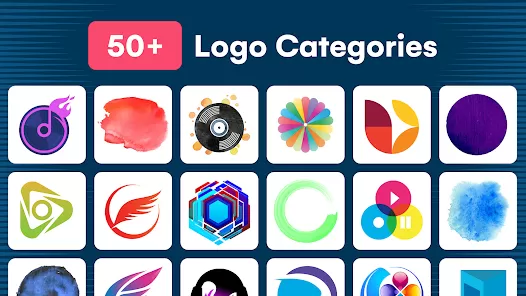
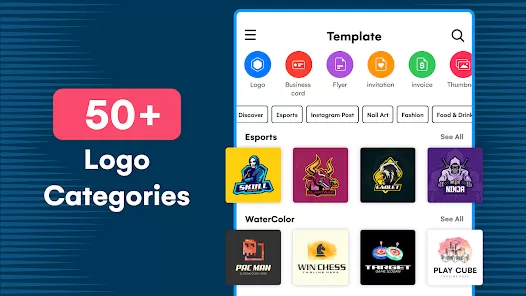
- Access a library of templates and design elements for inspiration.
- Adjust logos easily with drag-and-drop tools.
- Apply branding consistency across multiple logos or projects.
- Utilize transparent background option for versatile logo usage.
How to Use Logo Maker: Logo Creator
- Download the app from the App Store or Google Play Store.
- Open the app and create an account or continue as a guest.
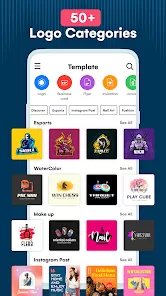
- Select a template that fits your brand style or start from scratch.
- Use the editor to customize fonts, colors, icons, and layouts.
- Preview your logo on mockups such as business cards or merchandise.
- Save your design to revisit for edits or revisions later.
- Export the logo in high-resolution formats for digital or print use.
- Share your logo directly to social media or websites.
- Use multiple logos or variations to maintain brand consistency.
- Regularly explore new templates and design elements for creative inspiration.


 0
0 


