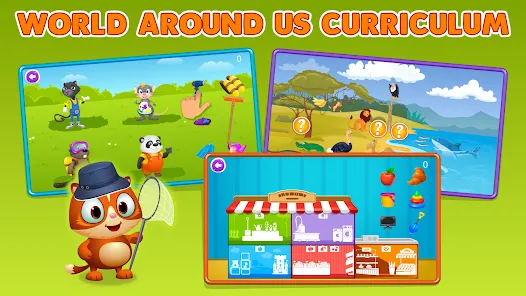
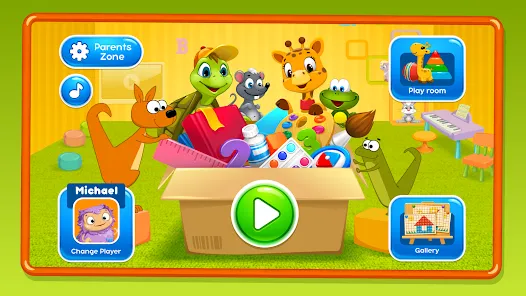
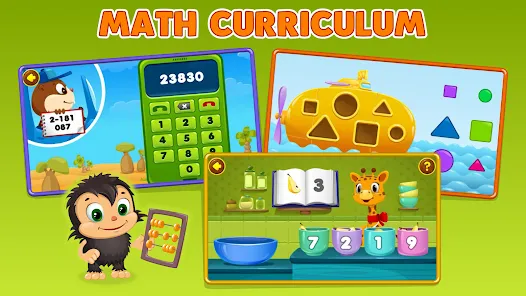
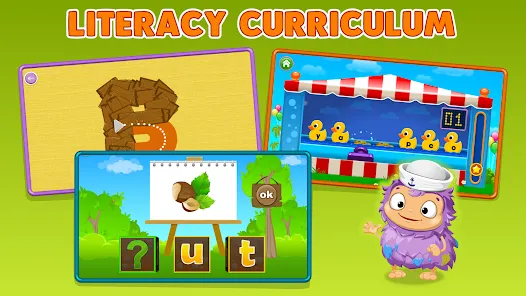
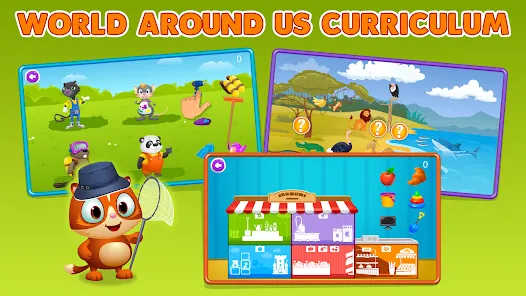
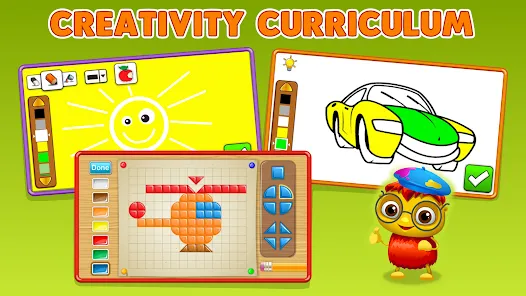
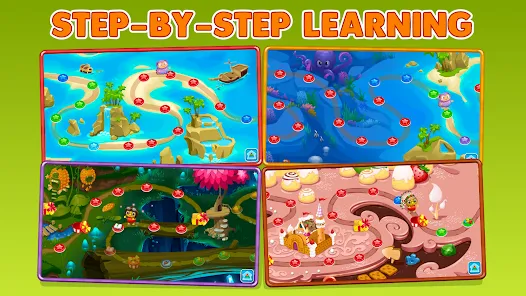
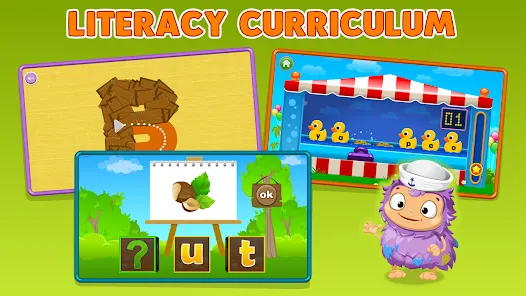
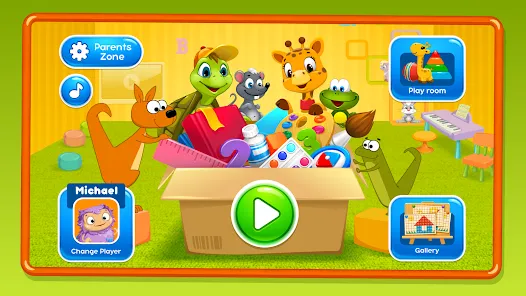
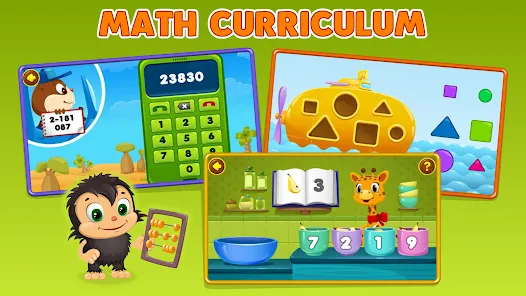
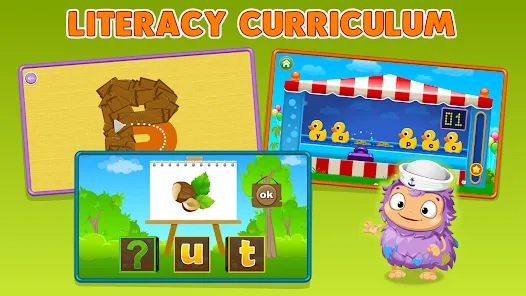
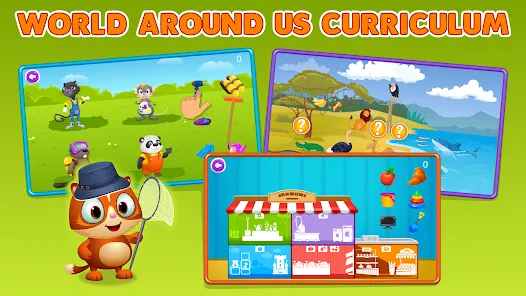
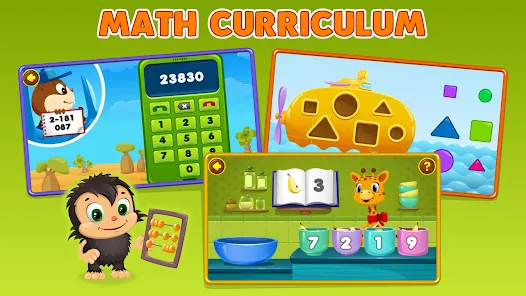
Intellijoy Kids Academy is an educational app designed specifically for young children to foster learning through engaging and interactive games. It focuses on early childhood education by offering a wide variety of age-appropriate content such as puzzles, alphabet learning, number games, and creativity exercises. The app combines fun animations and colorful graphics with educational principles to develop critical thinking, problem-solving, and foundational skills. Intellijoy Kids Academy is tailored to stimulate curiosity and make learning enjoyable for preschoolers and early learners, offering parents a safe and ad-free environment. It supports both Android and iOS platforms, making it accessible for families worldwide seeking an interactive and educational experience for their kids.
Pros & Cons
Pros:
Wide range of educational games covering letters, numbers, shapes, and logic.
Engaging and colorful design that appeals to young children.
Easy-to-use interface suitable for kids and parents alike.
Ad-free environment ensuring safe and uninterrupted learning.
Content designed by early education experts to align with learning standards.
Available on multiple platforms including Android and iOS.
Regular updates with new games and improvements.
Cons:
Some advanced features or games require in-app purchases or subscriptions.
Limited customization options for tailoring content to individual learning paces.
Not suitable for older children beyond early elementary age.
May require parental supervision for navigation and usage initially.
Occasional technical glitches reported in updates.
Key Features
Diverse collection of educational games targeting preschool and kindergarten skills.
Interactive learning focused on alphabets, numbers, colors, shapes, and problem-solving.
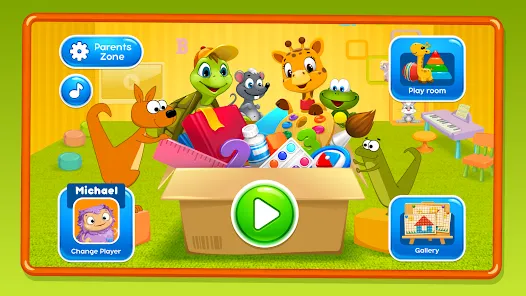
Child-friendly navigation with simple touch controls.
Vibrant animations and sound effects to maintain engagement.
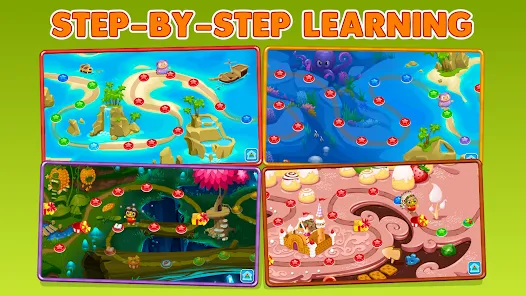
Progress tracking features to monitor child’s learning milestones.
Safe, ad-free environment suitable for young children.
Multilingual support to help with language development.
Offline accessibility after download of content.
Parental controls to manage usage and content access.
Regular content updates and bug fixes.
Functions
Teach children foundational skills in reading, counting, and logic through interactive play.
Enhance cognitive development using puzzles and matching games.
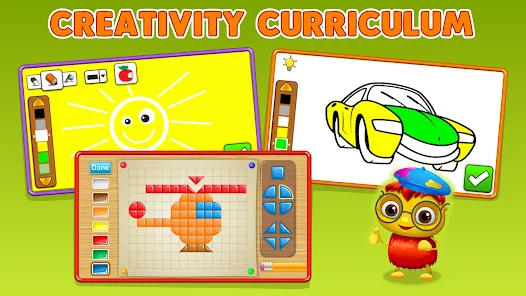
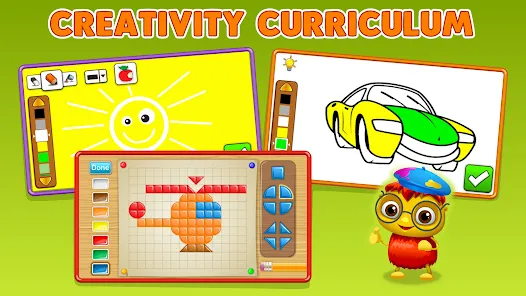
Provide creative outlets with drawing and coloring activities.
Promote hand-eye coordination via touch-based interactions.
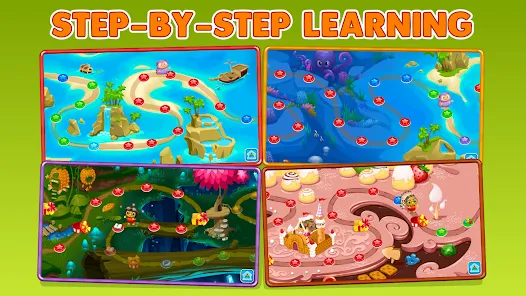
Track learning progress and adjust difficulty through adaptive game features.
Ensure safe screen time with parental control options.
Offer bilingual learning support to boost language skills.
Deliver an engaging user experience with fun animations and sounds.
Support offline access for learning without internet connection.
Encourage independent learning while keeping parents informed of child’s achievements.
How to Use Intellijoy Kids Academy
Download and Install: Download the app from Google Play Store or Apple App Store and install it on your device.
Set Up Profile: Create a profile for your child with basic information to personalize the experience.
Explore Games: Browse through the variety of games available in categories such as alphabets, numbers, and puzzles.
Select a Game: Tap on any game to start learning through play.
Engage and Learn: Encourage your child to interact with games using simple taps and swipes.
Monitor Progress: Use built-in progress tracking to check what skills your child has improved.
Adjust Settings: Access parental controls to manage time limits, sound, and content access.
Update Content: Regularly update the app to access new games and features.
Use Offline: Download content beforehand to allow your child to learn without an internet connection.
Provide Guidance: Support your child as they navigate the app, especially during the first few uses.


 0
0