
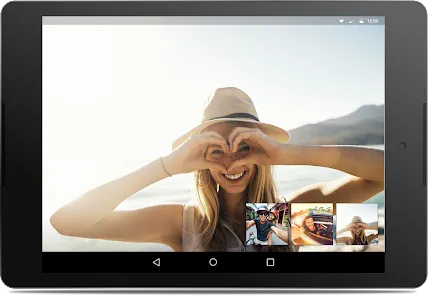
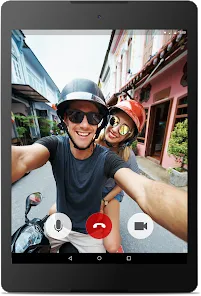
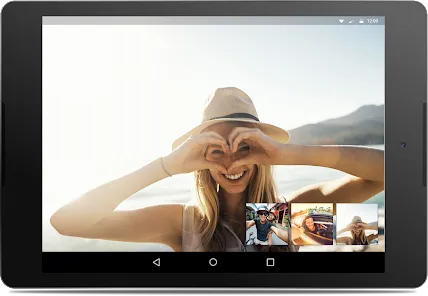
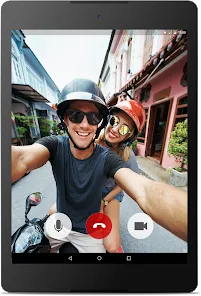

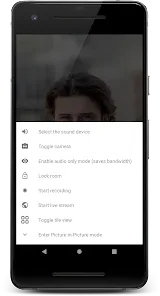
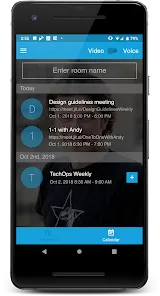
Jitsi Meet is a free, open-source video conferencing platform that enables users to host and join secure online meetings without the need for an account or software installation. Designed to be simple and accessible, it runs entirely in a web browser or via mobile apps, making it easy for individuals and organizations to connect seamlessly. Jitsi Meet offers encrypted communication, high-quality video and audio, and supports multiple participants simultaneously. Its open-source nature allows for customization and integration with other tools, appealing to privacy-conscious users and developers alike. With features such as screen sharing, chat, and recording, Jitsi Meet provides a robust alternative to proprietary video conferencing solutions.
Pros and Cons of Jitsi Meet
Pros:
Completely free and open-source, with no hidden costs.
No account or software installation required for basic use.
End-to-end encryption enhances user privacy and security.
Supports large group meetings with multiple participants.
Cross-platform compatibility via web browsers and mobile apps.
Easy to create and join meetings through simple links.
Customizable and extendable due to its open-source architecture.
Includes essential features like screen sharing, chat, and meeting recording.
Cons:
Performance can vary based on server capacity and user internet quality.
Lacks some advanced enterprise features found in paid competitors.
Recording requires integration with third-party services or self-hosting.
User interface may feel less polished compared to commercial platforms.
Limited customer support as it relies mostly on community forums.
Occasional audio or video glitches during high traffic or unstable connections.
Key Features of Jitsi Meet
No Account Required: Join or host meetings instantly with a simple URL.
End-to-End Encryption: Protects communication privacy and security.
High-Quality Audio and Video: Supports HD video and crystal-clear audio.
Screen Sharing: Share your entire screen or specific applications.
Chat Functionality: Send messages to participants during the call.
Meeting Recording: Save sessions for later review (with additional setup).
Mobile and Desktop Access: Use via browsers or dedicated apps for iOS and Android.
Custom Branding and Integration: Tailor the platform if self-hosted.
Functions of Jitsi Meet
Instant Meeting Creation: Generate a meeting room with a unique URL instantly.
Participant Management: Mute/unmute users, kick participants, and control entry.
Video Layout Options: Choose between grid view, speaker view, or tile view.
Live Streaming: Broadcast meetings directly to YouTube or other platforms.
Background Noise Suppression: Enhance call quality by filtering ambient sounds.
Multi-Language Support: Interface available in numerous languages worldwide.
Integration with Calendar Apps: Schedule meetings and share invites easily.
End-User Moderation: Hosts can assign moderator privileges to trusted participants.
How to Use Jitsi Meet
Click the button "Check All Versions" below to download and install it.
Access the Platform: Visit the official Jitsi Meet website or download the app on your device.
Create a Meeting: Enter a custom meeting name or let the system generate one automatically.
Share the Link: Send the meeting URL to participants via email, chat, or social media.
Join a Meeting: Click the link or enter the meeting name on the homepage to join.
Configure Audio and Video: Allow browser or app permissions for microphone and camera access.
Use Features: Utilize screen sharing, chat, or recording functions during the call as needed.
Manage Participants: Mute, remove, or promote participants if you are the host.
End the Meeting: Close the browser tab or app to leave; the meeting ends when all participants leave.
Self-Hosting (Optional): Advanced users can install and customize Jitsi Meet on their own servers for greater control.
Explore Settings: Adjust video quality, toggle background blur, or set language preferences.


 0
0