
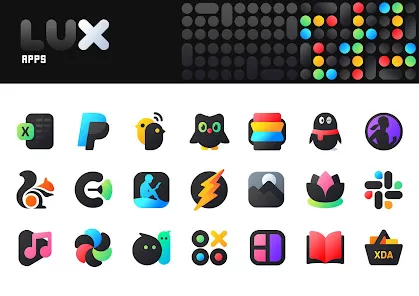
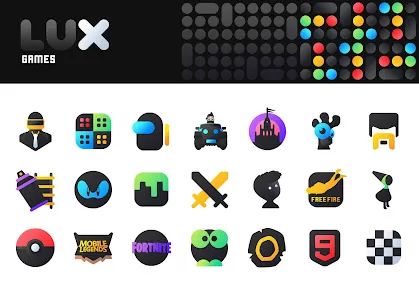
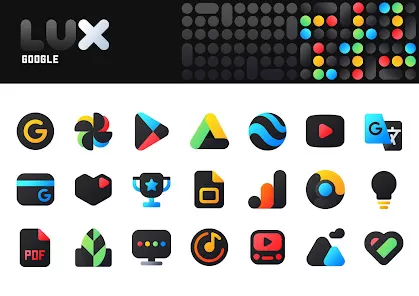
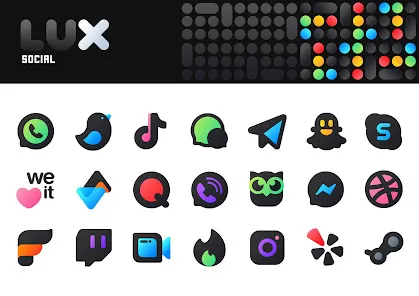
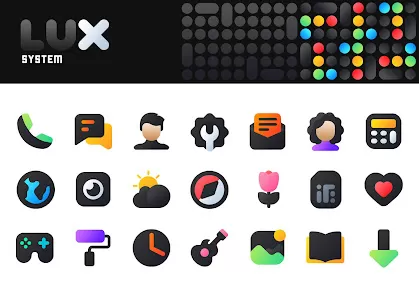
What is LuX IconPack
LuX IconPack is a premium Android icon pack designed to enhance the visual aesthetics of your device. It provides a sleek, minimalist, and modern design with vibrant colors and smooth shapes, replacing the default app icons with a cohesive and stylish look. LuX IconPack supports a wide range of popular launchers, allowing users to easily apply the icons to customize their home screen and app drawer. With regular updates, it includes hundreds of icons and dynamic calendar icons for compatible apps. This icon pack focuses on simplicity, elegance, and consistency, making it ideal for users seeking a refined, modern interface for their Android devices.
Pros and Cons
- Pros
- High-quality, sleek, and modern icon designs.
- Supports a wide range of Android launchers.
- Hundreds of icons included, with regular updates.
- Dynamic calendar icons for supported apps.
- Easy to apply and customize on home screens.
- Consistent and cohesive visual design.
- Lightweight and optimized for performance.
- Supports adaptive icons for modern devices.
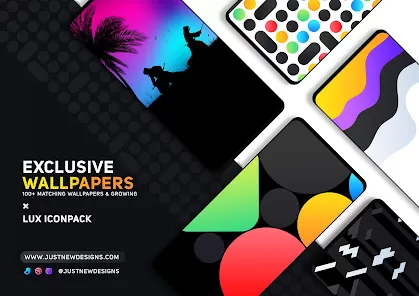
- Customizable with wallpapers to match icon style.
- Ideal for users seeking minimalistic and elegant UI.
- Cons
- Requires a compatible launcher to function properly.
- Some icons may not cover all installed apps initially.
- Dynamic icon support may be limited to certain apps.
- May require manual icon assignment for lesser-known apps.
- Premium app; may not be free on all platforms.
- Occasional launcher compatibility issues with updates.
- No interactive or animated icons included.
- Design may not suit users preferring classic or detailed icon styles.
- Relies on launcher for applying and customizing icons.
- Additional features may require periodic updates.
Key Features
- Sleek, modern, and minimalist icon designs.
- Hundreds of icons with regular updates.
- Dynamic calendar icons for supported apps.
- Supports multiple Android launchers including Nova, Apex, Smart Launcher, and more.
- Adaptive icon support for modern devices.
- Easy installation and application via launcher settings.
- Customizable to match wallpapers and themes.
- Optimized for performance and low device impact.
- Consistent and cohesive visual design across apps.
- Premium aesthetics for a modern user interface.
Functions (What the App Lets You Do)
- Replace default app icons with modern, sleek designs.
- Apply icon pack across home screens and app drawers.
- Use dynamic calendar icons for supported calendar apps.
- Customize icon appearance to match wallpapers or themes.
- Assign icons manually for unsupported or custom apps.
- Enhance overall visual consistency of your device.
- Update icon pack for new apps or refreshed designs.
- Combine with launchers to optimize home screen layouts.
- Adapt icons automatically for modern Android adaptive icon standards.
- Create a refined, minimalist, and cohesive UI experience.
How to Use (How to Use LuX IconPack)
- 1. Install a compatible launcher: Ensure you have a supported launcher such as Nova, Apex, or Smart Launcher.
- 2. Download LuX IconPack: Install the icon pack from Google Play Store or other official sources.
- 3. Open the icon pack app: Launch LuX IconPack to access settings and instructions.
- 4. Apply icons: Use the “Apply” button to set the icon pack on your preferred launcher.
- 5. Customize icons: Adjust individual icons for apps that are not automatically replaced.
- 6. Enable dynamic icons: Activate dynamic calendar icons if supported by your launcher.
- 7. Adjust icon size and layout: Configure icon size, grid layout, and spacing via launcher settings.
- 8. Match wallpapers: Choose wallpapers that complement the icon pack for a cohesive look.
- 9. Update regularly: Keep the icon pack updated to access new icons and improvements.
- 10. Enjoy your refreshed UI: Experience a modern, sleek, and minimalistic interface.
- 11. Backup your settings: Save your launcher settings to restore icon configurations if needed.
- 12. Explore additional themes: Combine with other design packs for a complete customized Android experience.



 0
0