What is Minimal Black v17 Watch Face; Pros and Cons; Key Features; Functions; How to Use
What is Minimal Black v17 Watch Face
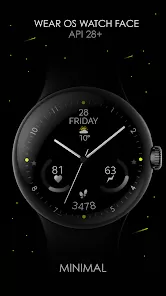
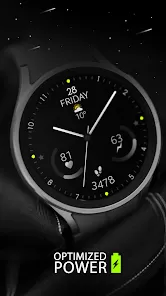
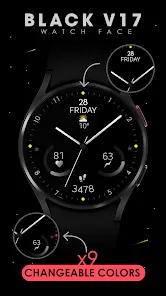
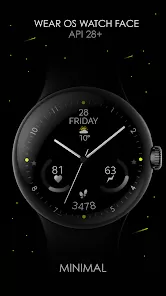
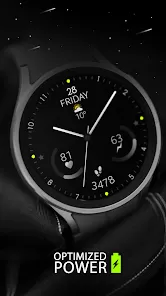
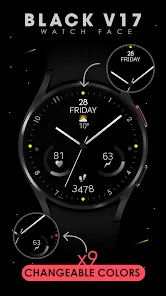
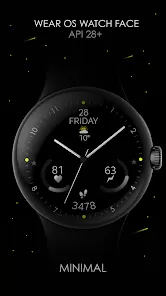
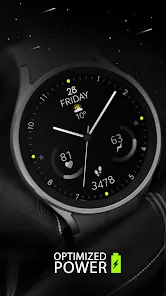
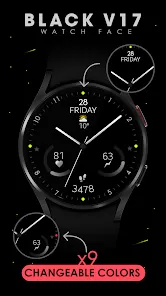
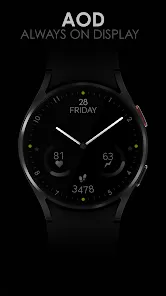
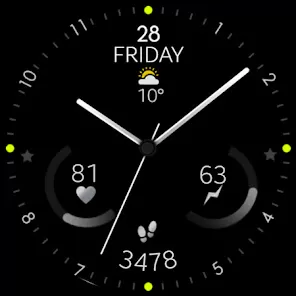
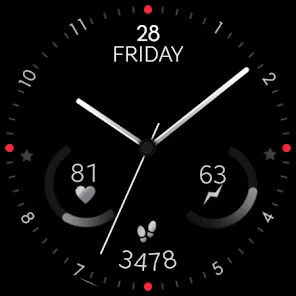
Minimal Black v17 Watch Face is a sleek, modern analog watch face designed for Wear OS smartwatches. Developed by Monkey's Dream, it focuses on a minimalist aesthetic, providing essential information such as time, date, battery status, and health metrics in a clean, black-themed interface. The watch face supports customization of watch hands, index styles, and complications, giving users flexibility to personalize their experience. It includes real-time heart rate monitoring, step counting, and optional weather updates. Minimal Black v17 balances style and functionality, making it an ideal choice for smartwatch users who want an elegant look without sacrificing utility. Its always-on display mode ensures time and key data are always visible.
Pros and Cons
- Pros:
- Minimalist and elegant black-themed design.
- Customizable watch hands, index styles, and complications.
- Supports real-time heart rate and step tracking.
- Displays battery status for watch and phone.
- Always-on display mode for continuous time visibility.
- Quick access shortcuts for apps and functions.
- Compatible with Wear OS devices running API 30+.
- Cons:
- Optimized for round displays; may not fit rectangular watches well.
- Requires granting health and permission access for full functionality.
- Paid app, which may deter some users.
- Initial customization may take a few minutes to set up.
Key Features
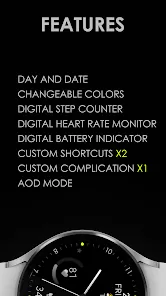
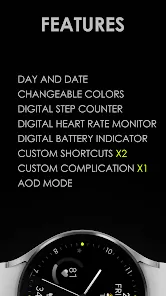
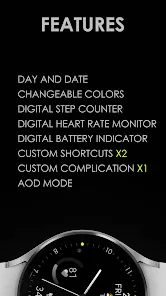
- Time and date display prominently on the screen.
- Customizable watch hands with two style options.
- Three index styles for personal preference.
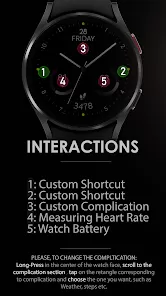
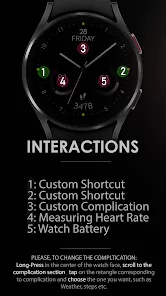
- Two customizable complications for apps or information.
- Real-time heart rate monitor and step counter.
- Battery indicators for watch and connected phone.
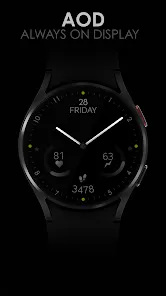
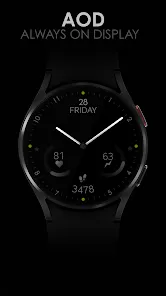
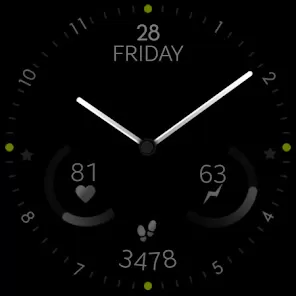
- Always-On Display (AOD) support.
- Optional weather information display.
- Color customization for watch hands, indexes, and background.
Functions
- Display time, date, and essential metrics at a glance.
- Track health metrics such as heart rate and steps.
- Customize watch hands, index styles, colors, and complications.
- Enable or disable Always-On Display for continuous visibility.
- Monitor battery status for watch and phone.
- Access weather information if enabled.
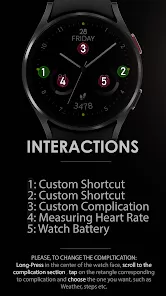
- Use touch interactions to quickly open apps or functions via complications.
How to Use
- Download and install Minimal Black v17 Watch Face from Google Play Store on your Wear OS device.
- Press and hold the current watch face, then swipe to select "Minimal Black v17."
- Tap to apply the watch face to your smartwatch.
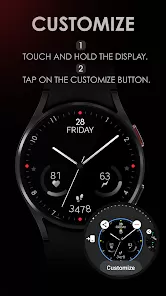
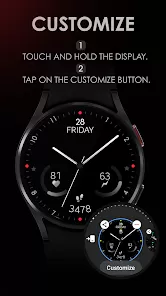
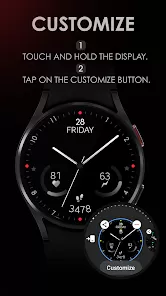
- Touch and hold the display to enter the customization menu.
- Adjust watch hands, index styles, colors, and complications as desired.
- Ensure permissions are granted for health tracking and battery monitoring.
- Enable Always-On Display if you want the time and metrics visible at all times.
- Use complications to quickly launch apps or access information from the watch face.
- Regularly check for updates to access new features or improvements.



 0
0