







What is Nextdoor: Neighborhood Network
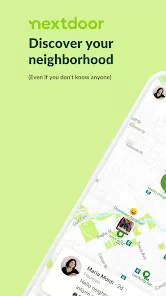
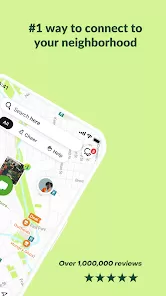
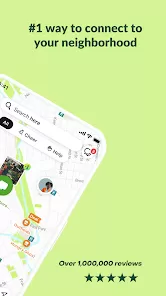
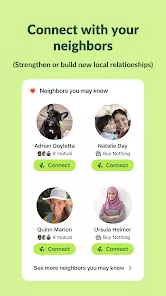
Nextdoor is a private social networking platform designed to connect people within local neighborhoods. It serves as a digital community hub where neighbors can communicate, share information, and support one another in a trusted environment. Launched in 2011, Nextdoor has grown into a popular tool for sharing local news, recommendations, event announcements, safety alerts, and buying or selling items. Unlike broader social media platforms, Nextdoor verifies users based on their residential address, ensuring members belong to the community they join. This focus on locality fosters more meaningful interactions and encourages civic interactions engagement, neighborhood collaboration, and real-time problem solving, making it a valuable resource for building stronger, safer, and more connected communities.
Pros and Cons
- Pros:
- Encourages neighborhood communication and stronger community ties.
- Verified user base helps ensure local, trusted interactions.
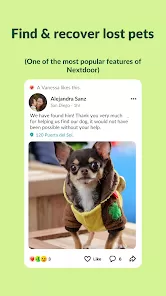
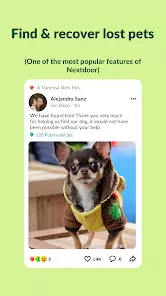
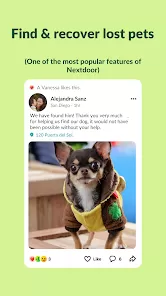
- Platform for sharing important updates like crime alerts and lost pets.
- Facilitates local buying, selling, and service recommendations.
- Free to use with a simple sign-up process.
- Supports neighborhood event organization and volunteer coordination.
- Private groups for specific interests or concerns within the community.
- Cons:
- Privacy concerns related to sharing location and personal information.
- Potential for misinformation or negative interactions among neighbors.
- Some communities experience low engagement or inactive users.
- Limited moderation can sometimes lead to conflicts or spam posts.
- Content can vary widely in quality depending on neighborhood activity.
Key Features
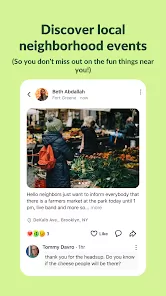
- Neighborhood-specific newsfeed showing posts only from local members.
- Verified membership based on address confirmation for secure community access.
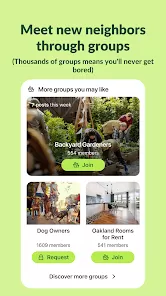
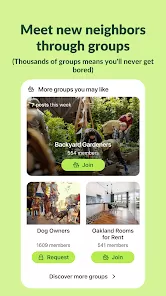
- Groups and forums for targeted discussions (eg, safety, local schools, gardening).
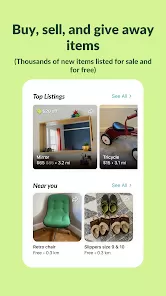
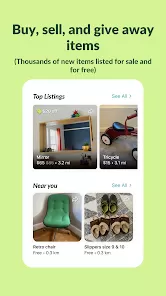
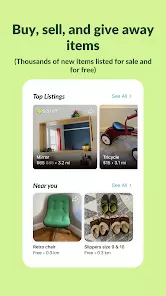
- Classifieds section for buying, selling, and trading items within the neighborhood.
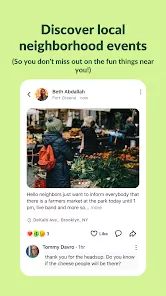
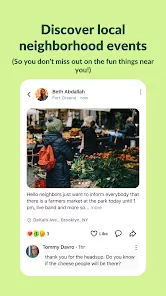
- Event creation and promotion tools to organize local gatherings or meetings.
- Private messaging to communicate directly with neighbors.
- Safety alerts and crime reporting features to increase neighborhood awareness.
- Business pages and recommendations to support local services and shops.
- Mobile app with push notifications for real-time updates.
Functions
- Facilitates sharing of news, recommendations, and alerts within a trusted local network.
- Allows users to post questions, share tips, and request assistance from neighbors.
- Enables buying and selling goods through local classifieds with community trust.
- Supports event planning and volunteer coordination for neighborhood initiatives.
- Provides a platform for local businesses to engage with customers.
- Offers tools for reporting and discussing neighborhood safety concerns.
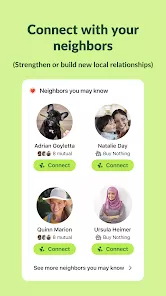
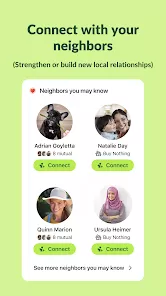
- Enables private conversations and group discussions to foster connections.
- Sends notifications to keep users informed about urgent or relevant local issues.
How to Use Nextdoor
- Sign up: Visit Nextdoor’s website or download the app and register using your address to verify your neighborhood.
- Complete your profile: Add your name, photo, and optional interests to help neighbors recognize you.
- Explore your neighborhood feed: Browse posts, updates, and discussions from people near you.
- Join groups: Find or create groups based on specific topics or interests relevant to your community.
- Post and engage: Share news, ask questions, offer recommendations, or respond to neighbors’ posts.
- Use classifieds: List items for sale, search for goods, or request services within your neighborhood.
- Create or RSVP to events: Organize or participate in local meetups, cleanups, or social gatherings.
- Set notifications: Customize alerts to stay updated on important neighborhood happenings.
- Report issues: Use the platform to notify neighbors about safety concerns or lost pets.
- Maintain respect: Follow community guidelines to foster positive and constructive interactions.


 0
0 


