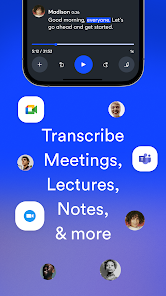
OtterAI Transcribe Voice Notes is an AI-powered application that converts speech into accurate text in real time. It is designed to assist students, professionals, and anyone needing reliable transcription for meetings, lectures, interviews, or voice memos. The app supports live recording as well as import of pre-recorded audio, offering features like speaker identification, searchable transcripts, and cloud storage. Users can edit, highlight, and share transcripts easily across devices. By providing a fast and precise transcription solution, OtterAI enhances productivity, simplifies note-taking, and allows users to focus on content rather than manual transcription tasks.
Key Features
Real-time voice-to-text transcription.
Speaker identification for multi-person conversations.
Searchable and editable transcripts.
Import audio files for transcription.
Cloud storage and synchronization across devices.
Highlighting and note-taking capabilities.
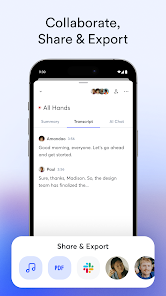
Share transcripts with others easily.
Custom vocabulary and industry-specific terms.
Automatic punctuation and formatting.
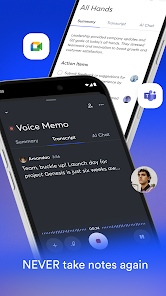
Integration with productivity tools and calendars.
Pros & Cons
Pros:
Saves time by automating transcription.
High accuracy with clear audio.
Organizes notes efficiently with searchable transcripts.
Supports collaboration by sharing transcripts.
User-friendly interface for easy editing.
Cons:
Accuracy may decrease with background noise.
Advanced features require a paid subscription.
Some learning curve for managing long transcripts.
Functions
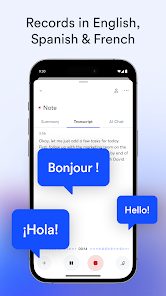
Transcribes live or recorded audio into text.
Identifies and labels different speakers.
Stores and organizes transcripts in the cloud.
Allows editing, highlighting, and note-taking.
Supports export and sharing of transcripts.
Searches keywords and phrases within transcripts.
How to Use
Click the button ""Check All Versions"" below to download and install it.
Open the app and create an account.
Record live audio or import existing files.
Wait for the AI to generate the transcript.
Edit, highlight, and organize text as needed.
Save and sync transcripts to the cloud.
Share transcripts with colleagues or classmates.


 0
0