
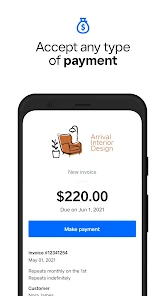
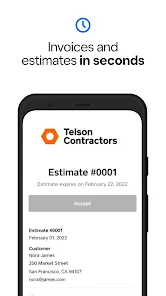
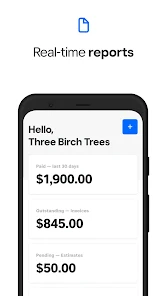
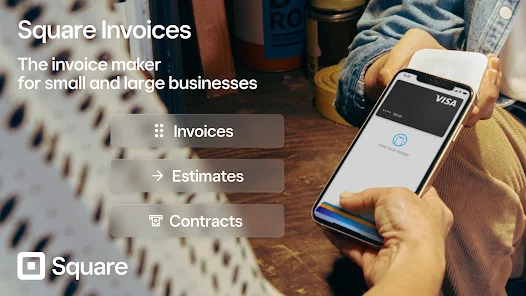

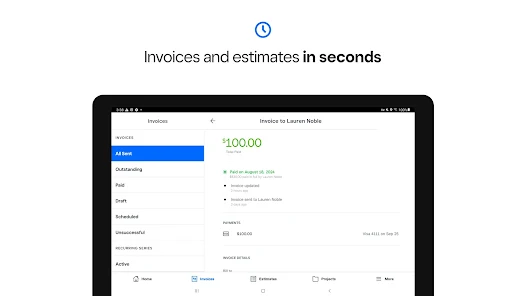
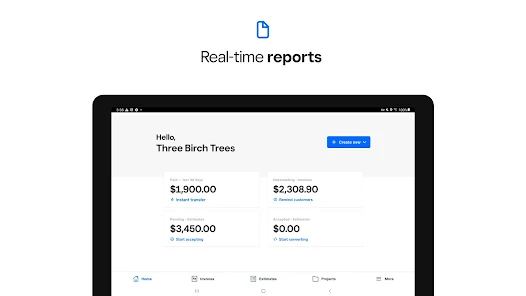
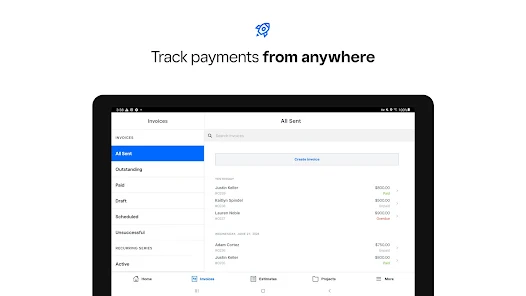
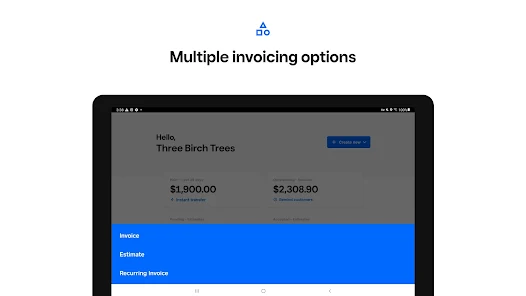
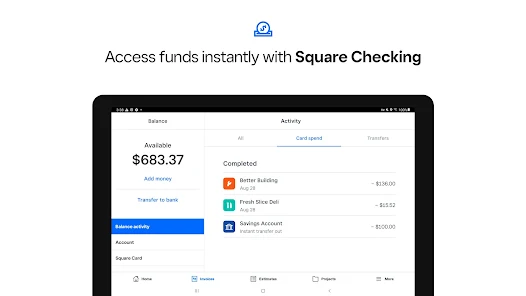
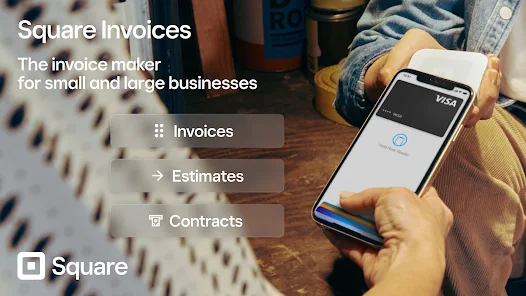

Square Invoices: Invoice Maker is a mobile app designed to simplify invoicing and payment management for small businesses and freelancers. It allows users to create professional invoices quickly, customize them with business details, and send them directly to clients via email or messaging. The app tracks payment statuses, sends reminders for overdue invoices, and generates reports to monitor income. With integrated payment processing, clients can pay invoices online instantly, reducing wait times and improving cash flow. Square Invoices emphasizes efficiency and professionalism, helping users save time on billing tasks while maintaining organized records and ensuring prompt payments from clients.
Key Features
Create and customize professional invoices quickly.
Send invoices via email or messaging apps.
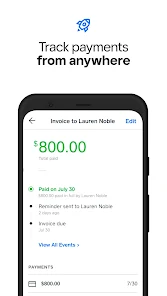
Track payment statuses and overdue invoices.
Send automatic payment reminders to clients.
Integrate online payment options for faster transactions.
Generate financial reports and summaries.
Save client information for repeated billing.
User-friendly interface for easy navigation.
Supports multiple currencies and tax options.
Offline access to invoices and data.
Pros & Cons
Pros:
Simplifies invoicing for small businesses.
Allows instant online payments.
Organizes client and payment data efficiently.
Saves time on administrative tasks.
User-friendly and accessible on mobile devices.
Cons:
Limited features in the free version.
Requires internet connection for online payments.
Some advanced reporting features need subscription.
May not support very complex invoicing needs.
Functions
Generates invoices with customizable templates.
Sends invoices directly to clients.
Tracks invoice status (paid, unpaid, overdue).
Processes online payments securely.
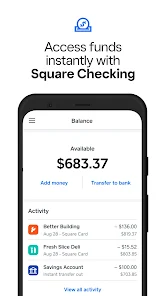
Records transaction history for accounting.
Reminds clients of pending payments automatically.
Generates reports for business insights.
Stores client and invoice information.
How to Use
Click the button """"Check All Versions"""" below to download and install it.
Open the app and create an account.
Add your business details and logo.
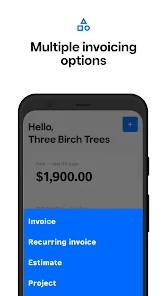
Create a new invoice with client information.
Customize items, prices, and taxes.
Send the invoice via email or messaging.
Track payments and send reminders if needed.
Generate reports to review income and invoice history.


 0
0