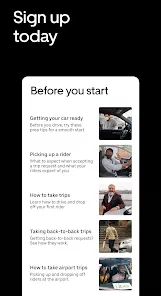
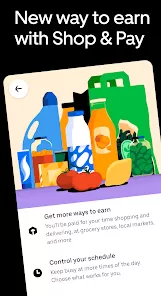
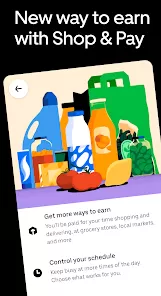
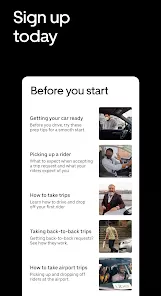
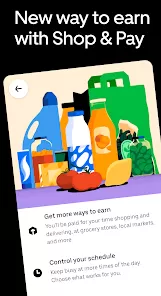
Uber - Driver: Drive & Deliver is a mobile application designed for individuals who want to earn money by providing ride-hailing and delivery services through the Uber platform. Available for both iOS and Android devices, the app allows drivers to accept passenger ride requests, deliver food through Uber Eats, or do both depending on their preferences and qualifications. The app provides a flexible way to earn income by letting users work on their own schedule, track their earnings, navigate efficiently using GPS, and access rider or delivery information in real time. Drivers are independent contractors, not Uber employees, and they use their personal vehicles or, in some markets, bicycles or scooters. Uber’s driver app is part of the broader gig economy trend, empowering users to generate income with relatively low entry barriers and intuitive tools for job management.
Pros and Cons
Pros:
Flexible work schedule — drive or deliver whenever it suits you.
Quick payouts with options like Instant Pay.
Low entry barriers — no specialized skills required.
Option to choose between ride-sharing, deliveries, or both.
In-app navigation and customer details simplify tasks.
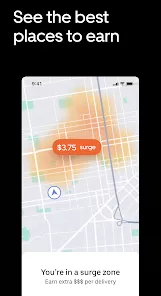
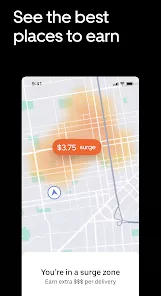
Potential to earn bonuses or incentives during peak hours.
Access to rider and delivery support via the app.
Cons:
Vehicle wear and tear, fuel, and maintenance costs are self-covered.
Earnings can fluctuate based on demand and location.
High competition in saturated markets.
Customer ratings impact your ability to receive requests.
Limited benefits since drivers are independent contractors.
Key Features
In-app navigation powered by GPS for efficient routing.
Real-time ride and delivery requests.
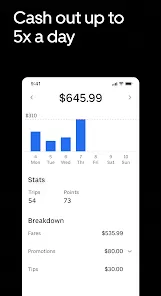
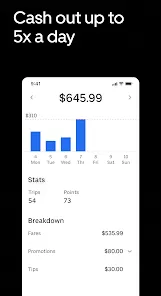
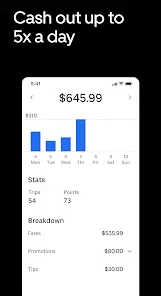
Earnings tracker that updates after each trip or delivery.
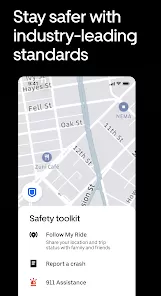
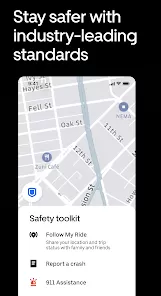
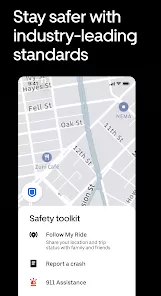
In-app support and safety tools, including emergency assistance.
Driver ratings and feedback system to improve service quality.
Scheduling options such as setting availability or preferences.
Integration with Instant Pay for same-day earnings withdrawals.
Trip history and performance analytics.
Optional delivery-only mode via Uber Eats.
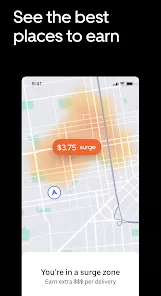
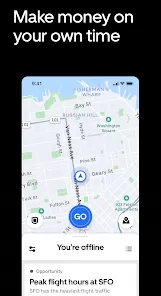
In-app heat maps to identify high-demand areas.
Functions
Accept ride or delivery requests through push notifications.
Navigate to the passenger or delivery location using the built-in map.
Communicate with customers via in-app messaging or calls.
Complete rides or deliveries and receive ratings afterward.
Use filters to accept only certain types of jobs (e.g., Uber Eats only).
Track daily, weekly, and monthly earnings in the app dashboard.
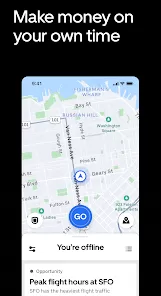
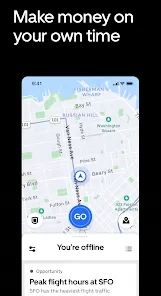
Pause or go offline at any time to take breaks.
Rate passengers and report issues directly within the app.
Access promotions, quests, and bonus challenges for additional income.
Manage vehicle documents, insurance, and ID verification.
How to Use Uber - Driver: Drive & Deliver
Download the Uber Driver app from the App Store or Google Play.
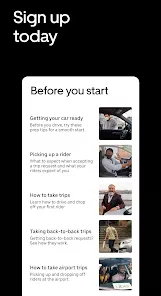
Create an account and upload required documents such as your driver’s license, vehicle registration, and proof of insurance.
Complete a background check and wait for approval.
Once approved, log in to the app and go online to start receiving requests.
Accept a ride or delivery and follow the GPS instructions to the pickup location.
Follow in-app prompts to complete the trip and drop off the passenger or food.
After each trip, review your earnings and see customer ratings.
Withdraw your earnings using the Instant Pay feature or receive weekly direct deposits.
Use the in-app help section for support, FAQs, and safety tools.
Maintain high ratings and compliance to continue receiving ride and delivery requests.


 0
0