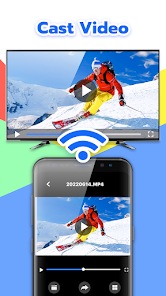

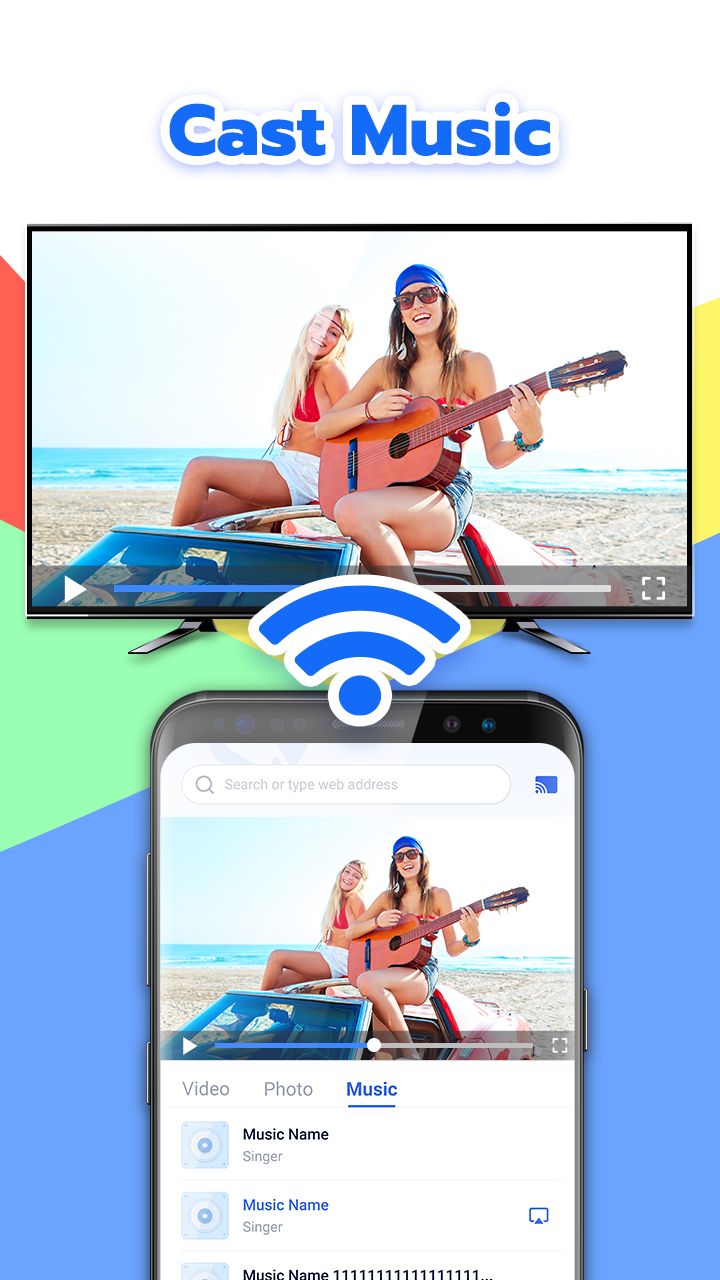
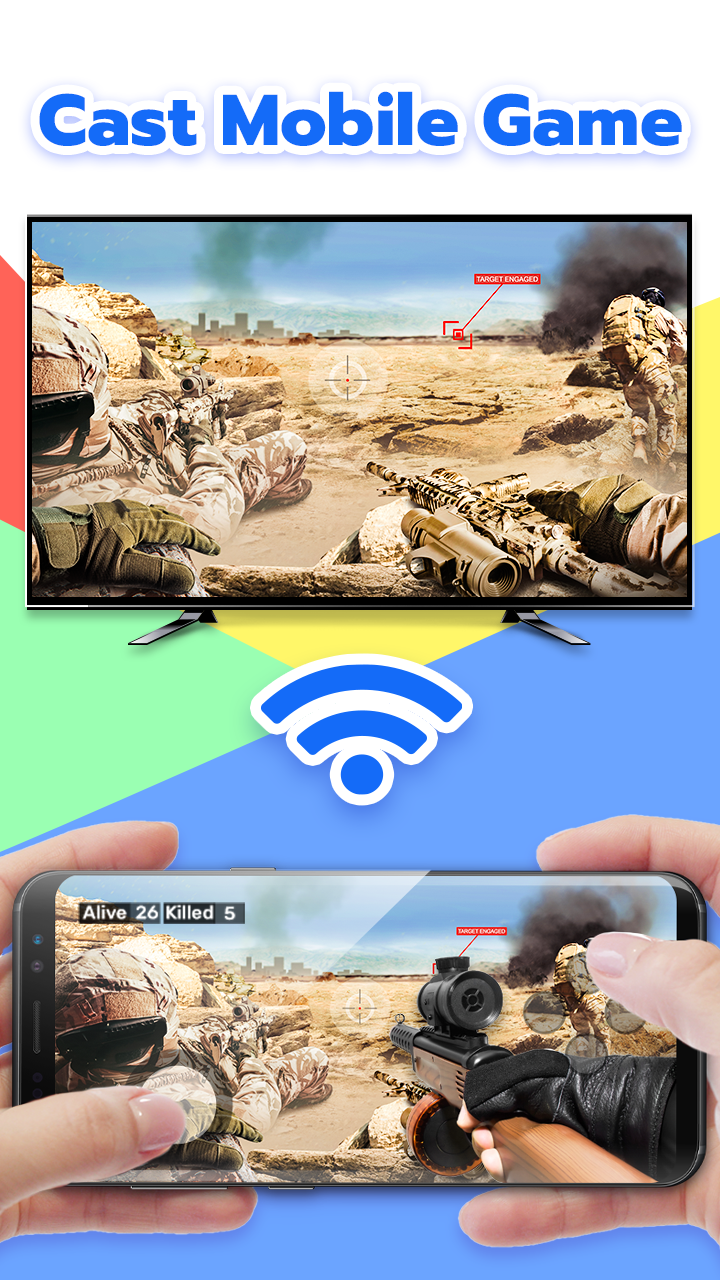
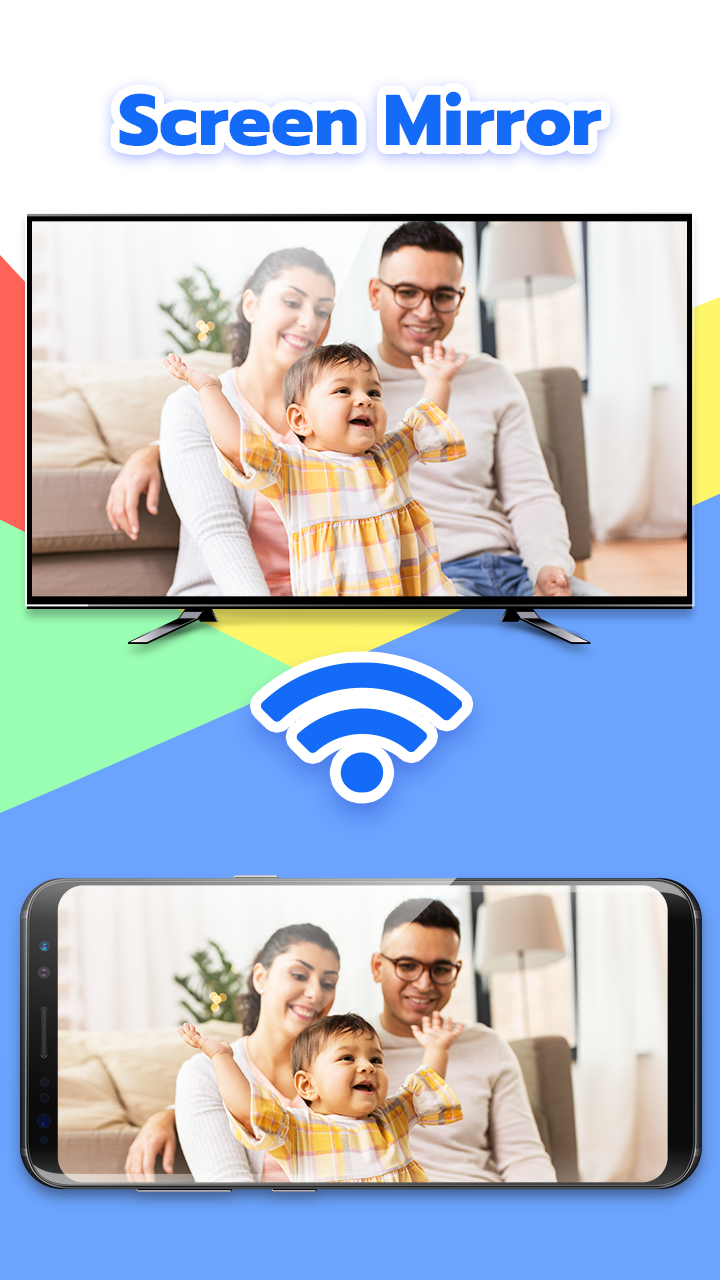
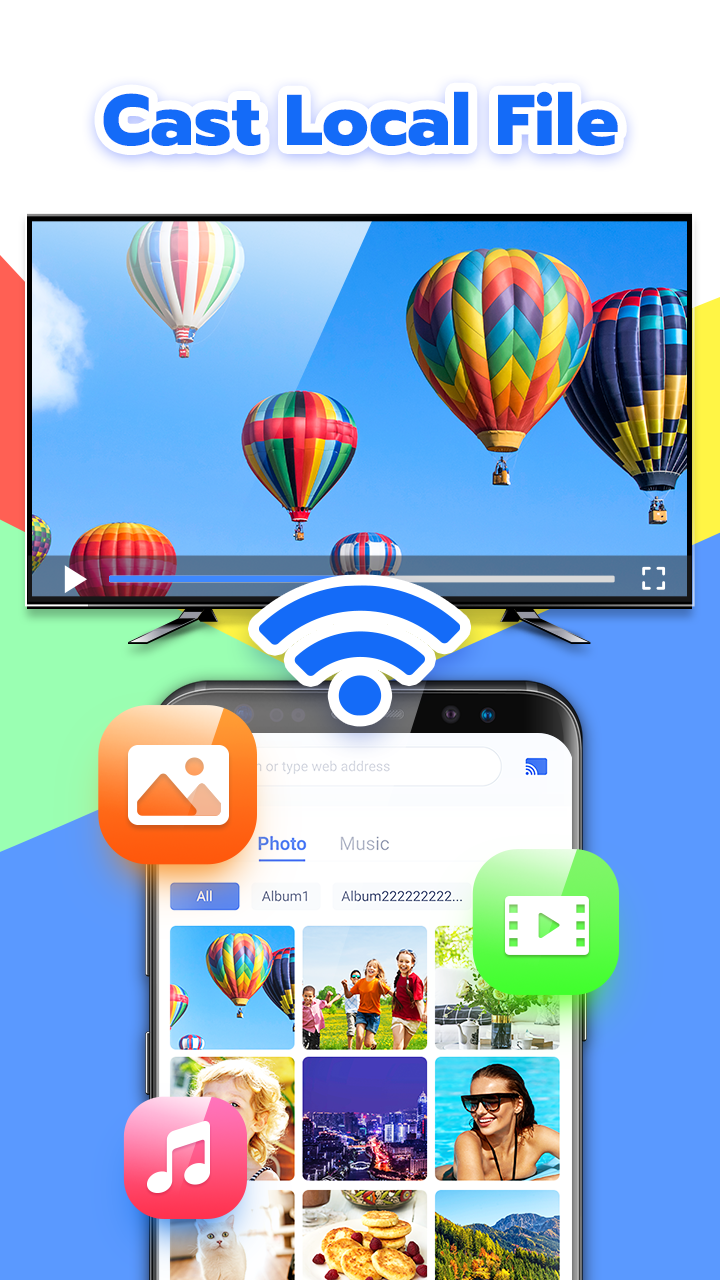
Cast for Chromecast - Allcast is a streaming utility app that allows users to send media content from their mobile devices to Chromecast, Smart TVs, or other compatible streaming devices. It supports videos, music, and photos, enabling seamless playback on larger screens for a better viewing experience. The app is designed for simplicity, allowing users to browse files locally or from cloud storage and stream them effortlessly. It offers high-quality playback with minimal buffering, making it ideal for watching movies, sharing photo albums, or streaming music at home. Allcast ensures an easy and flexible media-casting experience across devices.
Key Features
Cast videos, music, and photos to Chromecast and Smart TVs.
Supports local media files and cloud storage.
High-quality playback with minimal buffering.
Simple and intuitive interface.
Compatible with multiple streaming devices.
Background playback support for music.
Easy browsing and media selection.
Playlist creation for continuous playback.
Regular updates for device compatibility.
Supports subtitle and audio track selection.
Pros & Cons
Pros:
Seamless streaming from phone to TV.
Supports a wide range of media formats.
User-friendly controls and interface.
Allows background music playback.
Flexible casting from multiple sources.
Cons:
Some features require a premium subscription.
Occasional compatibility issues with older devices.
Streaming performance depends on network quality.
Limited advanced customization for playback.
Functions
Streams videos, music, and photos to compatible devices.
Supports cloud and local file access.
Manages playback, playlists, and volume controls.
Displays media on larger screens for shared viewing.
Allows subtitle and audio track selection.
Supports background audio playback.
Detects compatible devices automatically.
Provides stable casting with minimal buffering.
How to Use
Click the button ""Check All Versions"" below to download and install it.
Open the app and connect it to your Chromecast or compatible device.
Browse your media files locally or from cloud storage.
Select the media you want to cast.
Adjust playback settings such as subtitles and audio tracks.
Manage playlists for continuous streaming.
Use background mode for music playback.
Enjoy media playback on your TV or streaming device.


 0
0