
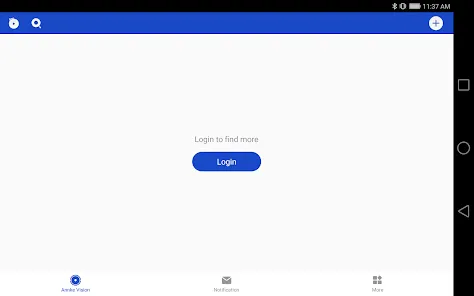
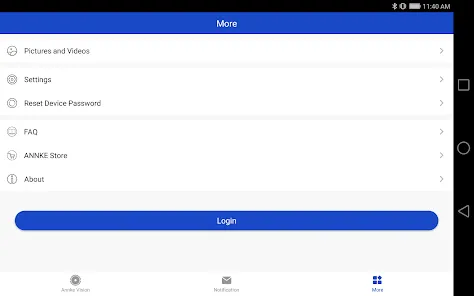
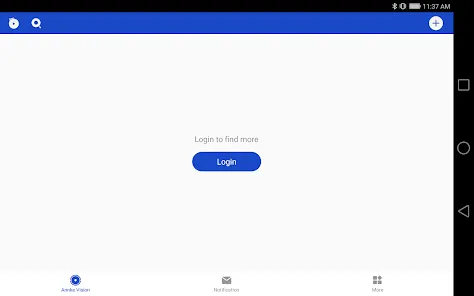
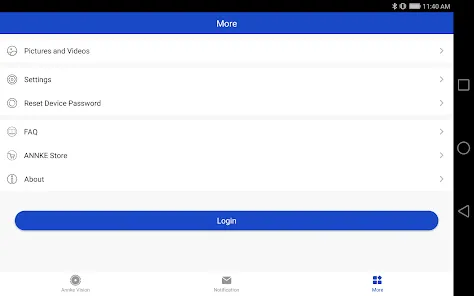
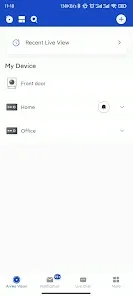
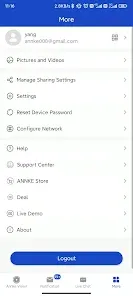
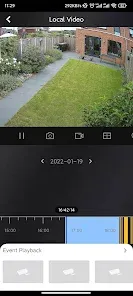
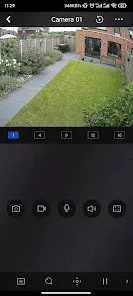
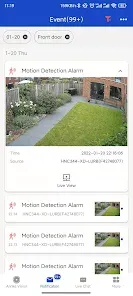
Annke Vision is a mobile app designed to provide users with remote access and management of their Annke security cameras and surveillance systems. It supports live streaming, video playback, and real-time alerts, enabling homeowners and businesses to monitor their properties anytime, anywhere. Compatible with a wide range of Annke devices, the app offers an intuitive interface for easy control of multiple cameras, including pan-tilt-zoom (PTZ) functionalities. Annke Vision enhances security by allowing users to receive motion detection notifications and store footage locally or on cloud storage. It emphasizes user-friendly setup and seamless integration, making it an ideal choice for those seeking efficient, reliable, and convenient video surveillance management on mobile devices.
Pros & Cons
Pros:
Easy setup and user-friendly interface for managing multiple cameras.
Supports live streaming and playback of recorded footage.
Motion detection alerts with customizable notification settings.
Compatible with various Annke cameras, including PTZ models.
Allows local and cloud video storage options for flexibility.
Supports multi-device access for family or team monitoring.
Free to download with no hidden subscription fees for basic use.
Cons:
Cloud storage options may require additional subscription fees.
Some users report occasional connectivity and lag issues.
Advanced features can be limited depending on the device model.
Notification settings may be complex for first-time users.
Interface updates can sometimes cause temporary confusion.
Key Features
Real-time live video streaming with high-definition quality.
Playback functionality to review recorded security footage.
Motion detection with instant push notifications to mobile devices.
Support for multi-camera views and simultaneous monitoring.
Remote PTZ control for compatible cameras to adjust viewing angles.
Local video storage on SD cards or Network Video Recorders (NVRs).
Cloud storage service with tiered subscription plans.
User account management for multiple users with permission control.
Easy device pairing via QR code scanning or manual input.
Supports both Android and iOS platforms.
Functions
Connects and syncs with Annke cameras to provide remote video access.
Delivers real-time alerts based on motion or sound detection.
Allows users to review live and recorded footage on demand.
Enables camera angle adjustments remotely through PTZ controls.
Facilitates secure video storage on local or cloud platforms.
Manages user accounts to share camera access with family or staff.
Provides intuitive navigation and customizable settings for user preferences.
How to Use Annke Vision
Click the button "Check All Versions" below to download and install it.
Download and install the Annke Vision app from the Google Play Store or Apple App Store.
Create an account or log in if you already have one.
Connect your Annke camera by scanning the device’s QR code or manually entering its unique ID.
Follow the on-screen instructions to complete the camera setup and network connection.
Access live video feeds through the app’s dashboard and monitor multiple cameras simultaneously.
Customize motion detection zones and alert preferences under the settings menu.
Use playback features to review recorded footage stored on the camera’s SD card or cloud service.
For PTZ cameras, utilize on-screen controls to pan, tilt, and zoom remotely.
Invite family members or team users by adding their accounts with controlled access rights.
Regularly update the app to benefit from new features and performance improvements.


 0
0