
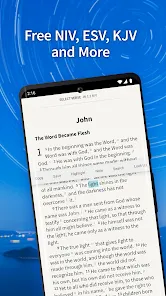
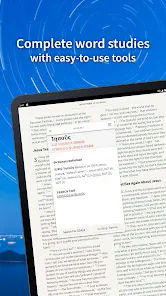
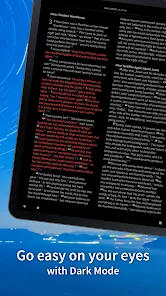
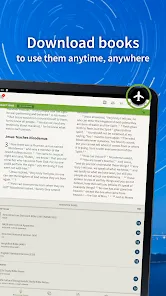
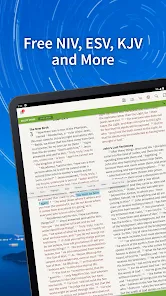
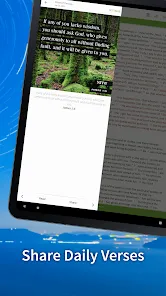
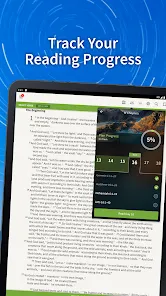
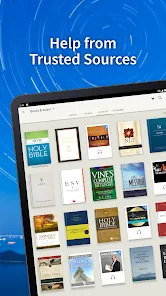

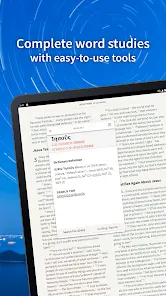




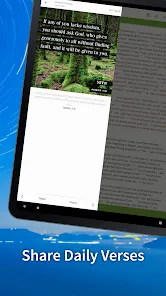
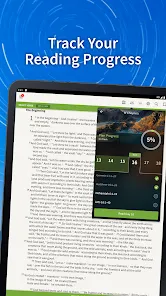
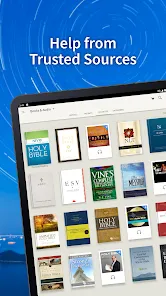
The Bible App by Olive Tree is a versatile and feature-rich digital Bible study tool designed to help users read, study, and engage with Scripture on their smartphones, tablets, and computers. Developed by Olive Tree Bible Software, the app offers a comprehensive library of Bible translations, commentaries, dictionaries, and other study resources. Its intuitive interface, offline access, and customizable reading plans make it a popular choice among casual readers and serious Bible students alike. The app aims to provide an immersive Bible study experience with powerful tools such as highlighting, note-taking, split-screen reading, and audio Bibles. Available on multiple platforms, Olive Tree's Bible App enhances personal devotion and group study by making biblical texts and study materials readily accessible anytime, anywhere.
Pros and Cons
Pros
Wide selection of Bible translations and original language tools available.
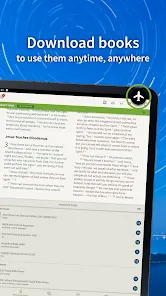
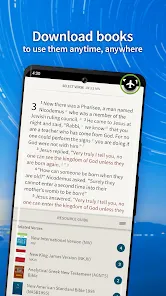
Offline access allows reading and study without internet connection.
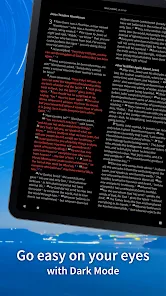
User-friendly interface with customizable fonts, colors, and layouts.
Powerful study tools including highlights, bookmarks, notes, and split-screen mode.
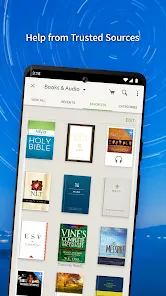
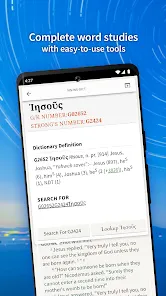
Extensive library of study resources such as commentaries, dictionaries, and devotionals.
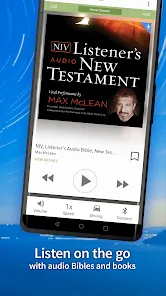
Audio Bible feature supports listening on the go.
Syncs data across devices for a seamless experience.
Free to download with many resources available at no cost.
Cons
Some premium Bibles and study resources require in-app purchases.
Initial setup and resource downloads can be time-consuming.
Occasional bugs and crashes reported on certain devices.
Learning curve for beginners unfamiliar with advanced study features.
Ads present in the free version, which can be distracting.
Less social or community features compared to other Bible apps.
Key Features
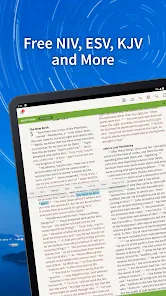
Multiple Bible Versions: Access dozens of Bible translations in various languages.
Offline Capability: Download Bibles and resources for offline reading.
Study Tools: Highlight, bookmark, add notes, and organize study materials.
Split-Screen Reading: View two resources side-by-side for comparison or cross-referencing.
Audio Bibles: Listen to narrated Bible passages.
Reading Plans: Follow daily devotionals and structured reading schedules.
Search Function: Quickly find verses, words, or topics.
Sync Across Devices: Keep notes, highlights, and progress consistent on all your devices.
Functions
Enable reading of various Bible translations with adjustable font size and themes.
Allow users to highlight verses, add personal notes, and bookmark favorite passages.
Provide split-screen mode to compare different Bible versions or study materials.
Support downloading of Bibles and resources for offline use.
Offer audio playback of Bible texts for listening convenience.
Deliver customizable reading plans to encourage consistent Bible study.
Facilitate searching within the Bible text and related resources.
Sync all user data including notes, bookmarks, and reading progress across devices.
How to Use Bible App by Olive Tree
Click the button "Check All Versions" below to download and install it.
Download and install the Bible App by Olive Tree from your device’s app store or access the desktop version.
Create a free account or sign in to enable syncing across devices.
Browse and download your preferred Bible translations and study resources, either free or paid.
Use the main reading interface to navigate chapters and verses; customize font size, background color, and layout.
Highlight important verses and add personal notes as you study or reflect.
Try the split-screen mode to compare different Bible versions or open commentaries alongside the text.
Follow daily reading plans or devotionals to maintain a consistent study habit.
Use the search function to find specific passages or topics quickly.
Listen to audio Bibles when you want hands-free study or during commutes.
Regularly back up your notes and settings by syncing to your Olive Tree account.


 0
0