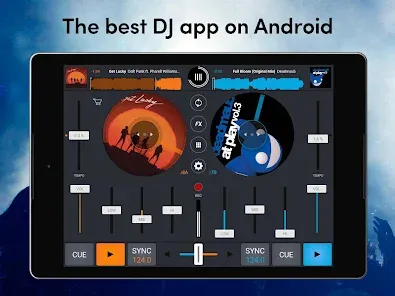
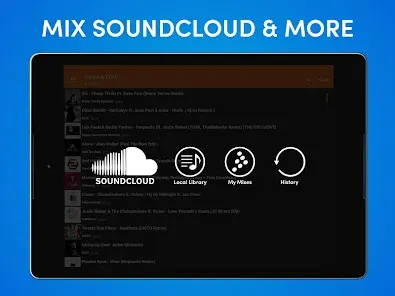
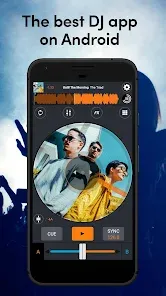


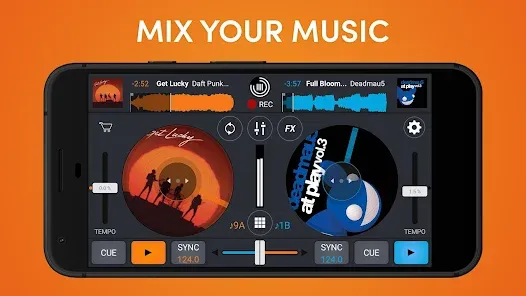
Cross DJ is a professional-grade DJ mixer app designed for mobile devices and tablets, enabling users to mix, scratch, and create music on the go. The app offers precise beat detection, crossfading, looping, and effects to simulate the experience of a professional DJ setup. With support for importing tracks from local storage or cloud services, Cross DJ allows users to build custom playlists and perform seamless transitions. It also includes features like sync, cue points, and waveform displays to ensure accurate mixing. Suitable for both beginners and experienced DJs, Cross DJ combines intuitive controls with powerful functionality, offering a portable and versatile tool for music performance, practice, or live events.
Pros and Cons of Cross DJ
- Pros:
- Professional DJ features including beat matching, looping, and crossfading.
- Supports local tracks and integration with cloud music services.
- Intuitive interface suitable for both beginners and advanced DJs.
- Real-time waveform visualization for accurate mixing.
- Customizable cue points and effects for creative performances.
- Portable and convenient for mobile DJing on the go.
- Sync feature for automatic beat matching.
- Regular updates and improvements to the app’s functionality.
- Cons:
- Some advanced features require in-app purchases or premium versions.
- Touchscreen controls may be less precise than physical DJ equipment.
- Requires a compatible device with sufficient processing power.
- Limited to audio files and does not support full MIDI controller integration in mobile versions.
- Battery-intensive when used for long live sessions.
Key Features of Cross DJ
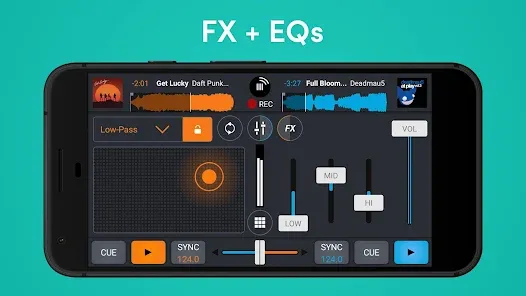
- Professional mixing tools including crossfader, EQ, and pitch control.
- Looping and beat matching for seamless transitions.
- Real-time waveform visualization for precise cueing and mixing.
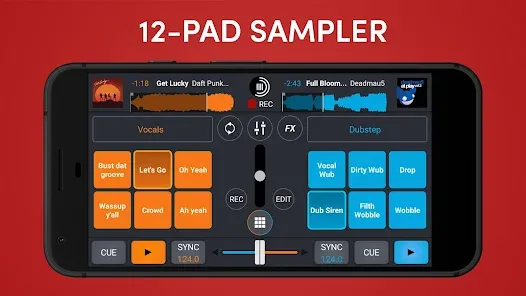
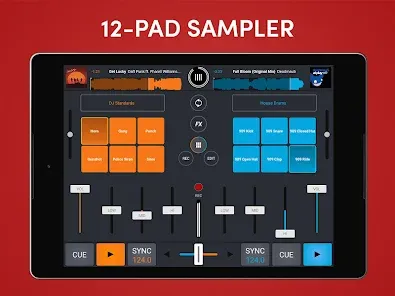
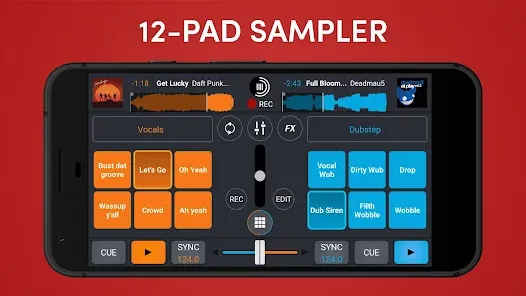
- Cue points, hot cues, and sample triggering for creative performance.
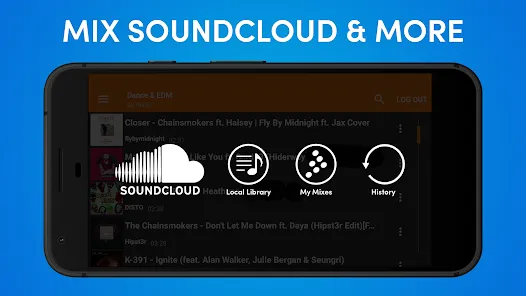
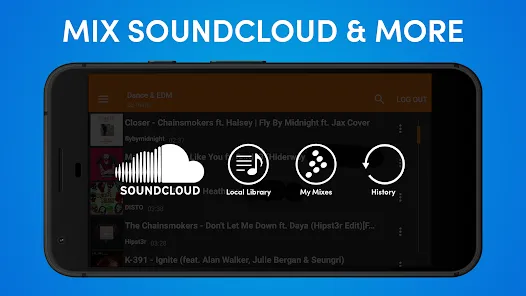
- Integration with local storage, iTunes, and cloud music libraries.
- Sync function for automatic tempo alignment between tracks.
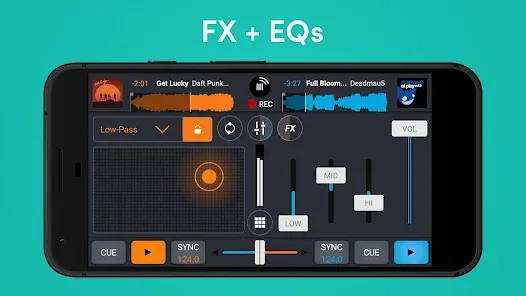
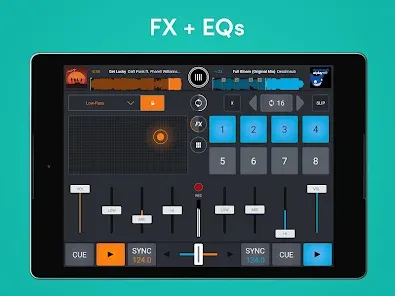
- Various audio effects including flanger, filter, echo, and reverb.
- Support for external audio interfaces for higher sound quality.
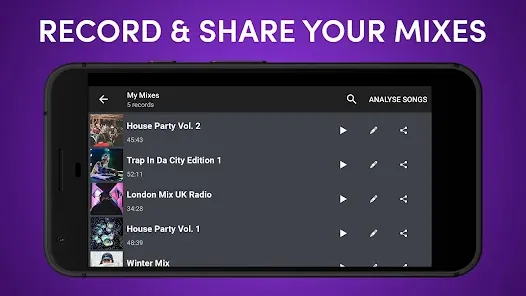
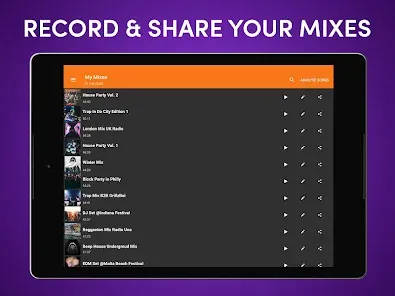
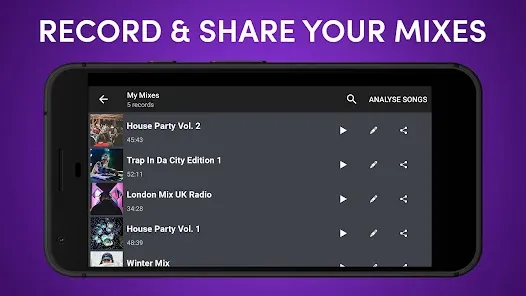
- Record mixes to save performances and share with others.
- User-friendly interface optimized for touchscreens and mobile devices.
Functions of Cross DJ
- Mix and transition between tracks using professional DJ tools.
- Loop and adjust track tempos to create seamless sets.
- Apply audio effects and filters to enhance performances.
- Set cue points and hot cues for precise remixing and scratching.
- Visualize tracks with waveform displays to ensure accurate mixing.
- Sync multiple tracks for automatic beat matching.
- Record mixes to preserve performances or share online.
- Practice DJ skills on mobile devices without full equipment.
How to Use Cross DJ
- Download and install Cross DJ from your device’s app store.
- Import music tracks from local storage or linked cloud services.
- Select two or more tracks to load into the app’s decks.
- Adjust tempo and pitch using the app’s controls for beat matching.
- Set cue points, loops, and hot cues for precise mixing.
- Use crossfader and EQ controls to transition smoothly between tracks.
- Apply audio effects and filters to enhance your performance.
- Monitor waveform displays for accurate timing and alignment.
- Record your mix if desired for playback or sharing.
- Experiment with settings and features to develop your DJ style and skills.


 0
0