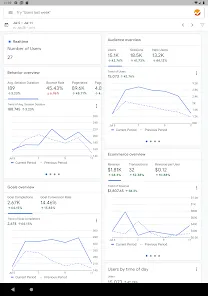
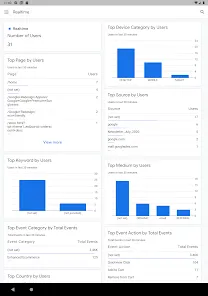
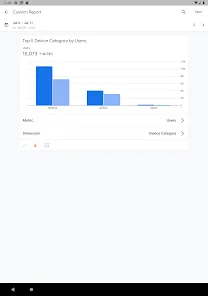
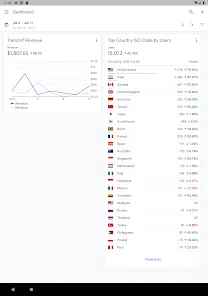
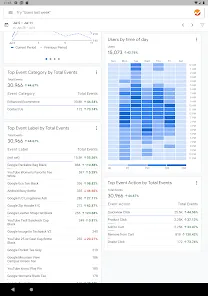

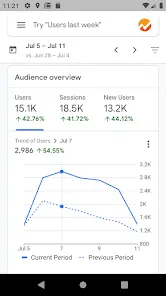
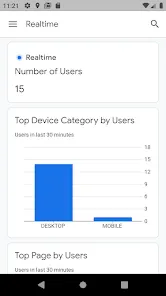
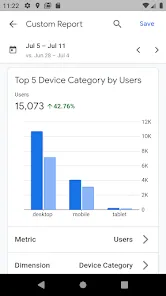
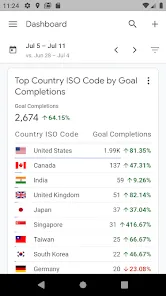
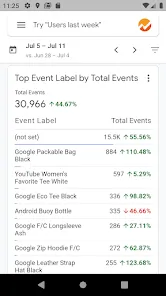
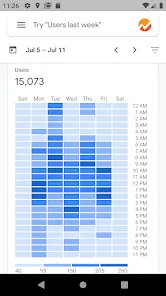
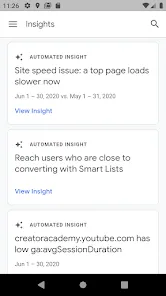
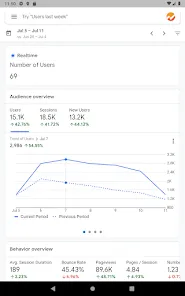
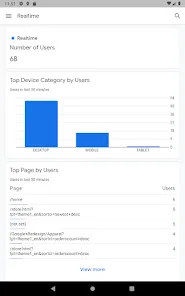
Google Analytics is a powerful web analytics platform developed by Google that enables website owners, marketers, and business professionals to measure, analyze, and optimize website traffic and user behavior. It provides detailed insights into how visitors interact with websites, including data on page views, session duration, bounce rates, traffic sources, and user demographics. By integrating Google Analytics with websites and mobile apps, businesses can track marketing campaign performance, identify trends, and make data-driven decisions to improve online engagement and conversion rates. The platform offers both a free version for standard use and a premium Google Analytics 360 version for enterprise-level analytics. Learn more at https://analytics.google.com.
Pros and Cons
Pros:
Provides comprehensive insights into website traffic, user behavior, and engagement metrics.
Free version available with robust features suitable for small to medium websites.
Integrates seamlessly with Google Ads, Search Console, and other Google services.
Offers real-time reporting to monitor live user activity on websites.
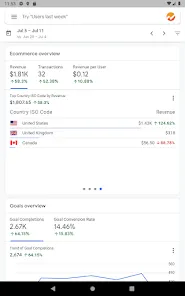
Supports goal tracking, conversion measurement, and e-commerce reporting.
Customizable dashboards allow users to focus on the most relevant metrics.
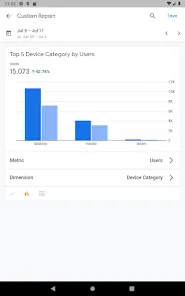
Helps identify traffic sources, user demographics, and device usage.
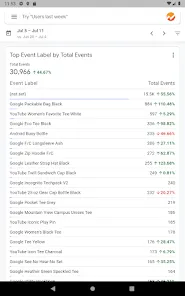
Supports event tracking to measure clicks, downloads, video views, and other user interactions.
Cons:
Learning curve can be steep for beginners unfamiliar with web analytics.
Advanced features may require knowledge of tagging, coding, and Google Tag Manager.
Some reports may lag slightly, affecting real-time decision-making for high-traffic sites.
Free version has limitations compared to Google Analytics 360 (e.g., data sampling for large datasets).
Privacy compliance may require additional configuration to meet GDPR or CCPA standards.
Customization can be overwhelming for users who want simplified reporting.
Key Features
Real-time tracking of website visitors, pageviews, and active sessions.
Audience insights including age, gender, location, interests, and device type.
Traffic source analysis to track organic, paid, referral, and social traffic.
Behavior reports showing page performance, user flow, and bounce rates.
Goal and conversion tracking to measure campaign effectiveness.
E-commerce tracking for product performance, sales, and revenue analysis.
Customizable dashboards and reports for personalized analytics views.
Event tracking for clicks, downloads, video plays, and user interactions.
Integration with Google Ads for campaign ROI monitoring.
Segmentation tools to analyze specific groups of users based on behavior or demographics.
Functions
Measures website traffic and monitors user engagement patterns.
Identifies top-performing content, pages, and campaigns.
Tracks visitor journey across multiple pages and devices.
Provides data for optimizing SEO, marketing campaigns, and ad spend.
Analyzes user behavior to improve website usability and user experience.
Monitors conversion goals, sales funnels, and e-commerce performance.
Supports custom event tracking for enhanced insights on interactions.
Generates reports and visualizations for stakeholders or team presentations.
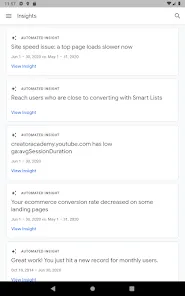
Enables data-driven decision-making to boost online growth and ROI.
How to Use
Click the button "Check All Versions" below to download and install it.
Sign up for a Google Analytics account at analytics.google.com using a Google account.
Set up a property for your website or mobile app to start tracking.
Install the tracking code on your website or integrate via Google Tag Manager.
Configure goals, conversions, and events to monitor important actions.
Use dashboards and standard reports to analyze traffic sources, user behavior, and content performance.
Segment your audience to gain deeper insights into different visitor groups.
Integrate with Google Ads to evaluate ad campaign performance and ROI.
Regularly review analytics data to identify trends and optimize strategies.
Export reports or schedule email summaries for team collaboration and decision-making.
Stay updated on new features, updates, and best practices through Google Analytics Help and online tutorials.


 0
0