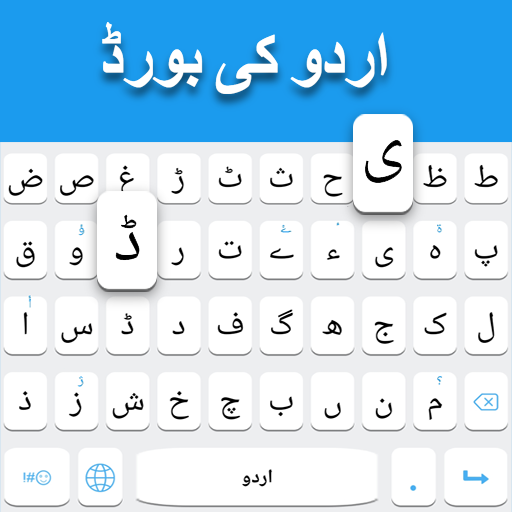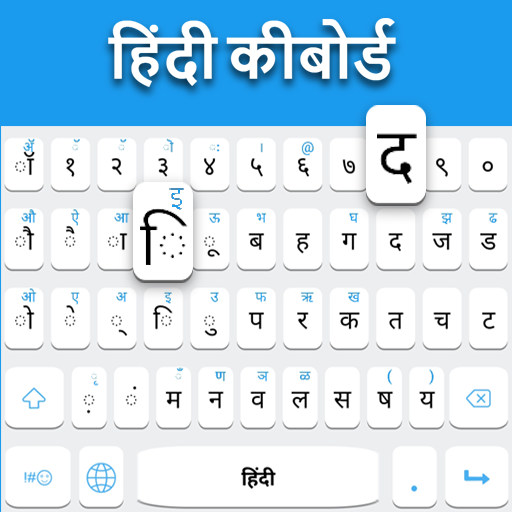
Hindi Keyboard is a practical and user-friendly app that allows users to type in Hindi across any platform on their device, including messaging apps, social media, and email. The app provides a full-featured keyboard with Hindi script support, predictive text, and auto-correction to ensure fast and accurate typing. Users can switch seamlessly between Hindi and other languages, customize keyboard themes, and use emojis or special characters for enhanced communication. Designed for students, professionals, and casual users, Hindi Keyboard simplifies typing in native language while maintaining compatibility with global devices. Its intuitive interface, speed, and personalization features make it a convenient tool for everyday communication in Hindi.
Key Features
Full Hindi keyboard with Devanagari script support.
Predictive text and auto-correction for faster typing.
Seamless switching between Hindi and other languages.
Customizable keyboard themes and layouts.
Emoji, symbols, and special characters integrated into the keyboard.
Supports typing across messaging, social media, and email apps.
Voice input for convenient Hindi typing.
Lightweight and fast with minimal lag.
Offline functionality without needing constant internet.
Personal dictionary for frequently used words and phrases.
Pros & Cons
Pros:
Easy and accurate typing in Hindi for everyday communication.
Customizable themes and layouts enhance user experience.
Supports voice input for hands-free typing.
Works across multiple apps and platforms seamlessly.
Offline mode ensures typing without internet connectivity.
Cons:
Some advanced features may require in-app purchases.
Predictive text may not recognize all regional words.
Limited emoji collection compared to some international keyboards.
May require initial learning to switch between scripts efficiently.
Functions
Enables typing in Hindi using the Devanagari script.
Provides predictive text and auto-correction for accuracy.
Switches between Hindi and other languages smoothly.
Supports emoji, symbols, and special characters in messages.
Offers voice input for easy Hindi text entry.
Customizes keyboard appearance with themes and layouts.
Stores personal dictionary for frequently used words.
Works offline for uninterrupted typing anywhere.
How to Use
Click the button “Check All Versions” below to download and install it.
Open the app and enable the Hindi keyboard in your device settings.
Choose your preferred keyboard layout and theme.
Switch to Hindi mode when typing in messages, email, or social media apps.
Use predictive text and auto-correct for faster input.
Access emojis, symbols, and special characters easily.
Optionally enable voice input for dictation in Hindi.
Add frequently used words to your personal dictionary for convenience.
Switch back to other languages as needed for multilingual communication.


 0
0