
Navionics® Boating is a leading marine navigation and mapping application designed for boating enthusiasts, anglers, and water sports enthusiasts. The app provides users with detailed charts, real-time GPS tracking, route planning tools, and various weather features that enhance navigation and safety on the water. It is available on both iOS and Android devices and is widely regarded as one of the best boating apps in the industry. Navionics® Boating offers a range of features for both recreational boaters and professional mariners, allowing users to access a wide array of maps, from coastal to inland waterway charts. The app is equipped with powerful functionalities to plan, navigate, and analyze trips, making it easier for boaters to explore new waters and ensure a safe journey. With continuous chart updates and offline capabilities, Navionics® Boating delivers both convenience and reliability to boaters everywhere.
Pros of Navionics® Boating
Comprehensive Maps: Navionics® offers detailed charts that cover not only coastal waters but also inland lakes, rivers, and reservoirs, providing a comprehensive mapping solution for boaters.
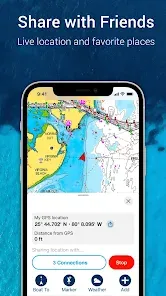
Real-Time GPS Tracking: The app provides real-time GPS positioning, allowing users to track their movements and navigate safely on the water.
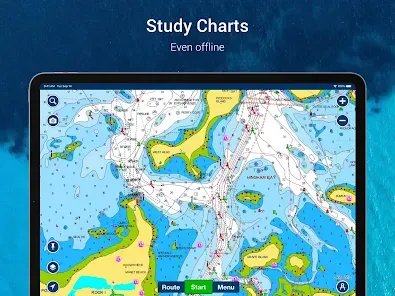
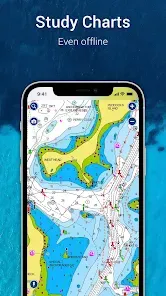
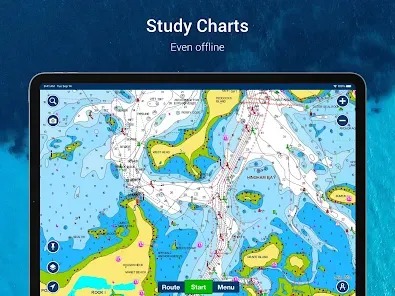
Offline Access: Maps and charts are available offline, making it possible to navigate even in areas without cellular service.
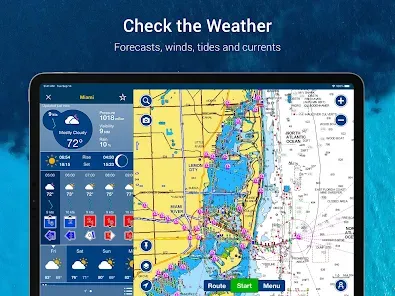
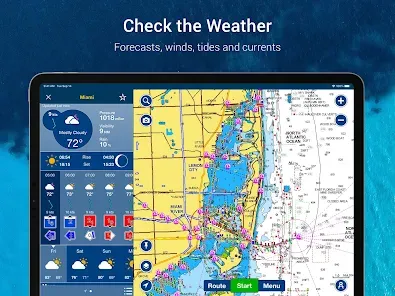
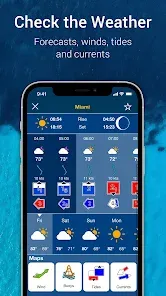
Weather and Tides Data: The app integrates weather and tide information, providing users with essential data to plan their trips and avoid unfavorable conditions.
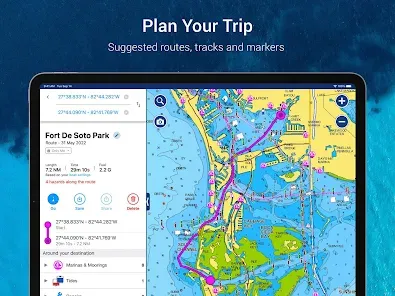
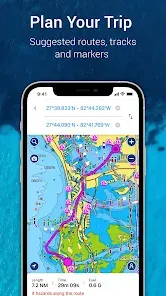
Route Planning and Analysis: Boat owners can plan routes, mark waypoints, and analyze their trips to optimize navigation and fuel usage.
Regular Chart Updates: Navionics® ensures that its charts are regularly updated, ensuring users have access to the latest information for safe navigation.
User-Friendly Interface: The app has a highly intuitive interface, making it easy to use for both beginners and experienced boaters.
Cons of Navionics® Boating
Subscription Cost: While the app is free to download, many of the advanced features, such as detailed charts and offline maps, require a paid subscription or in-app purchases.
Battery Usage: The app can be demanding on a device's battery, especially when using real-time GPS tracking and displaying maps.
Requires Regular Updates: To maintain the accuracy and reliability of charts, users must regularly update the app and the maps, which can be cumbersome for some users.
Limited to Mobile Devices: The app is designed specifically for mobile devices (smartphones and tablets), limiting its use on larger screens or non-mobile devices.
Data Connectivity Required for Some Features: Although the app offers offline functionality, certain features such as weather updates and traffic information require a data connection.
Key Features of Navionics® Boating
Detailed Nautical Charts: The app provides access to an extensive library of charts for coastal and inland waters, offering high-resolution detail to aid navigation.
GPS Navigation: Real-time GPS tracking shows your current location on the map, helping to ensure accurate navigation.
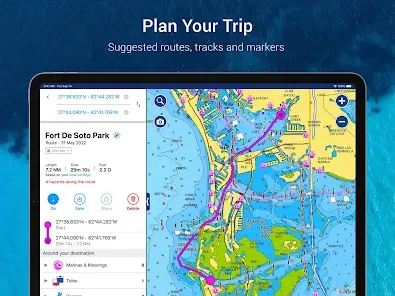
Route Planning: Users can create custom routes, calculate distances, and set waypoints to guide their journey on the water.
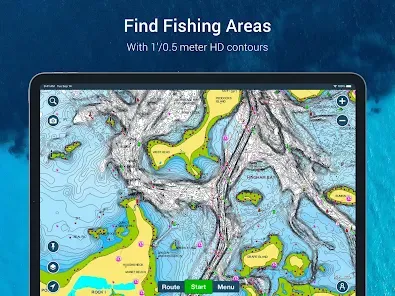
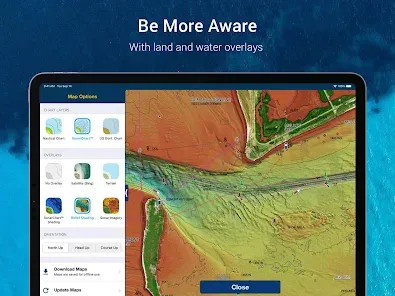
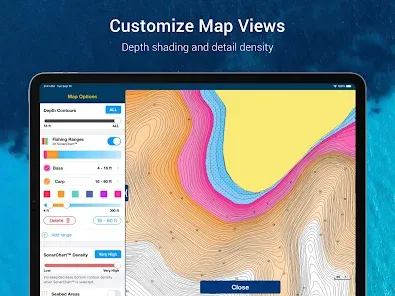
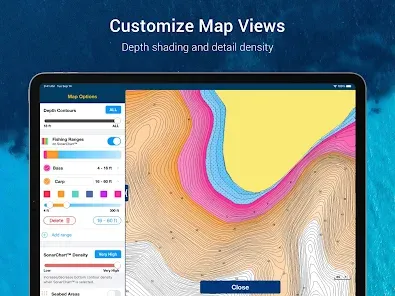
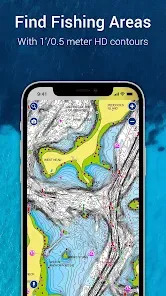
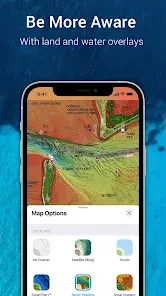
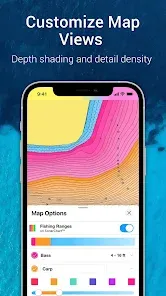
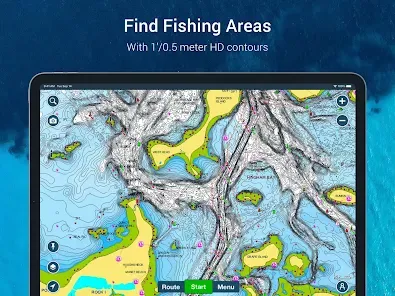
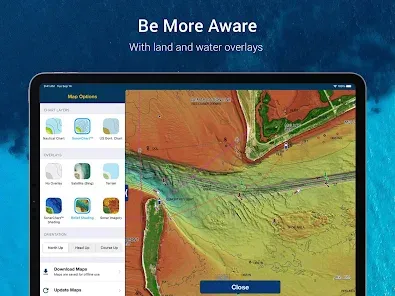
Depth and Contour Lines: The app offers detailed bathymetric charts, showing depth contours to help boaters navigate safely through shallow waters and avoid hazards.
Weather and Tides: Built-in weather forecasts, including wind, tides, and currents, provide critical information for planning your trip and avoiding adverse conditions.
Docking and Marina Information: The app provides access to detailed marina information, including locations, services, and phone numbers, making it easier to find a place to dock.
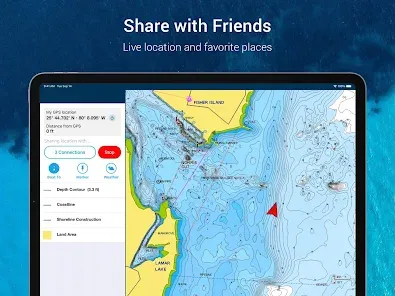
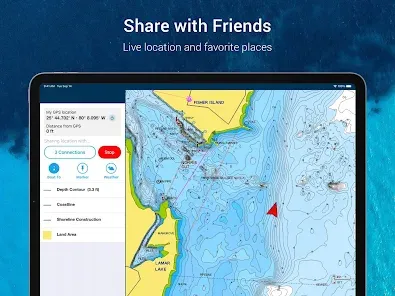
ActiveCaptain Community: Navionics® integrates with the ActiveCaptain community, allowing users to share information, such as updated hazards, marina details, and reviews, with other boaters.
Offline Maps: Download maps and charts ahead of time to navigate in areas without internet connectivity.
Functions of Navionics® Boating
Map Navigation: Use detailed, high-resolution nautical charts for accurate navigation in coastal and inland waters, as well as rivers and lakes.
GPS Tracking: Track your location on the map in real-time, ensuring you stay on course and avoid obstacles.
Route Planning: Plan your boating routes with customizable waypoints and route adjustments, and view estimated travel times and distances.
Depth and Bathymetric Data: View depth contours and bottom details to avoid shallow areas or submerged hazards while navigating.
Weather and Tides: Access up-to-date weather forecasts, tides, and current information, all integrated directly into the app for quick and easy planning.
Community Collaboration: Utilize the ActiveCaptain community to share and receive valuable user-generated content about marinas, hazards, and local conditions.
Offline Navigation: Download essential charts and maps to navigate even when you are out of cell service range.
How to Use Navionics® Boating
Click the button "Check All Versions" below to download and install it.
Step 1: Download and Install: Download the Navionics® Boating app from the App Store (iOS) or Google Play Store (Android) and install it on your mobile device.
Step 2: Create an Account: Open the app and sign up for an account, or log in if you already have one. This will allow you to save your maps, routes, and waypoints across devices.
Step 3: Set Up Your Device: Enable location services on your device so that the app can accurately track your position via GPS.
Step 4: Download Maps: Select the areas you will be navigating and download the relevant charts for offline use. You can update the charts as needed.
Step 5: Plan Your Route: Use the route planning feature to create a custom journey, setting waypoints along your route and adjusting as needed to optimize travel time and safety.
Step 6: Start Navigation: Once your route is planned, begin navigating. Follow the real-time GPS tracking to stay on course and monitor depth and hazards in the water.
Step 7: Monitor Weather and Tides: Keep an eye on the integrated weather and tides information to ensure you are prepared for changing conditions during your trip.
Step 8: Share and Collaborate: Use the ActiveCaptain community to access real-time user feedback on marinas, hazards, and local conditions, or contribute your own insights to help other boaters.


 0
0