

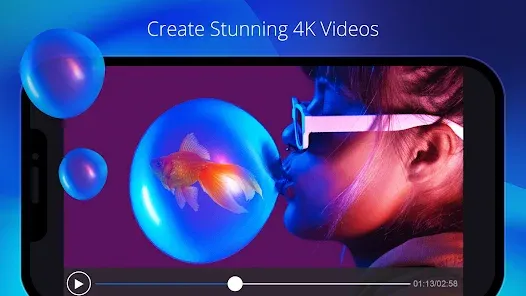

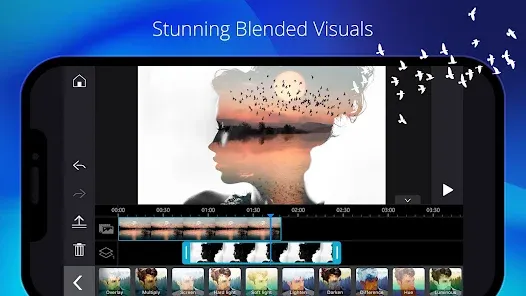
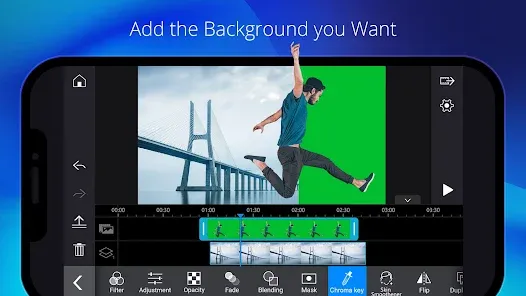
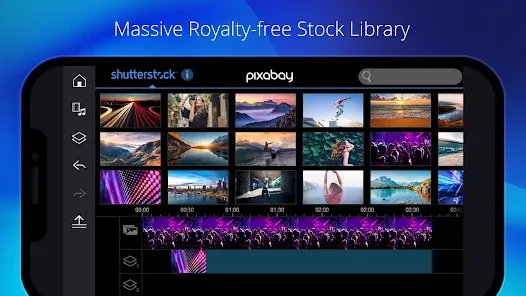
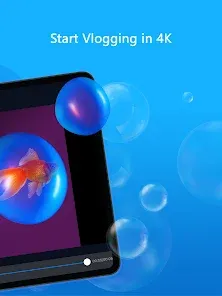

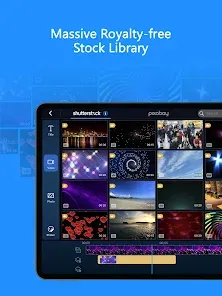
PowerDirector - Video Editor is a professional-grade video editing app for mobile devices, designed to create high-quality videos quickly and efficiently. It offers a wide range of editing tools, including timeline editing, effects, transitions, and audio controls. Users can combine multiple clips, add text overlays, and apply visual effects to produce polished videos. The app also supports 4K video export and social media sharing, making it suitable for both casual creators and professionals. With an intuitive interface and regular updates, PowerDirector allows users to edit videos on the go while maintaining a high standard of production quality.
Key Features
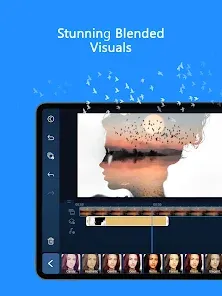
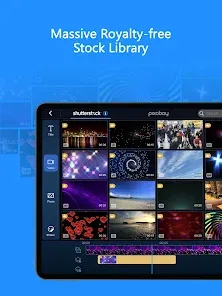
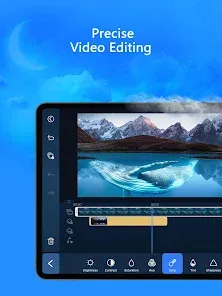
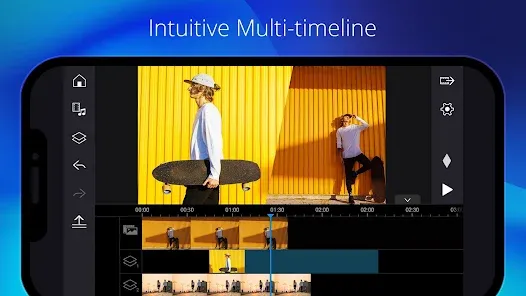
Multi-track timeline editing for precise control.
Wide selection of visual effects and transitions.
Audio editing, voiceovers, and music overlay support.
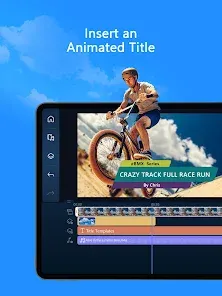
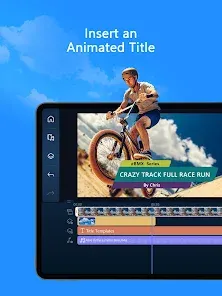
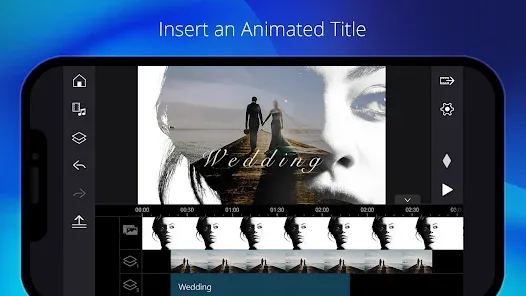
Text and title animation features.
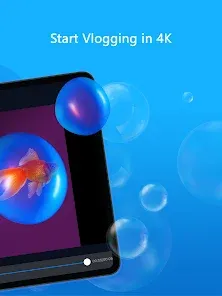
Supports 4K video export and high-resolution projects.
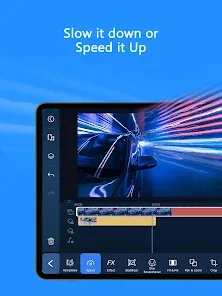
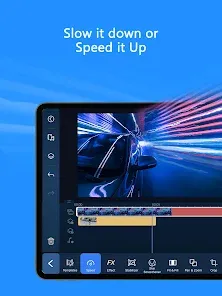
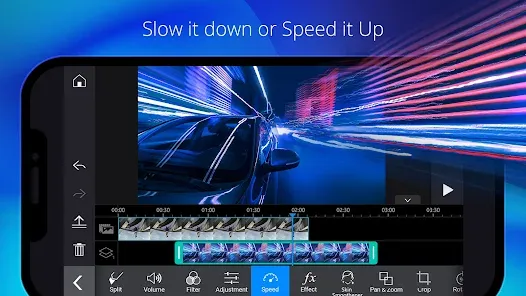
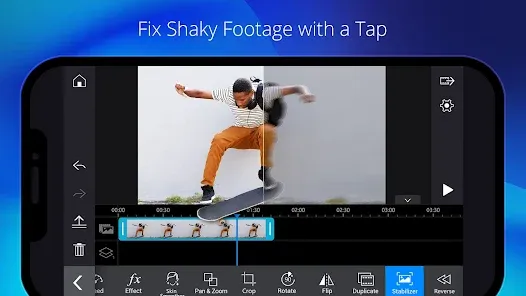
Video stabilization and slow-motion effects.
Direct sharing to social media platforms.
Regular content updates and feature improvements.
User-friendly interface with drag-and-drop editing.
Template options for faster video creation.
Pros & Cons
Pros:
Professional editing tools for mobile users.
Supports high-resolution video output.
Easy to use with intuitive timeline interface.
Regular updates enhance capabilities.
Great for social media content creation.
Cons:
Some advanced features require a subscription.
High-resolution editing may be resource-intensive.
Can be complex for absolute beginners.
Large project files consume significant storage.
Functions
Edit video clips using multi-track timelines.
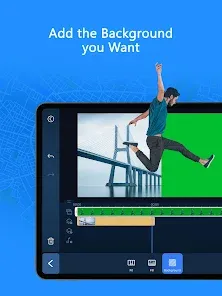
Apply effects, transitions, and animations.
Add and edit audio tracks and voiceovers.
Insert titles, text, and animated graphics.
Export finished videos in multiple resolutions.
Stabilize shaky footage and adjust speed.
Share directly to social media platforms.
Use templates for quick project creation.
How to Use
Click the button ""Check All Versions"" below to download and install it.
Open the app and create a new project.
Import video clips or media files.
Arrange clips on the timeline and trim as needed.
Add effects, transitions, and text overlays.
Adjust audio tracks and apply enhancements.
Preview the project and make final edits.
Export and share your video in the desired resolution.


 0
0 



