Sketchbook is a professional-grade digital drawing and painting application developed by Autodesk. Designed for artists, illustrators, and designers, Sketchbook offers a natural and intuitive interface that mimics traditional sketching tools, allowing users to create detailed artwork digitally. The app supports a wide range of devices including desktops, tablets, and smartphones, making it accessible for creative work on the go or in the studio. With a focus on ease of use, Sketchbook provides a clean workspace with powerful features such as customizable brushes, layers, and advanced drawing tools. It is popular among hobbyists and professionals alike due to its combination of accessibility and professional capabilities.
Pros and Cons
Pros:
User-friendly interface that is easy to navigate for beginners and pros.
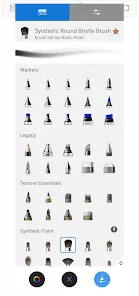
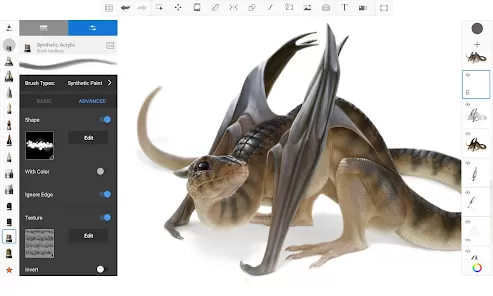
Highly customizable brushes and drawing tools that mimic real media.
Supports layers with blending modes for complex artwork creation.
Cross-platform availability on Windows, macOS, iOS, and Android.
Pressure sensitivity support for stylus devices enhances precision.
Offers a free version with many useful features, and a Pro version with advanced options.
Allows easy exporting of artwork in multiple formats.
Cons:
Lacks some advanced features found in other high-end professional software.
Limited text and vector graphic tools compared to specialized design apps.
Pro version requires subscription, which may be costly for casual users.
Occasional performance lag on older or lower-end devices with large canvases.
No collaborative or cloud-based real-time editing features.
Key Features
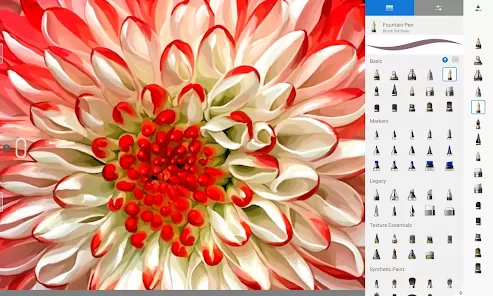
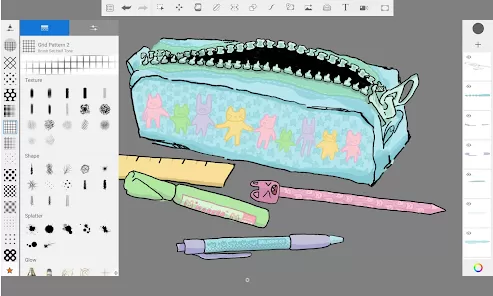
Customizable brush library with pencils, pens, markers, and airbrushes.
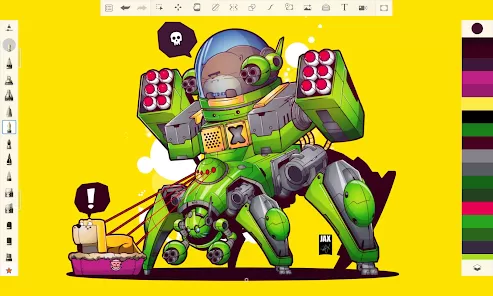
Layer support with options for opacity, blending, and grouping.
Predictive stroke and smoothing tools for cleaner lines.
Symmetry and radial symmetry tools for balanced and repetitive designs.
Guides and rulers including ellipse, perspective, and French curves.
High-resolution canvases suitable for print-quality artwork.
Import and export options supporting formats like PSD, PNG, JPG, and TIFF.
Support for pressure-sensitive stylus devices like Wacom and Apple Pencil.
Functions
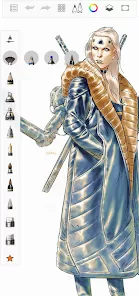
Create digital sketches, illustrations, and paintings from scratch or using imported images.
Utilize layers to separate elements and adjust visibility or blending.
Apply custom brushes and adjust settings for unique textures and effects.
Use symmetry tools to create balanced and intricate patterns quickly.
Employ guides and rulers to maintain proportions and perspective accuracy.
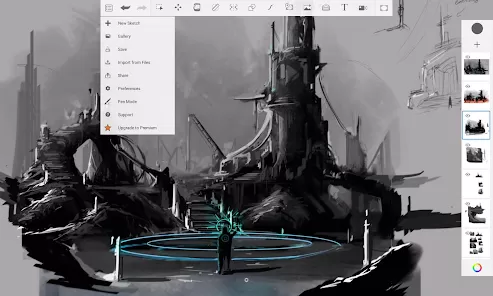
Export artwork in various file formats for sharing, printing, or further editing.
Save and organize projects within the app for easy access and continuation.
Take advantage of undo/redo, zoom, and pan for efficient workflow control.
How to Use Sketchbook
Click the button "Check All Versions" below to download and install it.
Download and install Sketchbook from the official Autodesk website or app stores.
Create an account or sign in if prompted to unlock full features.
Open the app and start a new canvas by selecting desired dimensions and resolution.
Choose brushes from the toolbar and customize their size, opacity, and texture as needed.
Use layers to organize your artwork, adding new layers for different elements or effects.
Apply symmetry or guides if your design requires precise patterns or perspective.
Use undo and redo options to correct mistakes or experiment without worry.
Save your progress frequently, and export the final image in your preferred file format.
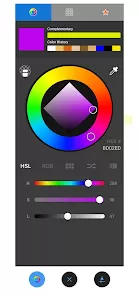
Explore additional tools such as predictive stroke, blending modes, and color palettes to enhance your work.
Take advantage of stylus support if using tablets for better control and precision.






 0
0