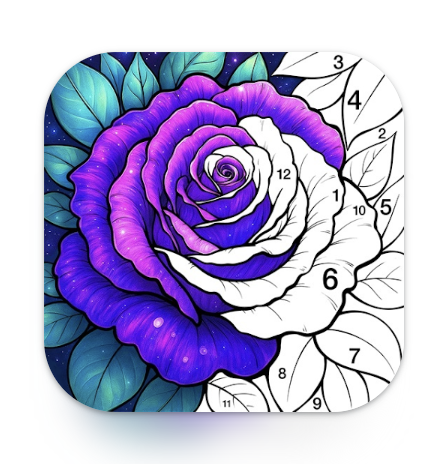
Coloring Book: Color by Number is a mobile app that transforms digital coloring into an interactive and relaxing experience. Users are provided with numbered images and corresponding color palettes, allowing them to fill spaces accurately according to the guide. This approach simplifies the coloring process, making it enjoyable for all ages, including children and adults. The app offers a wide variety of illustrations ranging from animals and nature to abstract designs. Its simple interface, smooth touch controls, and satisfying color-fill animations create a calming and creative environment for users to relieve stress and explore their artistic side.
Key Features
Numbered coloring system for guided creativity.
Wide range of illustrations including animals, landscapes, and patterns.
Customizable color palettes for each image.
Smooth touch controls and color-fill animations.
Offline support for uninterrupted coloring sessions.
Save and share completed artwork.
Daily and weekly new illustrations.
Relaxing music and sound effects option.
User-friendly interface suitable for all ages.
Lightweight app optimized for mobile devices.
Pros & Cons
Pros:
Relaxing and stress-relieving activity for users.
Guided numbering system is easy for beginners.
Large variety of images to color.
Offline access allows coloring anywhere.
Save and share artwork with others.
Cons:
Some premium illustrations may require purchases.
Limited advanced drawing or customization features.
Repetitive coloring system may reduce challenge over time.
No collaborative or multiplayer coloring options.
Functions
Provides numbered images for guided coloring.
Fills colors automatically in correct spaces.
Tracks progress for each image.
Allows saving completed artwork.
Supports sharing of creations on social platforms.
Updates with new images regularly.
Offers offline functionality for coloring without internet.
Customizes palettes for different color schemes.
How to Use
Click the button ""Check All Versions"" below to download and install it.
Open the app and choose an illustration to color.
Refer to the numbers and corresponding colors.
Tap on sections to fill with the correct color.
Use undo options to correct mistakes.
Complete the image and save your work.
Share your colored illustration if desired.
Select a new illustration to continue coloring.


 0
0