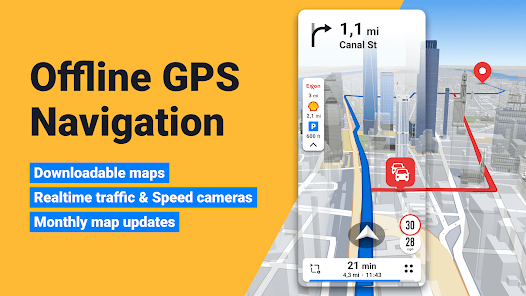

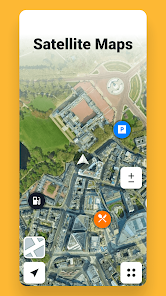
Sygic GPS Navigation & Maps is a comprehensive mobile navigation app designed to help users reach their destinations efficiently and safely. It offers offline maps, turn-by-turn voice guidance, real-time traffic updates, and route planning for drivers, cyclists, and pedestrians. Sygic combines high-quality map data with intelligent routing algorithms to avoid congestion and provide alternative routes. Users can find points of interest such as gas stations, restaurants, and parking, while speed limit warnings and lane guidance enhance driving safety. By integrating offline accessibility, Sygic ensures navigation even without an internet connection, making it a reliable choice for daily commuting, long-distance travel, or exploring unfamiliar areas.
Key Features
Offline maps for use without internet connectivity.
Turn-by-turn voice navigation for safe driving.
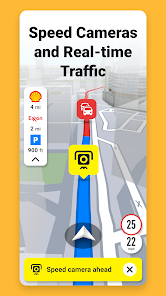
Real-time traffic updates and route optimization.
Lane guidance and speed limit warnings.
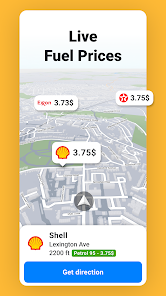
Points of interest including gas stations, restaurants, and parking.
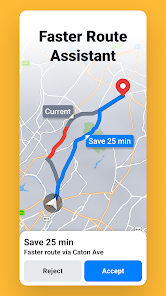
Multiple route options with estimated arrival times.
Integration with dashcams for road recording.
3D map visualization and realistic street views.
Customizable route preferences.
Frequent map updates to maintain accuracy.
Pros & Cons
Pros:
Reliable offline navigation without internet dependency.
Accurate maps and regular updates.
Comprehensive traffic and safety information.
User-friendly interface for all ages.
Supports multiple types of routes and transport modes.
Cons:
Advanced features may require a premium subscription.
Some map data may need significant storage space.
Live traffic features require an active internet connection.
Functions
Provides navigation for drivers, cyclists, and pedestrians.
Displays real-time traffic conditions.
Offers route planning with alternative options.
Alerts users to speed limits and lane guidance.
Shows nearby points of interest.
Allows map updates and offline downloads.
Records routes using dashcam integration.
How to Use
Click the button ""Check All Versions"" below to download and install it.
Open the app and allow location access.
Download offline maps for your region.
Enter a destination and select your preferred route.
Follow turn-by-turn voice guidance while traveling.
Check traffic alerts and points of interest along the way.
Customize settings for route preferences and map display.


 0
0