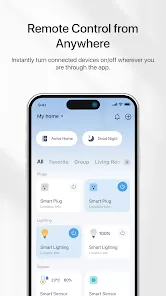
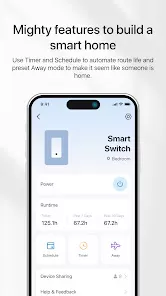
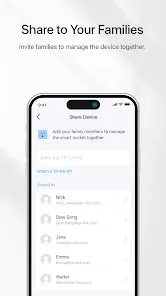
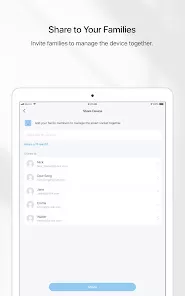
TP-Link Tapo is a smart home ecosystem designed to simplify home automation and security. It includes a variety of devices such as smart plugs, cameras, light bulbs, and sensors that can be controlled remotely via the Tapo mobile app. The platform allows users to monitor live video feeds, schedule automation routines, and integrate multiple devices for seamless operation. TP-Link Tapo emphasizes user-friendly setup, remote access, and affordable smart home solutions. With cloud storage and local options, Tapo ensures privacy and flexibility, making it suitable for homeowners seeking convenience, safety, and intelligent control over their household devices.
Pros and Cons of TP-Link Tapo
Pros:
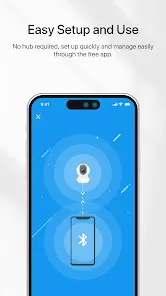
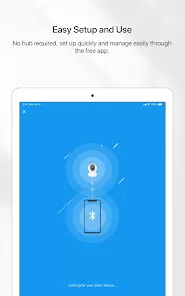
Easy setup with plug-and-play smart devices and app guidance.
Affordable range of smart home products for various needs.
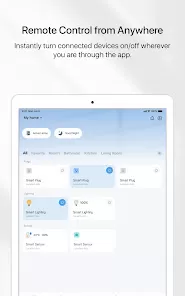
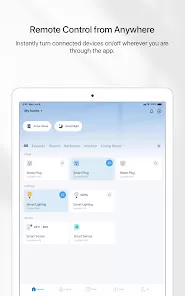
Remote control and monitoring via Tapo app from anywhere.
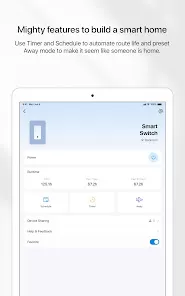
Supports scheduling and automation routines for energy efficiency.
Live video streaming with motion detection for security cameras.
Local storage and cloud storage options for privacy and convenience.
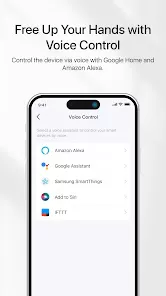
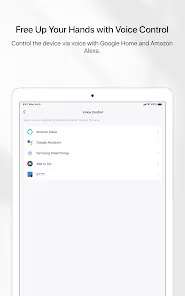
Compatible with voice assistants like Amazon Alexa and Google Assistant.
Compact and energy-efficient devices suitable for home use.
Cons:
Some features may require a stable Wi-Fi connection for optimal performance.
Cloud storage subscription is needed for extended video retention.
Limited advanced automation compared to higher-end smart home systems.
App interface may be less intuitive for first-time smart home users.
Integration with third-party smart devices may be limited.
Some users report occasional connectivity or firmware update issues.
Certain features are only accessible through the mobile app, not via web.
Key Features of TP-Link Tapo
Smart cameras with live streaming, motion detection, night vision, and two-way audio.
Smart plugs to remotely control appliances and monitor energy usage.
Smart light bulbs with adjustable brightness, color, and scheduling options.
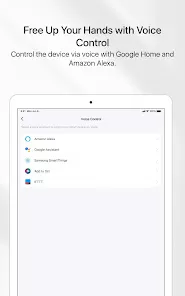
Integration with Amazon Alexa and Google Assistant for voice control.
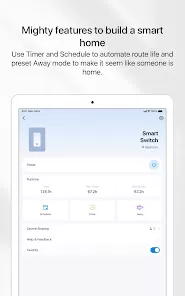
Customizable automation and scheduling for devices.
Cloud storage and microSD support for video recording.
Secure access with encrypted connections and privacy protection.
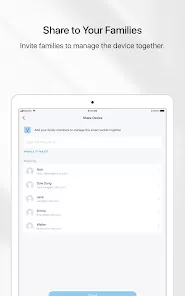
Multiple device control from a single Tapo mobile app interface.
Alerts and notifications for unusual activity detected by devices.
Energy monitoring features for efficient usage of connected devices.
Functions of TP-Link Tapo
Remotely turn smart plugs and light bulbs on or off.
Monitor home security cameras in real time through the app.
Receive motion alerts and notifications for unusual activities.
Schedule devices to turn on/off automatically based on routines.
Control devices via voice commands using supported assistants.
Record and store video footage on local or cloud storage.
Create automation routines that link multiple Tapo devices together.
Track energy consumption for connected appliances.
How to Use TP-Link Tapo
Download the TP-Link Tapo app from the App Store or Google Play Store.
Create a Tapo account or log in with an existing TP-Link ID.
Plug in or install Tapo devices and ensure they are powered on.
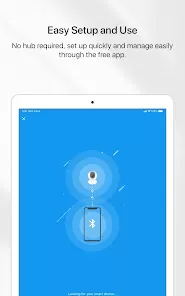
Follow in-app instructions to connect each device to your Wi-Fi network.
Assign names and locations to each device for easier management.
Use the app to control devices remotely, set schedules, or create automation routines.
Enable motion detection or alerts for cameras and customize sensitivity levels.
Access live video streams or recorded footage directly through the app.
Link devices with voice assistants for hands-free control.
Regularly update device firmware via the app to ensure security and feature improvements.



 0
0