
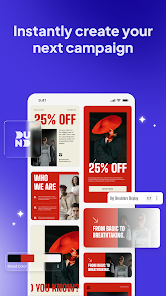
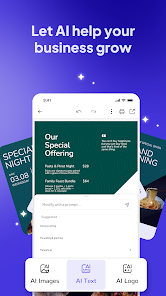
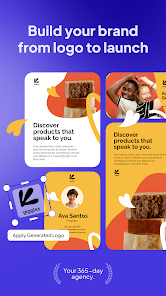
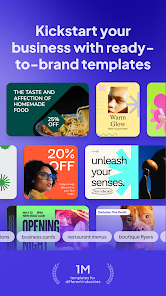
Desygner: Graphic Design Maker is a versatile mobile application that allows users to create professional-quality designs easily. It offers an intuitive drag-and-drop interface with customizable templates for social media posts, flyers, presentations, logos, and more. Designed for both beginners and professionals, Desygner provides access to a wide library of images, fonts, and design elements, making creative work straightforward. Users can edit, resize, and share designs directly from their devices. By simplifying graphic design and offering professional tools without the need for advanced software, Desygner enables anyone to produce visually appealing content efficiently and with flexibility.
Key Features
Drag-and-drop graphic design interface.
Pre-made templates for social media, print, and marketing.
Access to fonts, images, and icons.
Customizable colors, layouts, and text.
Supports logo and branding creation.
Export designs in multiple formats (JPG, PNG, PDF).
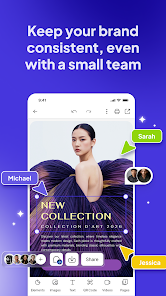
Collaboration and sharing options.
Cloud storage for designs.
Mobile-friendly and tablet-compatible.
Regular updates with new design resources.
Pros & Cons
Pros:
User-friendly interface suitable for beginners.
Extensive template and asset library.
Supports professional-level designs.
Cloud saving ensures easy access across devices.
Export options for various file formats.
Cons:
Some premium elements require a subscription.
Complex designs may require more advanced tools.
Limited offline functionality for certain features.
Functions
Creates and edits graphic designs.
Applies templates and custom design elements.
Exports projects in multiple file formats.
Manages designs in cloud storage.
Supports collaborative editing and sharing.
Tracks updates and design resources.
How to Use
Click the button ""Check All Versions"" below to download and install it.
Open the app and sign in or create an account.
Select a template or start a design from scratch.
Customize text, images, and other elements.
Save and export your finished design.
Share designs via social media or email.
Access saved designs from any device with your account.

 0
0