What is FiLMiC Pro: Mobile Cine Camera
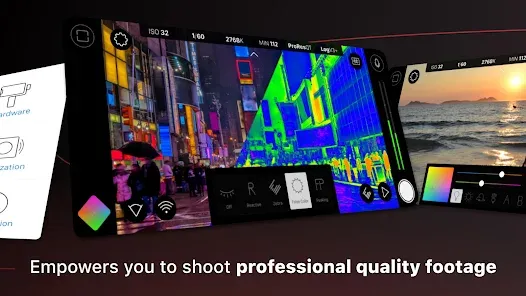
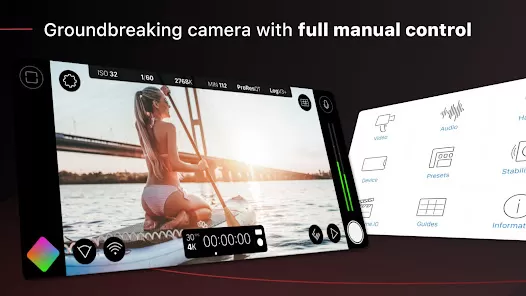
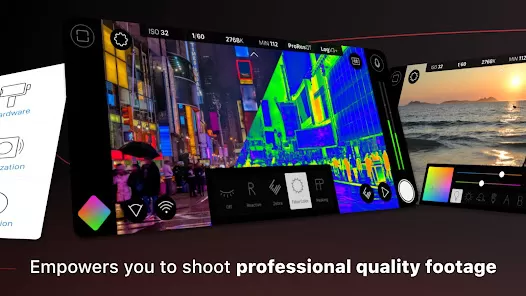
FiLMiC Pro: Mobile Cine Camera is a professional-grade video recording app designed for filmmakers, content creators, and mobile videographers. It transforms smartphones into high-performance cinema cameras by offering advanced controls over focus, exposure, white balance, and frame rates. With support for multiple resolutions, color profiles, and log gamma formats, FiLMiC Pro allows users to capture high-quality footage suitable for professional projects. The app includes features such as dual camera support, live analytics, and manual audio controls, making it ideal for both solo creators and collaborative productions. By combining precision, flexibility, and accessibility, FiLMiC Pro empowers users to create cinematic videos directly from their mobile devices.
Pros and Cons
- Pros:
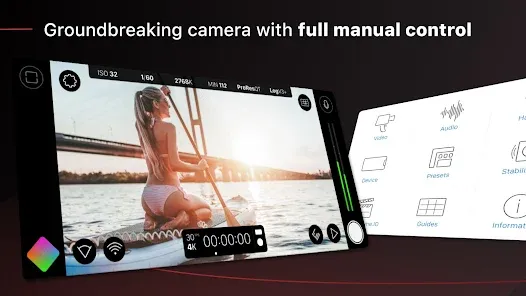
- Full manual control over focus, exposure, ISO, shutter speed, and white balance.
- Supports high-resolution recording, including 4K and variable frame rates.
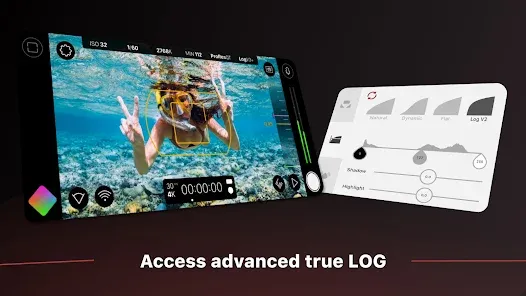
- Offers advanced color profiles and LOG recording for professional-grade color grading.
- Dual-camera support on compatible devices allows simultaneous wide and telephoto capture.
- Live analytics, waveform monitors, and histograms for precise exposure control.
- Customizable on-screen overlays for composition and framing assistance.
- Supports external microphones and manual audio level adjustments.
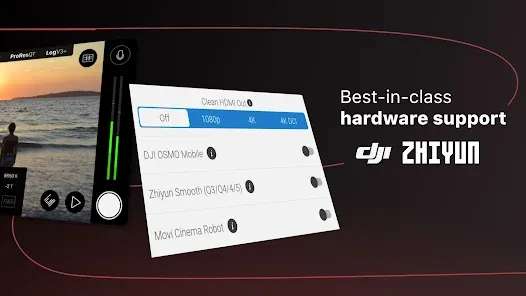
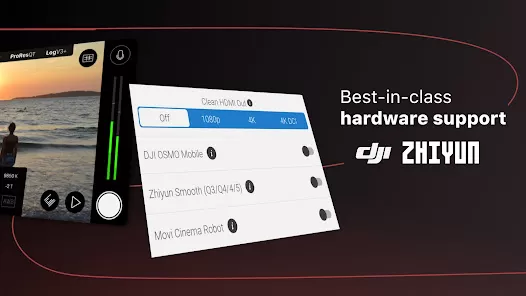
- Integration with gimbals, drones, and stabilizers for enhanced mobile filmmaking.
- Frequent updates with new features and optimization for latest devices.
- Enables cinematic video production without professional camera equipment.
- Cons:
- Premium app with a one-time purchase or subscription required to unlock full features.
- Advanced settings may have a steep learning curve for beginners.
- High-resolution recording consumes significant storage and battery life.
- Some features depend on device hardware, limiting compatibility with older smartphones.
- Manual focus and exposure require practice for optimal results.
- No built-in editing tools; post-production requires separate apps.
Key Features
- Manual Controls: Adjust focus, exposure, ISO, shutter speed, and white balance manually.
- High-Resolution Video: Record up to 4K with variable frame rates for cinematic quality.
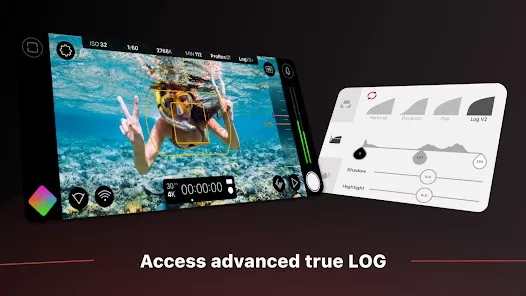
- Color Profiles & LOG Recording: Offers flat and LOG gamma curves for professional color grading.
- Dual-Camera Support: Capture footage from two lenses simultaneously on supported devices.
- Live Analytics: Waveform, vectorscope, RGB parade, and histogram for precise monitoring.
- Audio Control: Manual audio levels, external mic support, and real-time audio meters.
- Custom Overlays: Grid, safe zones, and guides for framing and composition.
- Variable Frame Rates: Record in slow-motion or cinematic 24fps, 30fps, or 60fps.
- Third-Party Integrations: Works with gimbals, drones, and stabilizers for professional setups.
- Project Management: Save presets and quickly switch between filming setups.
Functions
- Video Capture: Record high-quality videos with complete manual control.
- Exposure & Focus Lock: Lock focus and exposure for consistent cinematic shots.
- Audio Recording: Adjust audio input levels and monitor via external microphones.
- Framing Assistance: Use grids, guides, and safe zones to compose professional shots.
- Color & Gamma Control: Apply LOG or flat color profiles for advanced post-production flexibility.
- Multi-Camera Usage: Capture simultaneous angles on dual-lens smartphones.
- Time-Lapse & Slow Motion: Record creative videos using variable frame rates.
- Real-Time Monitoring: Use histograms and waveform scopes to ensure accurate exposure.
- Preset Management: Save and load custom filming presets for different shooting scenarios.
- Integration: Connect with stabilizers, drones, and other filming accessories for enhanced production.
How to Use
- Download FiLMiC Pro from the App Store or Google Play Store and install on your smartphone.
- Open the app and configure initial settings, such as resolution, frame rate, and aspect ratio.
- Select manual or automatic mode for focus, exposure, and white balance.
- Attach any external accessories, such as microphones or gimbals, if required.
- Use on-screen overlays and grids to frame your shot for optimal composition.
- Adjust ISO, shutter speed, and focus manually for precise cinematic control.
- Monitor audio levels using real-time meters if recording dialogue or ambient sound.
- Use dual-camera mode if available to capture multiple angles simultaneously.
- Start recording and monitor the live waveform, histogram, and exposure data for accuracy.
- Stop recording and save the clip; repeat as necessary for additional scenes.
- Export the footage in your chosen resolution and color profile for post-production.
- Save and reuse presets for consistent results in future shoots.


 0
0