





Google Calendar

  •  4.6
  • Verified Safety

ADVERTORIAL

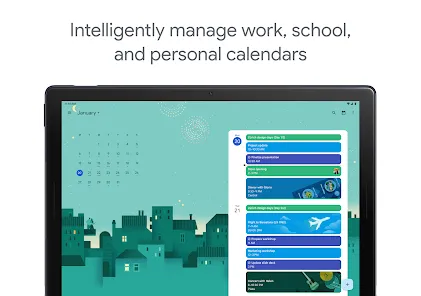
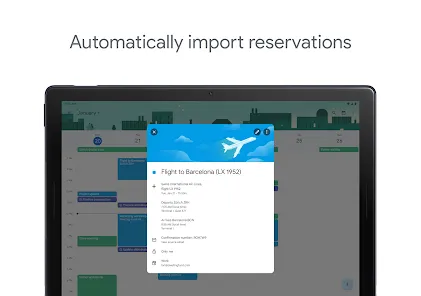
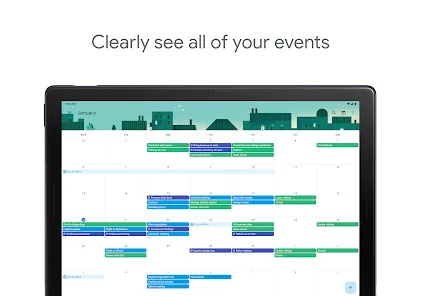
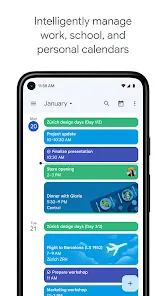
Google Calendar is a free, web-based time-management and scheduling service developed by Google. It allows users to create, organize, and manage events and appointments in a streamlined digital calendar accessible from any device with internet connectivity. Integrated deeply with other Google services such as Gmail and Google Meet, Google Calendar helps users coordinate meetings, set reminders, share calendars with others, and stay organized. It is widely used by individuals, professionals, and organizations to simplify planning, improve productivity, and enable seamless collaboration across teams. With its intuitive interface and powerful features, Google Calendar offers an efficient way to manage personal and professional schedules in one place.

Pros and Cons

  • Pros:

    • Free to use with a Google account, accessible on multiple platforms.

    • Easy integration with Gmail, Google Meet, and other Google Workspace apps.

    • Allows sharing of calendars to improve team collaboration and transparency.

    • Supports customizable event reminders via email or notifications.

    • Syncs seamlessly across devices, including smartphones, tablets, and desktops.

    • Supports time zone management, making it suitable for global users.

    • Offers smart suggestions for event titles, guests, and locations.

  • Cons:

    • Limited offline functionality without internet access.

    • Privacy concerns as it is tied to a Google account and data collection policies.

    • Advanced customization options can be overwhelming for new users.

    • Some users may find notifications intrusive if not configured properly.

    • Integration with non-Google apps can sometimes be limited or require third-party tools.

Key Features

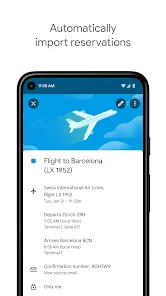
  • Create and edit events with detailed descriptions, locations, and attachments.

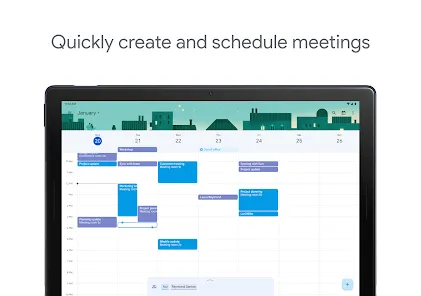
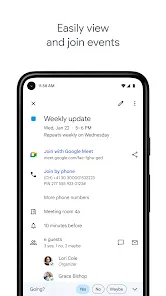
  • Invite guests and manage RSVPs for meetings or events.

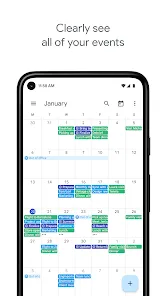
  • Multiple calendar support, allowing users to maintain personal, work, and shared calendars.

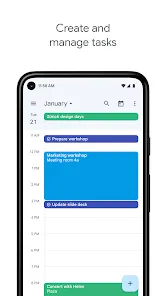
  • Color-coded events for better visual organization.

  • Recurring event creation with flexible scheduling options.

  • Event reminders via email, pop-ups, or mobile notifications.

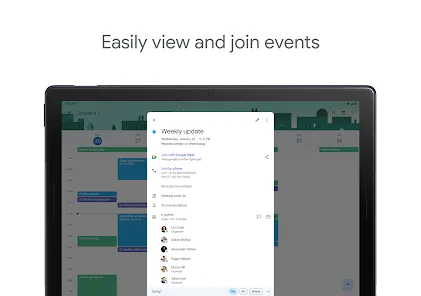
  • Integration with Google Meet for seamless video conferencing links.

  • Time zone adjustments and world clock support for scheduling across regions.

Functions

  • Schedule and manage appointments, meetings, and events easily.

  • Send calendar invitations and track attendee responses.

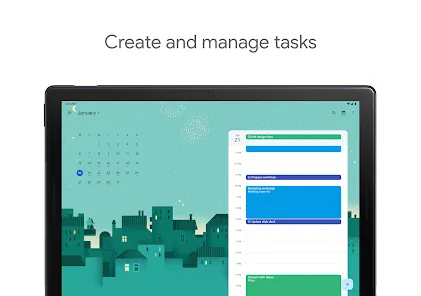
  • Set reminders to ensure timely attendance and task completion.

  • Share calendars with colleagues, friends, or family for coordinated planning.

  • Access calendars offline via supported apps with sync when reconnected.

  • Integrate with third-party applications like Zoom, Slack, and task managers.

  • Use search and filter functions to quickly find specific events or dates.

  • Receive notifications for upcoming events across devices.

How to Use Google Calendar

Click the button "Check All Versions" below to download and install it.

  • Sign in to your Google account and open Google Calendar via calendar.google.com or the mobile app.

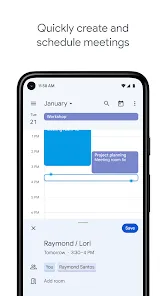
  • Create a new event by clicking the "+" button or tapping the date/time slot on the calendar.

  • Fill in event details such as title, date, time, location, description, and add guests.

  • Set reminders and notifications based on your preferences (email, pop-up, or mobile alert).

  • Save the event and send invitations to any guests added.

  • Use the sidebar to toggle between multiple calendars or create new calendars for different purposes.

  • Access event details anytime to make edits, add notes, or update guests.

  • Sync Google Calendar with your smartphone or desktop calendar apps for real-time updates.

  • Use search and filter tools to find events or manage your schedule efficiently.

  • Explore integrations with other apps like Google Meet or task management tools for enhanced productivity.

ADVERTORIAL

Similar Apps
  • 登录
社交账号登录