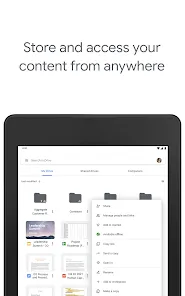
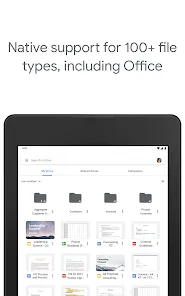







Google Drive is a cloud-based file storage and synchronization service developed by Google. It allows users to store files securely online, access them from any device connected to the internet, and collaborate in real-time with others. Google Drive integrates seamlessly with other Google Workspace apps like Google Docs, Sheets, and Slides, enabling efficient document creation and sharing. It provides both free and paid storage plans, catering to individual users, businesses, and organizations. Google Drive’s user-friendly interface, accessibility, and collaborative features make it a popular choice for personal and professional file management.
Pros and Cons of Google Drive
Pros:
Generous free storage (15 GB) shared across Google services.
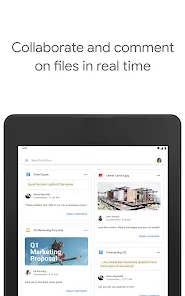
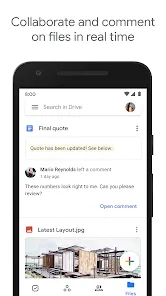
Easy sharing and real-time collaboration with others.
Seamless integration with Google Workspace applications.
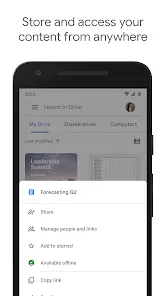
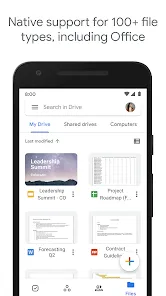
Access files from any device with internet connectivity.
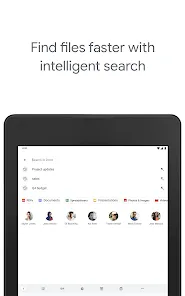
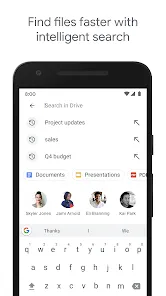
Robust search functionality powered by Google Search technology.
Strong security features including two-factor authentication and encryption.
Automatic file backup and synchronization across devices.
Cons:
Free storage is shared with Gmail and Google Photos, which can fill up quickly.
Requires internet access for full functionality; offline mode is limited.
Privacy concerns due to Google's data handling policies.
Large file uploads can be slow depending on internet speed.
Complex folder structures may be confusing for some users.
Key Features of Google Drive
Cloud storage with 15 GB free space, expandable via paid plans.
File sharing with customizable permissions (view, comment, edit).
Real-time collaboration on documents, spreadsheets, and presentations.
Version history that tracks changes and allows restoring previous file versions.
Powerful search capabilities including filters by file type, owner, date, and keywords.
Integration with third-party apps and services for enhanced productivity.
Offline access to files and Google Docs, Sheets, and Slides.
Automatic synchronization across devices including mobile, desktop, and web.
Functions of Google Drive
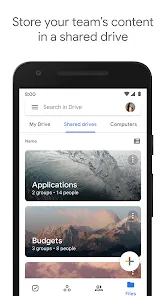
Store and organize files securely in the cloud to free up local device space.
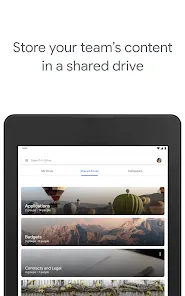
Share files and folders easily with individuals or groups, controlling access levels.
Create, edit, and collaborate on documents, spreadsheets, and presentations online.
Backup important files and photos automatically from smartphones or computers.
Search and filter stored files quickly using Google’s search engine technology.
Sync files between devices so updates are reflected everywhere in real-time.
Manage and track file activity through notifications and version history.
Use add-ons and integrations to enhance workflow and productivity.
How to Use Google Drive
Step 1: Sign in to Google Drive using your Google account at drive.google.com or download the Google Drive app on your device.
Step 2: Upload files by clicking the “New” button and selecting “File upload” or “Folder upload.”
Step 3: Organize files by creating folders and dragging files into them.
Step 4: Share files or folders by right-clicking and selecting “Share,” then enter email addresses and set permission levels.
Step 5: Create new documents using integrated apps like Google Docs, Sheets, or Slides from the “New” menu.
Step 6: Collaborate in real-time by inviting others to edit or comment on shared documents.
Step 7: Use the search bar to quickly find files by name, type, or keyword.
Step 8: Enable offline mode in settings to access and edit files without internet connectivity.
Step 9: Manage your storage plan and view usage in the settings or Google One app.
Step 10: Sync Google Drive with your desktop or mobile device for automatic backup and easy access.


0