HP Smart

  •  4.3
  • Verified Safety

ADVERTORIAL

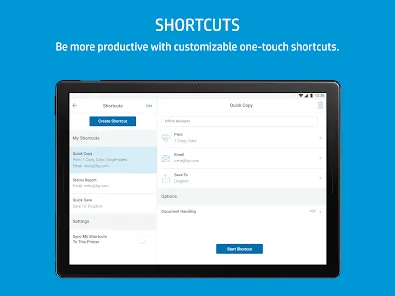
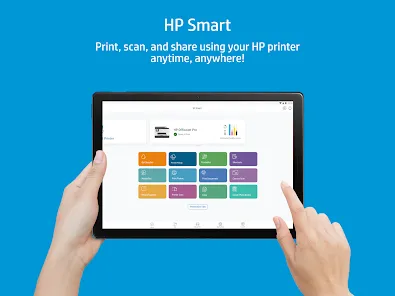
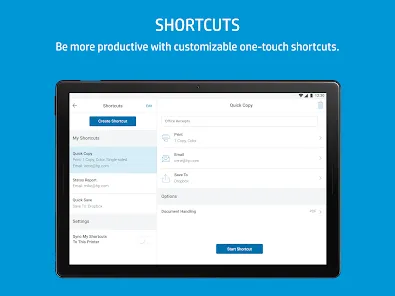
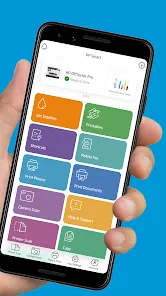
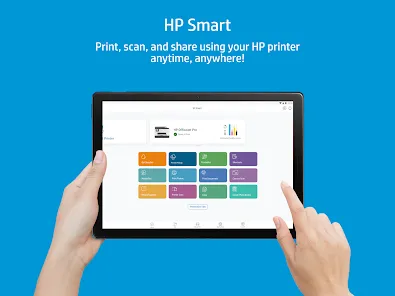
HP Smart is a versatile mobile and desktop application designed by Hewlett-Packard to streamline the management of HP printers and related tasks. It offers users an intuitive interface to easily set up, scan, print, and manage their HP printers from virtually anywhere using their smartphones, tablets, or computers. Beyond simple printing, HP Smart enhances the user experience by providing tools for document scanning, photo printing, mobile faxing, and cloud storage integration. This application aims to simplify everyday printing needs while offering advanced features that cater to both home users and small businesses.

Pros and Cons

  • Pros:

    • Easy to install and user-friendly interface.

    • Supports wireless printing and scanning from mobile devices.

    • Integration with cloud services like Google Drive, Dropbox, and OneDrive.

    • Offers mobile faxing and photo printing capabilities.

    • Compatible with a wide range of HP printers.

    • Allows remote printer management and troubleshooting.

    • Supports automatic firmware updates for printers.

  • Cons:

    • Limited support for non-HP printers.

    • Some features require creating an HP account or signing in.

    • Occasional connectivity issues reported with certain networks.

    • Can be resource-intensive on older mobile devices.

    • Advanced features may be confusing for less tech-savvy users.

    • Ads and promotional offers occasionally appear within the app.

Key Features

  • Wireless setup and connection for HP printers.

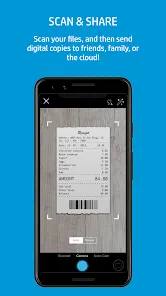
  • Scan documents and photos directly from your mobile device or computer.

  • Print from or save to cloud storage platforms such as Google Drive, Dropbox, and OneDrive.

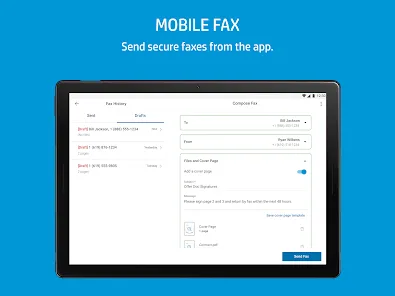
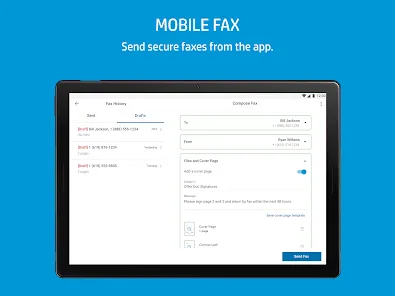
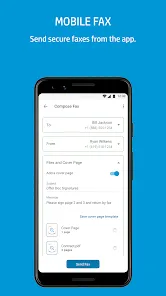
  • Mobile faxing capabilities without the need for a fax machine.

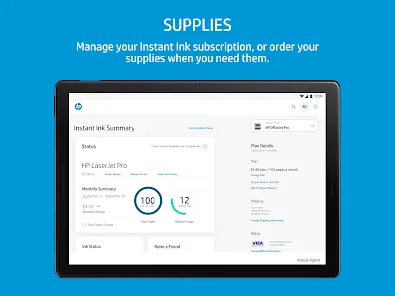
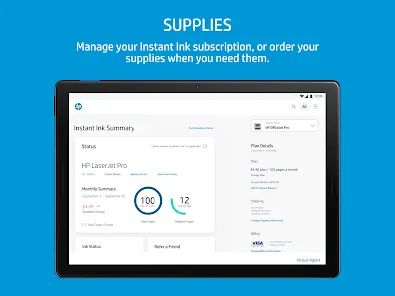
  • Remote printer status monitoring and ink level notifications.

  • Easy access to printer troubleshooting and support resources.

  • Photo editing and enhancement tools for printing customized images.

  • Document editing and multi-page scanning support.

Functions

  • Setup and configure HP printers via Wi-Fi or USB connection.

  • Initiate and manage print jobs from smartphones, tablets, or desktops.

  • Scan physical documents into digital formats and share via email or cloud.

  • Send faxes directly from the app without dedicated fax hardware.

  • Track printer status including paper supply and ink/toner levels.

  • Manage multiple HP printers from a single app interface.

  • Access and print saved documents or photos from cloud accounts.

  • Update printer firmware to ensure optimal performance and security.

How to Use HP Smart

Click the button "Check All Versions" below to download and install it.

  • Step 1: Download and install the HP Smart app from the App Store, Google Play Store, or HP’s official website.

  • Step 2: Open the app and create or sign in to your HP account for full feature access (optional but recommended).

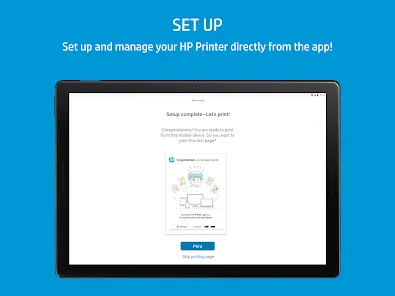
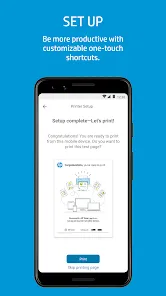
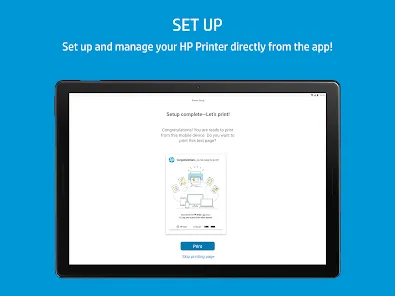
  • Step 3: Add your HP printer by following the on-screen instructions to connect via Wi-Fi or USB.

  • Step 4: Use the home screen to access key functions such as printing, scanning, and faxing.

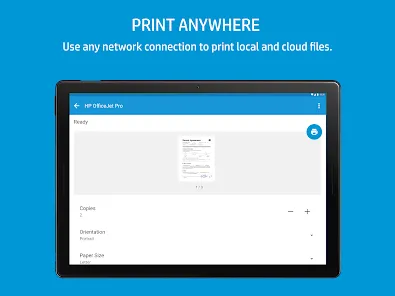
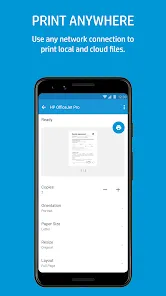
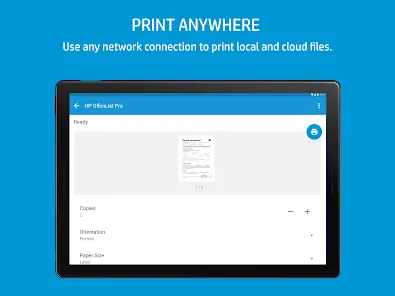
  • Step 5: To print, select a document or photo from your device or cloud storage, adjust print settings, and send the job to the printer.

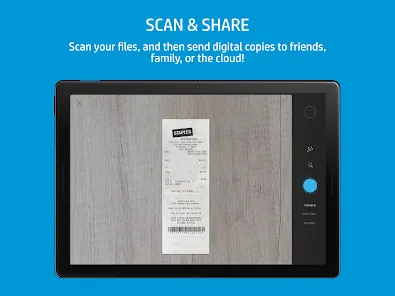
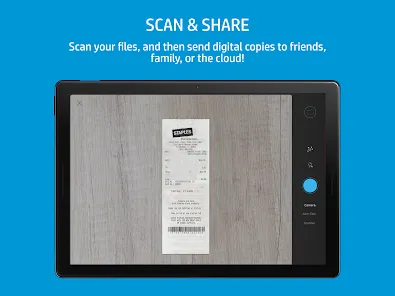
  • Step 6: For scanning, place your document on the scanner or use the device camera, then scan and save or share the file as needed.

  • Step 7: Monitor printer status and ink levels regularly through the app dashboard to avoid interruptions.

  • Step 8: Utilize the app’s troubleshooting tools if you encounter connectivity or printing problems.

  • Step 9: Explore additional features like mobile faxing and photo editing to enhance your printing experience.

  • Step 10: Keep the app updated to enjoy the latest features and security improvements.

ADVERTORIAL

User comments

1

It's beyond understanding how a company responsible for something as innovative as Instant Ink can have an app this bad. I can't even log in any more. The login process is an infinite loop. When I could, the app would rarely find the printer and if it did, I would have to poke the screen to wake it before re-sending the job. It's as hands-free as a boxing match. Ask it to print 10 pages, it may do 5 before failing. I've had it 4 years and the functionality has never improved. Such a shame...0/10"

1

I attempted to scan after successfully doing it once but I am now met with"feature unavailable". I've gone through all troubleshooting, such as uninstall/install, unplug, sign out, etc and there are still no changes. It's disappointing that this is not being fixed as I see this has been a trend for the last two years as evident by other reviews. I have other issues with this app but this is the most annoying."

2

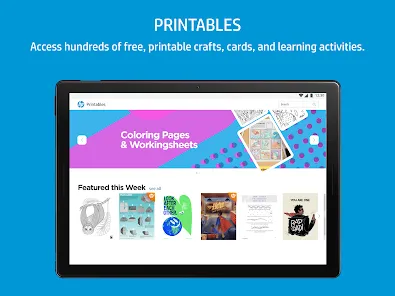
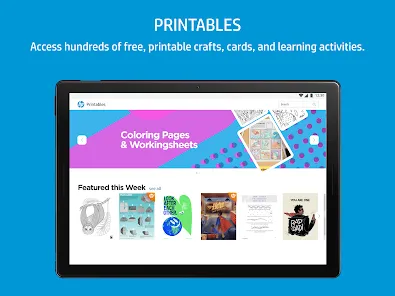
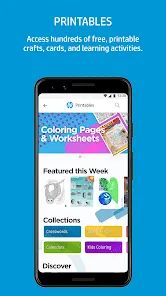
Constantly having to log back in is annoying. And why bother having an app when it just keeps opening the web browser for the settings? It won't let me open from my downloads folder, the options to resize are useless, it won't let me change a document to print four pages in one for example. On the rare occasion it works from the phone it's great, the laptop app however is an absolute nightmare in getting it to do anything. The printables section is a good idea but limited, and the search sucks"

Similar Apps
  • 登录
社交账号登录