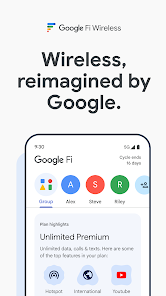
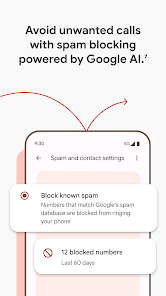

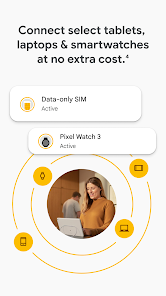
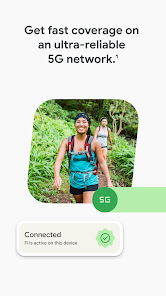
Google Fi Wireless is a mobile network service application that combines Wi-Fi and cellular connectivity to provide reliable, flexible, and cost-effective phone service. The app allows users to manage their account, monitor usage, pay bills, and access customer support conveniently from their devices. Google Fi automatically switches between multiple networks to ensure optimal coverage and connection speed, including international roaming at competitive rates. It also provides features like data protection, device management, and family plan sharing. By integrating these functionalities, Google Fi Wireless simplifies mobile service management while offering flexibility, transparency, and reliable connectivity to users worldwide.
Key Features
Account management for billing and usage tracking.
Automatic network switching for optimal coverage.
International roaming with affordable rates.
Data usage alerts and protection.
Family plan management and device sharing.
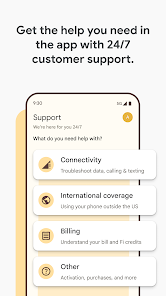
Easy access to customer support.
Integration with Google services.
Push notifications for account updates.
Simple interface for mobile plan adjustments.
Secure access to account information.
Pros & Cons
Pros:
Seamless network switching for reliable coverage.
Transparent pricing with flexible plans.
User-friendly app for account management.
Support for international travel.
Integrates well with other Google services.
Cons:
Limited to supported devices.
Network performance can vary by location.
Some features require Google ecosystem access.
Functions
Manages account details and billing.
Monitors and controls data usage.
Provides international connectivity.
Supports family plan management.
Offers real-time notifications and alerts.
Connects automatically to the best available network.
How to Use
Click the button ""Check All Versions"" below to download and install it.
Open the app and sign in with a Google account.
Set up your device with Google Fi service.
Monitor usage and manage billing through the dashboard.
Add or remove family members if applicable.
Enable notifications for updates and alerts.
Access customer support directly from the app.


 0
0