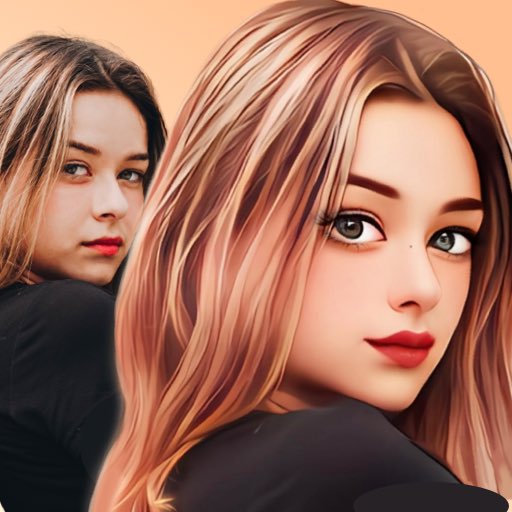
AI Photo & Video - ToonTap is a creative editing app that transforms photos and videos into cartoon-style artwork using artificial intelligence. The app is designed for users who want to create fun, eye-catching visuals without advanced editing skills. By applying AI-powered filters and effects, users can instantly convert portraits, selfies, and clips into animated or illustrated styles. ToonTap combines simplicity with powerful processing, making it suitable for social media content, profile pictures, and creative projects. Its fast rendering and easy workflow allow users to experiment with different looks effortlessly.
Key Features
AI-powered cartoon and animation filters.
Supports both photo and video transformation.
One-tap processing for quick results.
Multiple artistic styles and effects.
High-resolution output quality.
User-friendly interface for beginners.
Preview effects before saving.
Regular updates with new filters.
Optimized performance for mobile devices.
Easy sharing to social platforms.
Pros & Cons
Pros:
Creates unique cartoon visuals instantly.
No professional editing skills required.
Supports both images and videos.
Fun and engaging creative experience.
Fast AI processing speed.
Cons:
Some premium filters require payment.
Limited manual editing controls.
Watermarks may appear in free version.
Results depend on image quality.
Functions
Applies AI-based cartoon effects.
Processes photos and short videos.
Generates previews before exporting.
Optimizes output resolution.
Saves edited media locally.
Enables quick social sharing.
Manages filter and style selections.
Handles automated visual enhancement.
How to Use
Click the button ""Check All Versions"" below to download and install it.
Open the app and allow media access.
Select a photo or video from your gallery.
Choose a cartoon or animation filter.
Preview the transformed result.
Adjust style options if available.
Save the edited file to your device.
Share your creation online.


 0
0